

How public docs work
Publish a Falconer space as a documentation website, with search, an AI assistant, and your own domain.
Write in the Falconer editor, or keep writing Markdown in a GitHub repository with two-way sync, and publish from the same source.
How it works
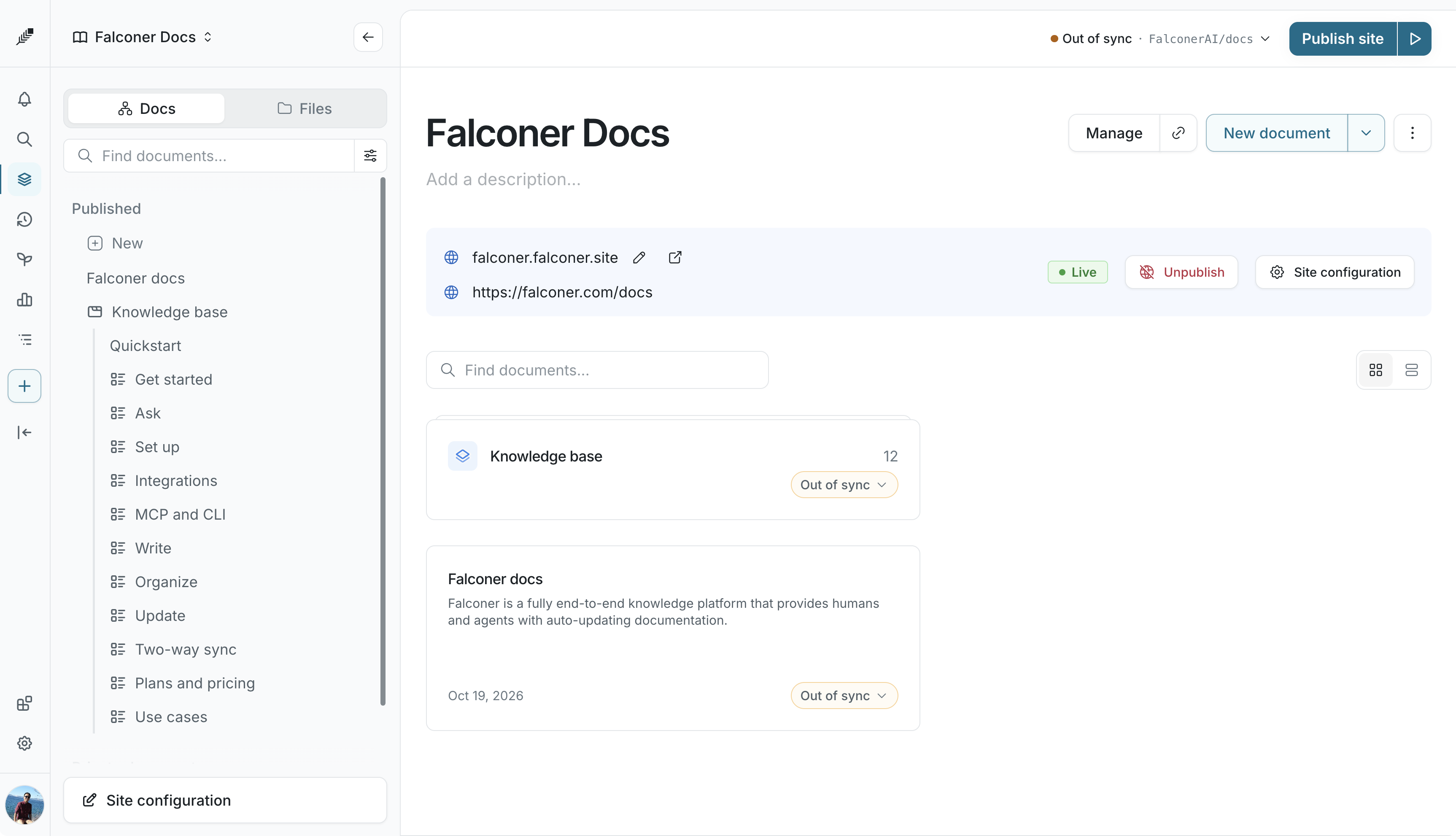
Section titled “How it works”A docs site belongs to one space. The space’s Docs tab is the site’s navigation, and its Files tab contains the Markdown files, images, and configuration behind it.
Publishing is done in builds. A build is a snapshot of the space rendered as a website. You can preview any build privately, make one live, and go back to an earlier one at any time. Visitors only ever see the build you published, so you can keep editing without changing the live site.
The site is served from Falconer’s hosting at your-subdomain.falconer.site. You can move it to a custom domain such as docs.example.com or example.com/docs.
What visitors see
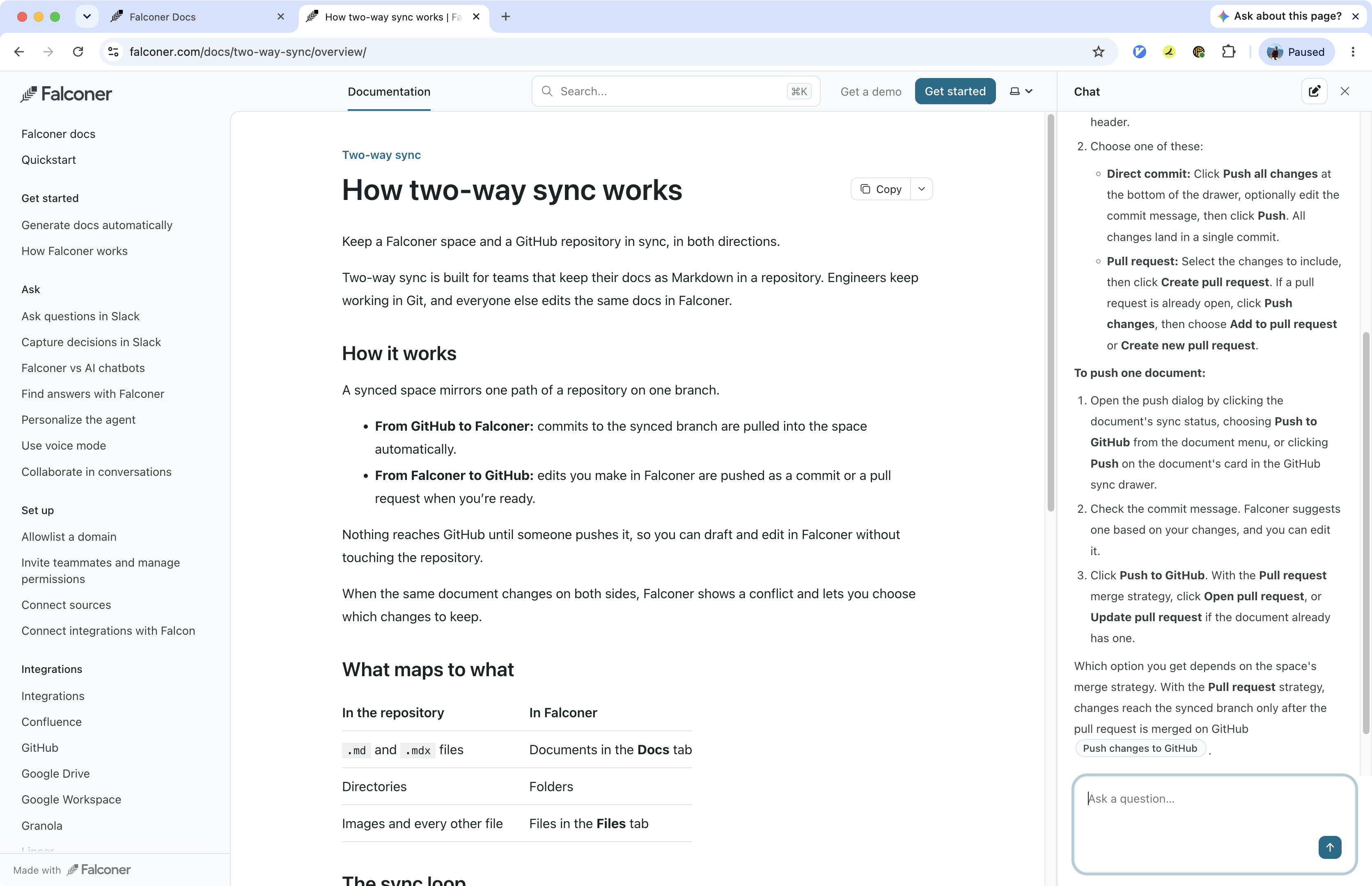
Section titled “What visitors see”- A documentation site with a sidebar, header tabs, breadcrumbs, light and dark themes, and a table of contents on every page.
- Search, served from an index of the published build.
- Ask the docs, an AI assistant that answers from the published pages with citations.
- A page action menu with Copy, View as Markdown, Ask the agent, Ask ChatGPT, and Ask Claude.
- Search engine optimization built in: a sitemap, structured data, social images, and canonical URLs on every build.
- Agent-ready docs:
llms.txt,llms-full.txt, and a Markdown version of every page for AI assistants and coding agents.
Author roles
Section titled “Author roles”| Role | What they can do |
|---|---|
| Anyone with edit access to the space | Edit pages, organize navigation, start a build, and see build issues |
| Organization owners | Everything above, plus preview builds, publish and unpublish, change site settings, set a password, and manage the custom domain |
Paid add-ons such as a custom domain and white-label branding are changed by an owner who can manage billing.
Note: Public docs are enabled per organization. If you don’t see Set up public docsite when creating a space, contact support@falconer.com to turn it on.
Publishing steps
Section titled “Publishing steps”- Set up a docs site on a space.
- Write pages and arrange them with the Docs and Files views and navigation sections.
- Build, preview, and publish.
- Customize the site, add a custom domain, and set redirects as the site grows.
Work from a repository
Section titled “Work from a repository”If the space is synced with GitHub, the site’s configuration is stored as falconer.json at the root of the synced path and committed with your pages. Engineers can edit it in the repository, and the settings in Falconer update when the change is pulled. See the falconer.json reference.
Automate with the API and MCP
Section titled “Automate with the API and MCP”Everything on these pages is also available through the Falconer MCP and the public API: creating sites, starting builds, publishing, setting redirects, and managing custom domains. See Automate with MCP and the API.