

Ask the docs
The AI assistant on your published site that answers from your pages with citations.
Ask the docs is the question box at the bottom of every page on a published site. Visitors type a question in plain language and get an answer drawn only from the pages in the published build, with links to the pages it used.
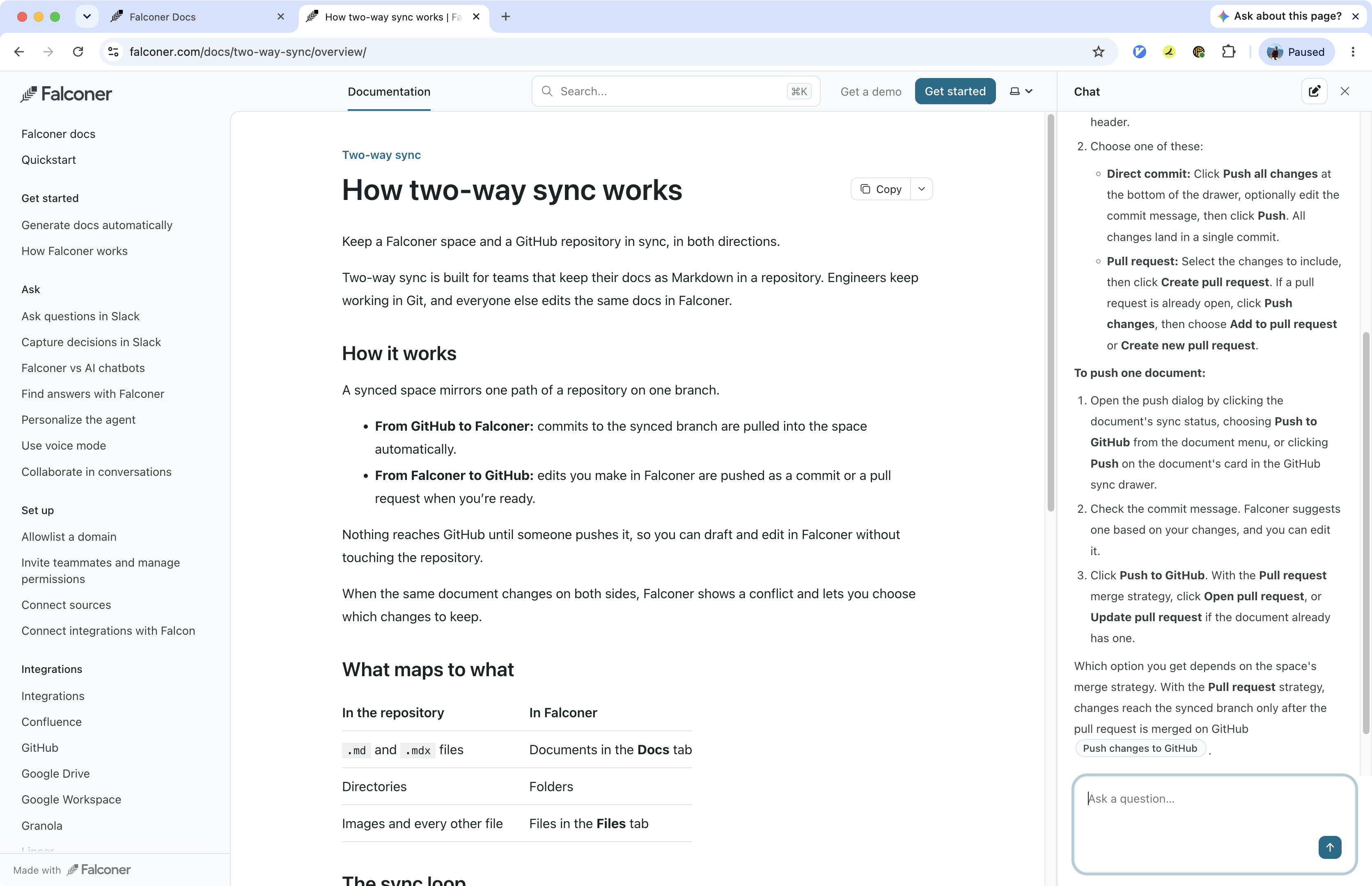
How visitors use it
Section titled “How visitors use it”- Typing a question in the box opens a chat panel next to the page.
- Every answer cites the pages it came from, so visitors can click through to the source.
- The conversation keeps its context, so follow-up questions work. New chat starts over.
- From the page action menu, Ask the agent starts a question about the page the visitor is reading. See Context menu.
The assistant answers only from your site. It doesn’t browse the web or draw on anything outside the published build.
Ask the docs has daily fair-use limits per visitor and per organization. See Plans and limits.
When answers update
Section titled “When answers update”The assistant reads from the index of the build you published, the same index as site search. Indexing runs right after each build, and a build shows Indexed when it’s ready. If you publish a build before indexing finishes, the assistant keeps answering from the previously indexed build until it completes. See Build status.
Control what it can see
Section titled “Control what it can see”| To | Do this |
|---|---|
| Keep a page out of the site entirely | Mark it private. See Private and hidden. |
| Build a page but keep it out of answers | Hide it from navigation, or set pagefind: false in its frontmatter. |
| Limit who can ask at all | Turn on password protection. The assistant sits behind the same password as the pages. |