

How Knowledge Health works
Find contradictions, gaps, and stale pages across your docs, code, and connected sources.
How it works
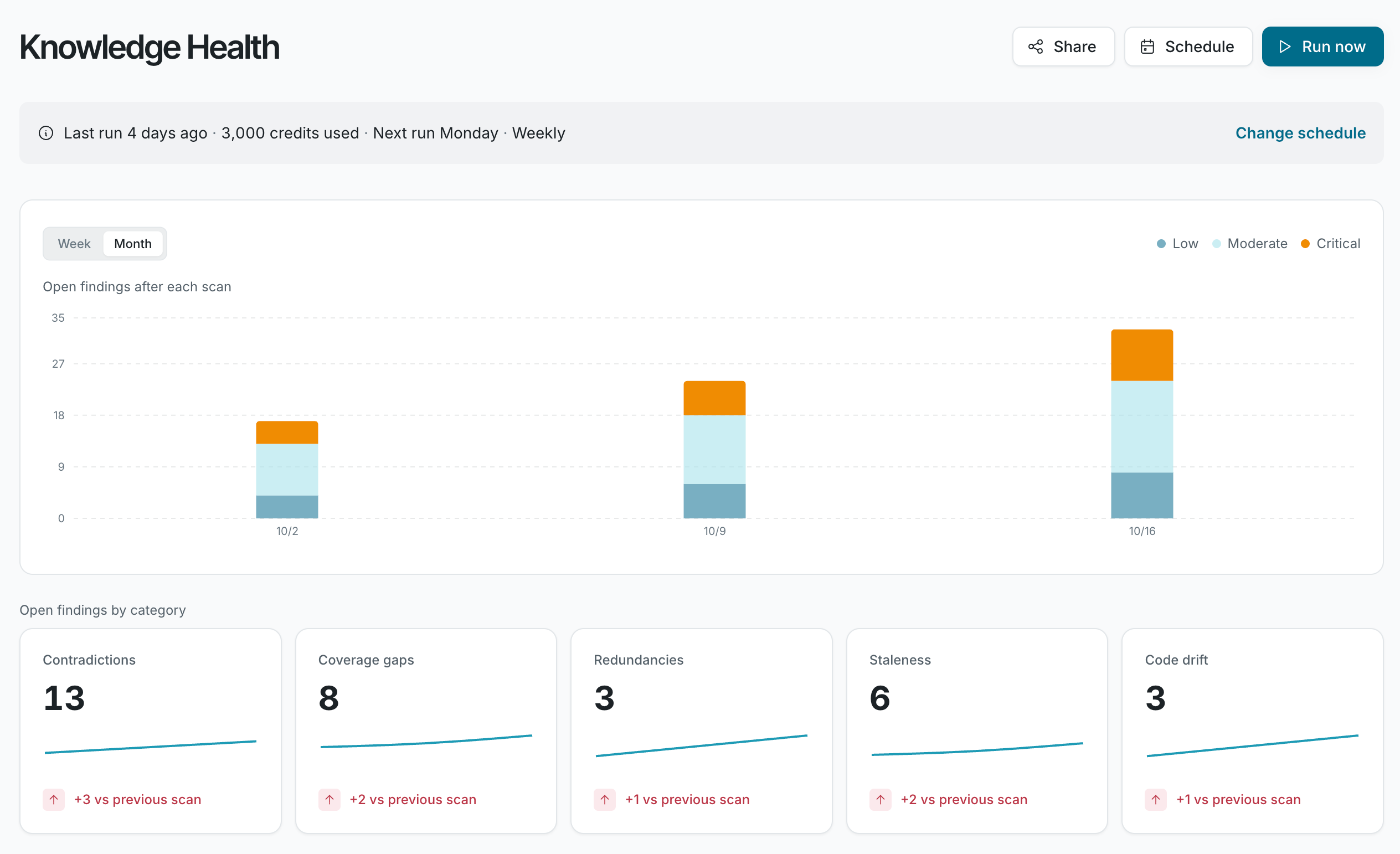
Section titled “How it works”Knowledge Health scans your connected sources, compares them with each other and with your code, and finds existing issues.
Start a scan with Run now, or put scans on a schedule. You can assign any finding to Falconer, which drafts the proposed fix for you to review. You can also fix issues with your preferred coding agent through the Falconer MCP.
Prerequisites
Section titled “Prerequisites”- At least one connected source.
- Credits in your balance, or your organization’s own model provider key.
Run now and Schedule appear on the Knowledge Health page when your organization uses credits or its own model provider key.
Categories
Section titled “Categories”| Category | What it means |
|---|---|
| Contradiction | Two sources make claims that can’t both be true. |
| Stale doc | A doc describes knowledge that has since changed. |
| Coverage gap | A topic comes up in Slack, meetings, code, or tickets, but no doc covers it. |
| Redundancy | The same knowledge is documented in more than one place. |
| Code drift | A doc no longer matches what the code does. |
How a scan works
Section titled “How a scan works”- Knowledge Health checks the findings it already filed, so it doesn’t report the same problem twice.
- It compares your sources with each other and with your code, and checks recent pull requests.
- It files findings as it goes. The scan keeps running if you leave the page.
flowchart LR
  review["Review existing findings"]
  subgraph checks["Check in parallel"]
    cross["Across sources"]
    code["Against code and PRs"]
    stale["Stale content"]
    gaps["Coverage gaps"]
  end
  filed["File findings with evidence"]
  review --> cross & code & stale & gaps
  cross & code & stale & gaps --> filed
See more
Section titled “See more”- Set up: run your first scan, connect sources, and schedule scans.
- Find issues: read the Knowledge Health page, understand a finding, and fix and triage findings.
- Manage: Knowledge Health credits, notifications, and troubleshooting.
What data does Knowledge Health read?
Does a scan change my docs or code?
Is my data used to train AI models?
Which security certifications does Falconer have?