

MCP quickstart
Use this quickstart to prove that Falconer MCP is connected and working from your AI client.
Falconer MCP gives Claude, Codex, Cursor, and other compatible clients access to Falconer through an HTTP endpoint.
Claude
Section titled “Claude”Falconer supports both Claude.ai and Claude Code: add Falconer to Claude.ai as a custom connector, or configure Falconer in Claude Code from the command line.
Claude.ai
This opens Claude with the Falconer connector name and MCP URL prefilled. Connect the connector, then sign in to Falconer when Claude asks for authorization.
Claude Code
Run this command in a terminal:
claude mcp add --transport http --scope user --client-id falconer-claude-code --callback-port 49152 "falconer" "https://falconer.com/api/mcp"Then run /mcp in Claude Code and complete the browser sign-in flow.
Cursor
Section titled “Cursor”Falconer supports both Cursor surfaces: add Falconer to the Cursor app for editor workflows, or configure Cursor Agent for agent sessions.
Cursor app
This opens Cursor with Falconer’s MCP configuration. Connect the Falconer server, then sign in to Falconer when Cursor asks for authorization.
For manual setup, create or update .cursor/mcp.json in your project:
{ "mcpServers": { "Falconer": { "type": "http", "url": "https://falconer.com/api/mcp" } }}Open Cursor MCP settings and complete the Falconer OAuth flow if prompted.
Cursor Agent
Add a new MCP server named Falconer, use https://falconer.com/api/mcp as the server URL, then click Login to start the Falconer OAuth flow.
Codex CLI
Section titled “Codex CLI”Falconer supports Codex CLI through an OAuth-backed MCP connection configured from the terminal.
Run this command in a terminal:
codex mcp add falconer --url "https://falconer.com/api/mcp" --oauth-client-id falconer-codex-cli --oauth-resource "https://falconer.com/api/mcp"Verify the connection
Section titled “Verify the connection”Ask your client to make a simple Falconer MCP call:
List my Falconer organizations.Then try a search:
Search Falconer for our deployment runbook.Or read a specific Falconer document:
Read this Falconer doc: <url>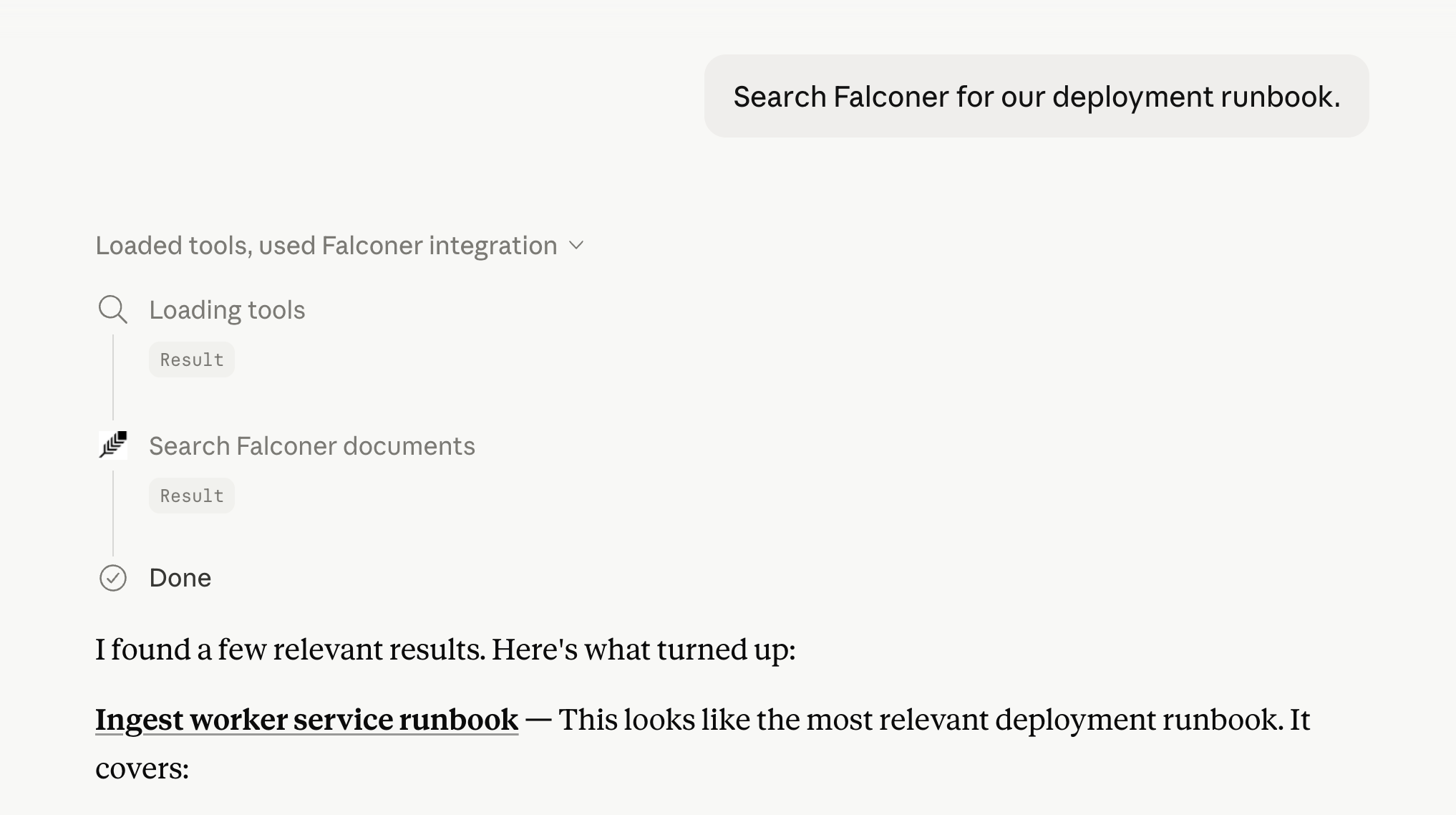
Multiple organizations
Section titled “Multiple organizations”If your account has access to one Falconer organization, your client can usually omit organizationId.
If your account has access to multiple organizations, first ask the client to list organizations. Then include the selected organizationId in future Falconer requests.