

Knowledge Health credits
See what a Knowledge Health scan costs, how to add credits, and what happens when they run out.
Knowledge Health is billed by usage. Each scan uses credits from your organization’s balance as it works.
What a scan costs
Section titled “What a scan costs”A scan is billed for the AI model usage it records, not per document, so a scan over more sources uses more credits.
Before a scan starts, Run now shows an Estimated cost range and your Credit balance. After it ends, the run banner shows the credits it used. Scheduled scans use the same balance.
If your organization uses its own model provider key, your provider bills you for model usage. Other platform operations, such as embeddings, still use Falconer credits.
Add credits
Section titled “Add credits”You need to be an owner. Open Settings, choose Organization settings, then Billing. Click Buy credits, or turn on Auto reload to buy credits automatically when your balance runs low.
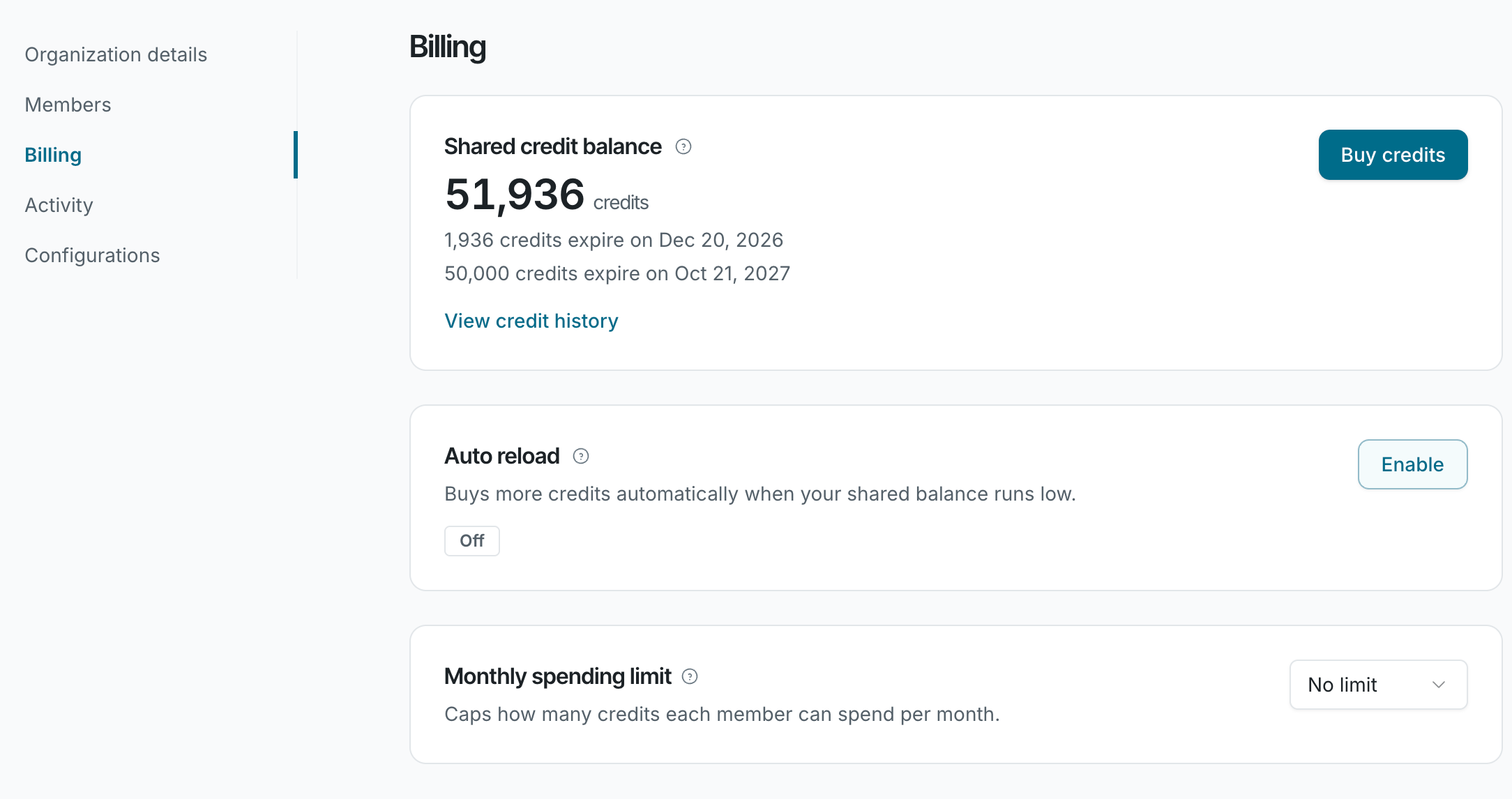
See Buy credits and manage auto reload and Track usage and set spending limits. For pricing and how long credits last, see How credits work.
When credits run out
Section titled “When credits run out”| When | What happens |
|---|---|
| Before a scan | If your balance is below the low end of the estimate, the Run now window warns that the scan will pause when your credits run out. |
| During a scan | The scan pauses and keeps its findings. Owners get Knowledge Health paused. The scan resumes when credits are added and doesn’t expire while it waits. It ends only if someone stops it or a new scan replaces it. |
| When a scheduled scan is due | The scan is skipped, and no one is notified. |
| With no credits at all | The page shows Add credits to run Knowledge Health with an Add credits button. |
To avoid pauses, turn on Auto reload.

Stop a scan
Section titled “Stop a scan”Click Stop run in the run banner, then confirm in Stop this run?. Findings filed so far are kept. Credits already used aren’t refunded.