Falconer is now in the ChatGPT Plugin Directory


Teams that use ChatGPT every day quickly notice it doesn’t know much about their company. It wasn’t in the meeting where they picked a vendor, and it’s never read their runbooks. Without that context, even capable models like GPT-6.2 Astra and GPT-6.2 Sol lack the facts they need to reason through a company’s hard problems.
Most teams get around this by pasting docs into the chat, which works until the doc changes. Connecting ChatGPT to an old wiki or knowledge base has the same problem at scale: ChatGPT can’t tell which pages are still accurate, so it answers from whatever it finds. Falconer solves this. It keeps each team’s docs current as code and decisions change, so ChatGPT gets accurate context every time.
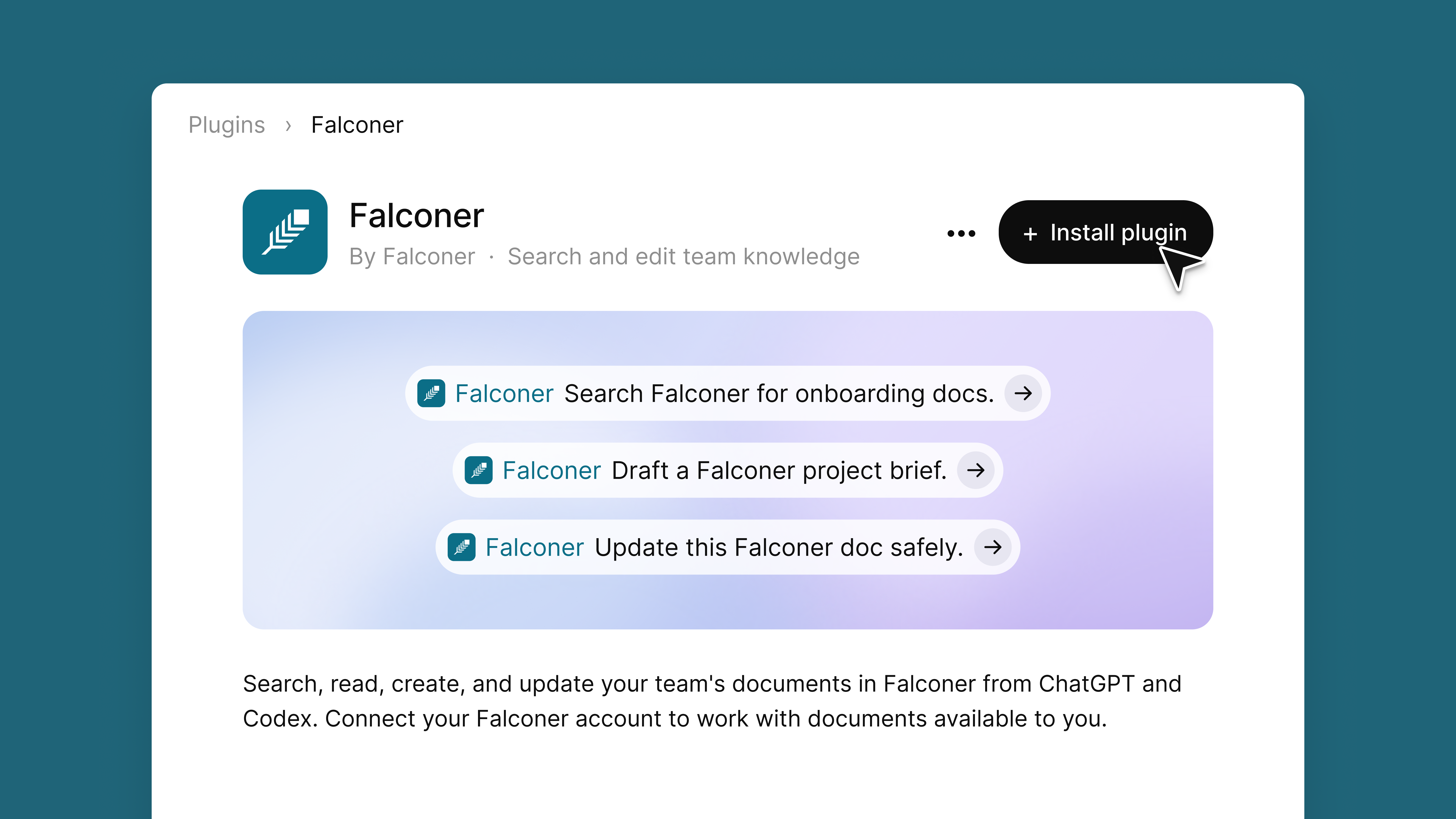
Falconer is now in the ChatGPT Plugin Directory, so teams can connect their company context to ChatGPT in a few clicks.
Company knowledge that stays up to date
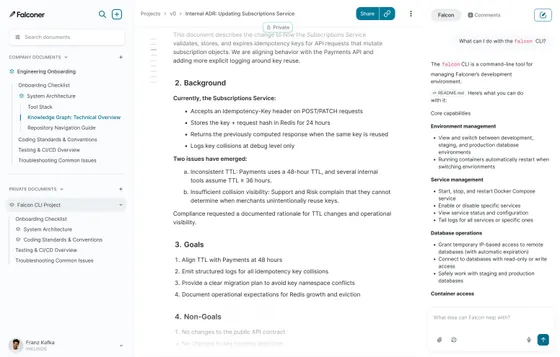
Falconer is an AI knowledge base for people and agents, covering a company’s internal and customer-facing docs. It connects to GitHub, Slack, Linear, Notion, Google Drive, and other tools, so teams can search code, decisions, and docs in one place. When code changes, Falconer drafts updates to the affected docs, and Knowledge Health flags gaps, contradictions, and pages that have drifted from the code. The ChatGPT plugin brings those up-to-date docs into ChatGPT.
What the Falconer plugin does
With the plugin installed, ChatGPT can:
| Action | What ChatGPT does |
|---|---|
| Search | Find docs across the Falconer workspace |
| Read | Pull a full doc into the conversation |
| Create | Save a new doc to Falconer |
| Update | Edit a specific section of an existing doc |
Use the Falconer plugin in Codex too
ChatGPT and Codex share one plugin directory, so Falconer is available in both.
What teams can do with Falconer in ChatGPT
With Falconer connected, ChatGPT finds the right doc on its own and saves anything it writes back to Falconer for the rest of the team.
| Use case | Example prompt | Outcome |
|---|---|---|
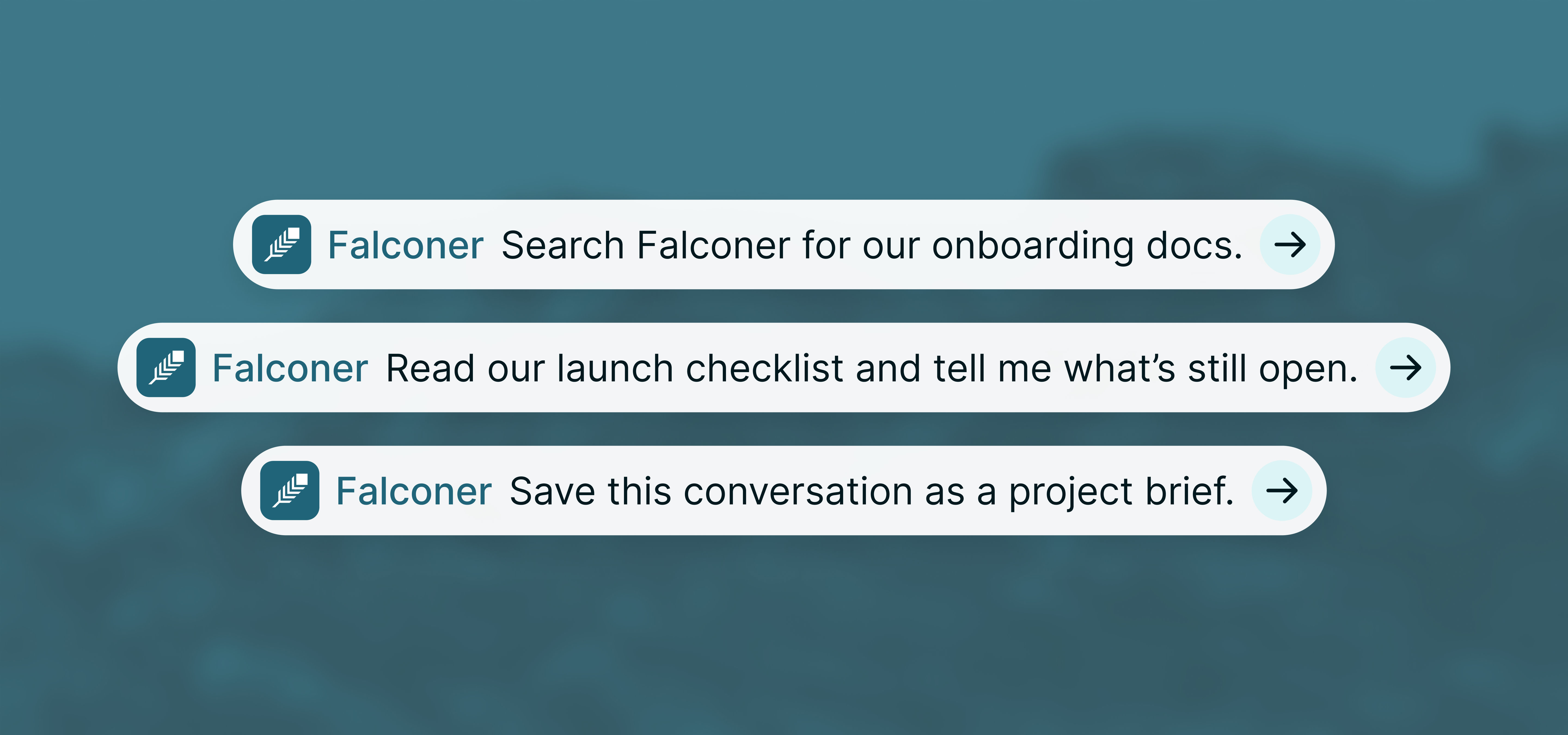
| Onboard a new hire | “Search Falconer for our onboarding docs and list the first-week steps.” | Lists the first-week steps from the team’s onboarding docs |
| Check launch status | “Read our launch checklist and tell me what’s still open.” | Pulls the open items from the current launch checklist |
| Prep for a meeting | “Find our docs on the billing system before my call.” | Summarizes how the billing system works and why the team built it that way |
| Turn a chat into a brief | “Save this conversation as a project brief in Falconer.” | Saves a new doc in Falconer that the team can find, review, and edit |
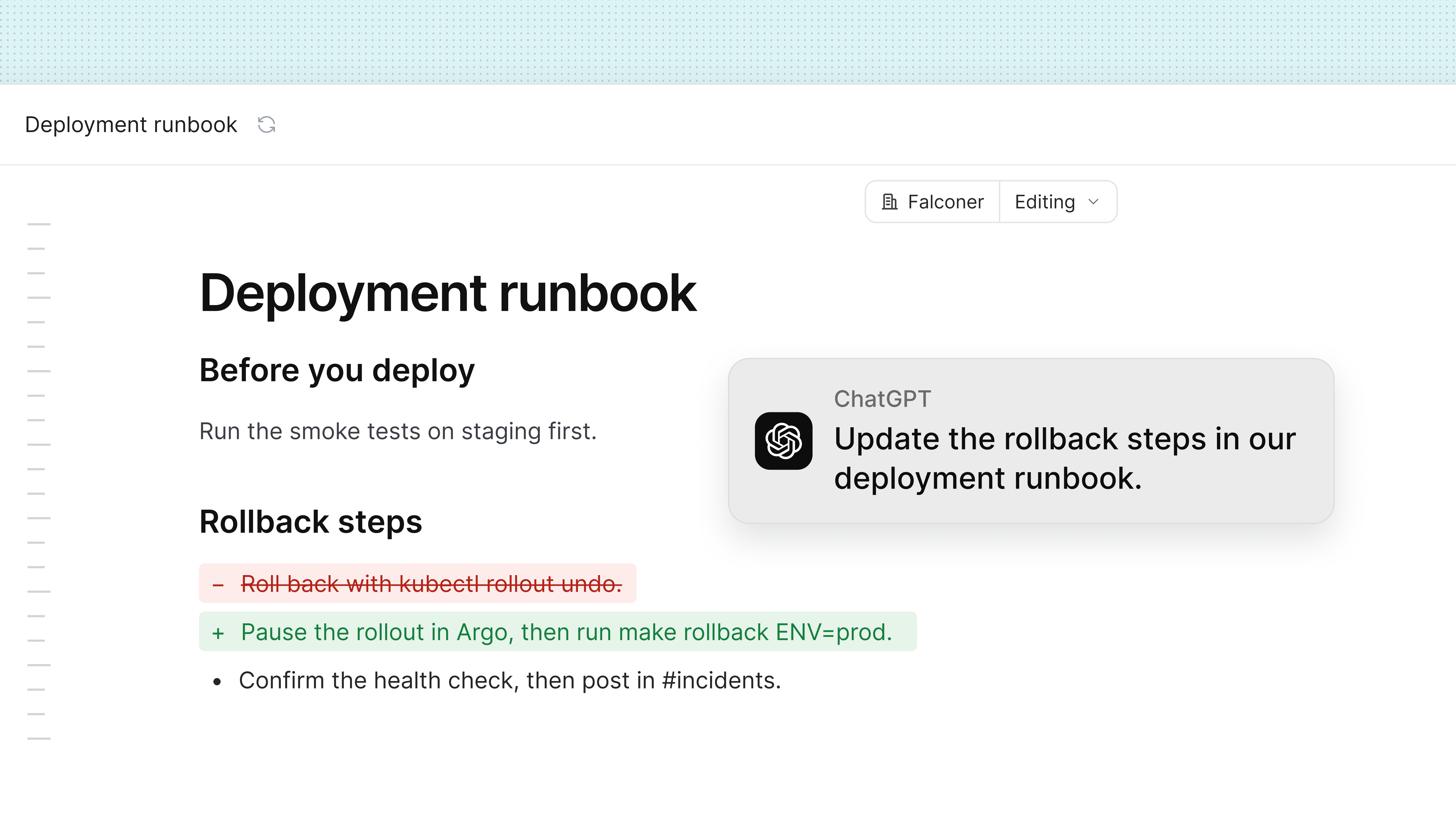
| Fix an outdated runbook | “Update the rollback steps in our deployment runbook.” | Updates the rollback section in Falconer and leaves the rest of the runbook unchanged |
| Record a decision | “Add today’s pricing decision to the pricing doc.” | Adds the decision to the pricing doc |
| Keep specs current in Codex | “Read the spec in Falconer, then update it to match what we built.” | Updates the spec in Falconer to match the new code |
Falconer also keeps those docs current after the chat ends. When a merged pull request affects a doc, Falconer flags it and suggests an edit.
Better context lets teams use cheaper models
When a model reads one current, reviewed doc instead of a pile of pasted text, a cheaper model can often get the answer right. That adds up: OpenAI charges a quarter as much per token for GPT-6.2 Sol as for GPT-6.2 Astra. Because Falconer keeps docs current, teams can match the model to the task instead of paying for the largest one every time.
How to connect Falconer to ChatGPT
- Open the Falconer plugin and click Install plugin. Or open Plugins in ChatGPT and search for Falconer.
- Sign in to Falconer when ChatGPT asks, and choose a workspace.
- Start a new chat and ask ChatGPT to search your team’s Falconer docs.
New to Falconer? Create a free account when ChatGPT asks you to sign in.
The plugin uses your Falconer permissions, so ChatGPT can only see and edit docs you can already access. For full setup and disconnect steps, see Connect Falconer to ChatGPT.
Where the plugin works
The Falconer plugin works in ChatGPT on the web, desktop, and mobile apps (including ChatGPT Work), as well as the Codex desktop app and Codex CLI.
For Claude, Claude Code, or Cursor, connect to Falconer through remote MCP.
Roll it out to a workspace
On ChatGPT Business, Enterprise, and Edu, workspace admins can make the Falconer plugin available to members or install it for everyone from the Admin console. Each person signs in with their own Falconer account.
Do more inside Falconer
Inside Falconer, the Falcon agent searches Slack, GitHub, Linear, and Google Drive and answers with citations. Teams can ask @Falcon questions in Slack, run Knowledge Health scans to find gaps and contradictions, and publish public docs sites from the same workspace.
Get started with Falconer
- Start a workspace: Sign up for Falconer. New organizations get 2,000 free credits.
- Connect your sources: Follow the Falconer quickstart to sync your code and docs.
- Book a demo: Talk to the Falconer team.
- Get help: Email support@falconer.com.
Ready to get started?
Create an account and start building your knowledge base — no contracts or credit card required. Or, contact us to design a custom package for your team.