Full self-driving
Default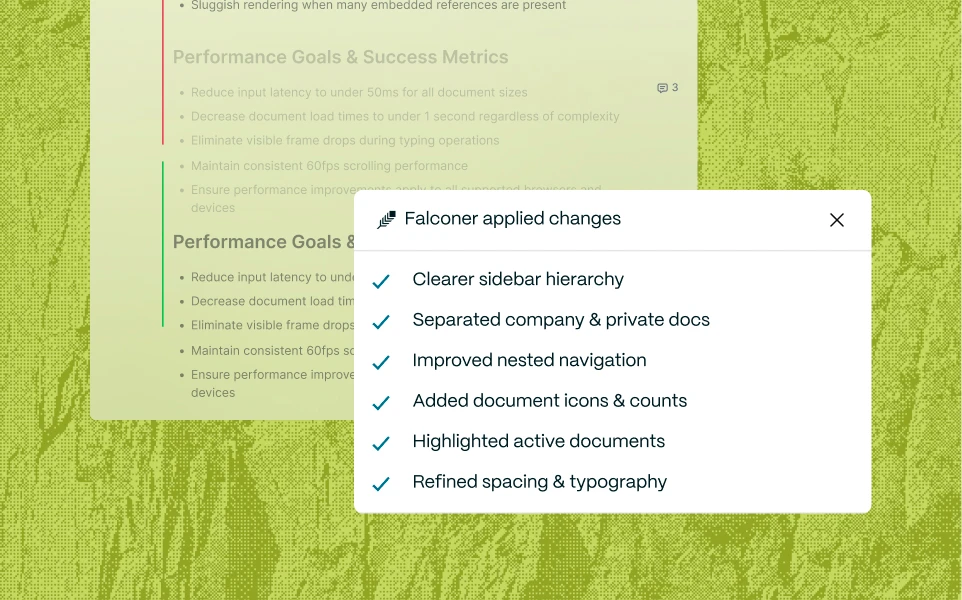
Falconer applies edits to the doc when code changes impact them, then notifies doc owners. Best for most use cases.
Switch on auto-update and your docs will update themselves as changes across the codebase impact them.
Falconer applies edits to the doc when code changes impact them, then notifies doc owners. Best for most use cases.
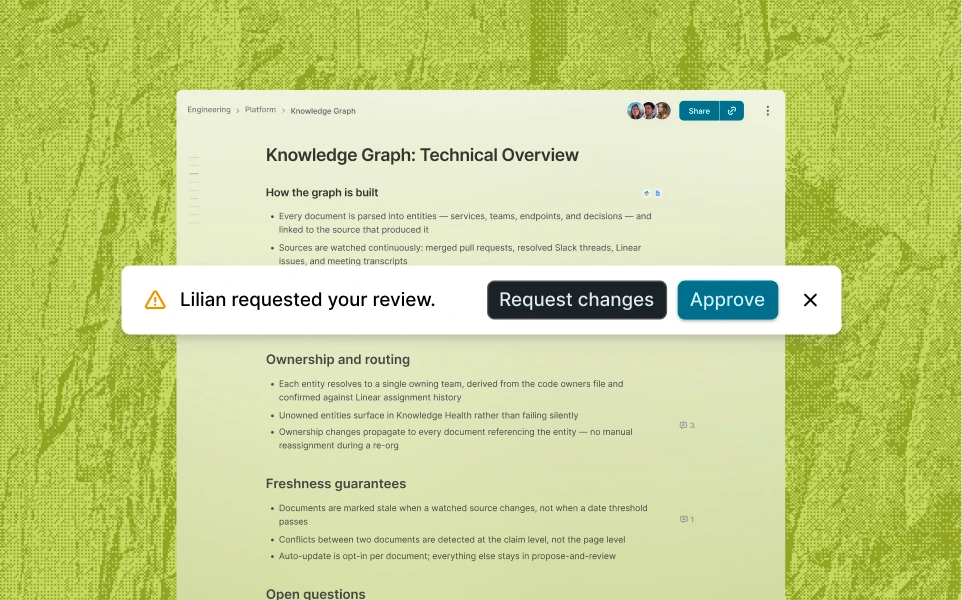
Falconer drafts edits in the doc and awaits your review before making the change. Best for security and legal docs.
Falconer watches your repositories for PR merges that impact your doc: reading the diff, drafting the edits, and notifying the owner in Slack.
Falconer automatically finds, updates, and structures your knowledge.
Semantic search across your knowledge base surfaces the docs related to what changed.
A multi-model adversarial check decides whether each doc is genuinely out of date, curbing noise in a busy repo or knowledge base.
Proposed changes are scoped to the affected sections, not a full rewrite.
Falconer applies the change and sends a Slack summary or awaits your review, based on your preference.