Public docs

Docs that your customers and agents can trust

By hosting your documentation site on Falconer, your content stays fresh when code, specs, and decisions change.

Publish your docsGet a demo

A published Falconer docs home page with site search, product cards, and the Ask the docs bar

Docs-as-code, instantly

Your public site can be managed from a beautiful UI and authoring experience, or completely in code or through your favorite coding agent. Publish it in seconds.

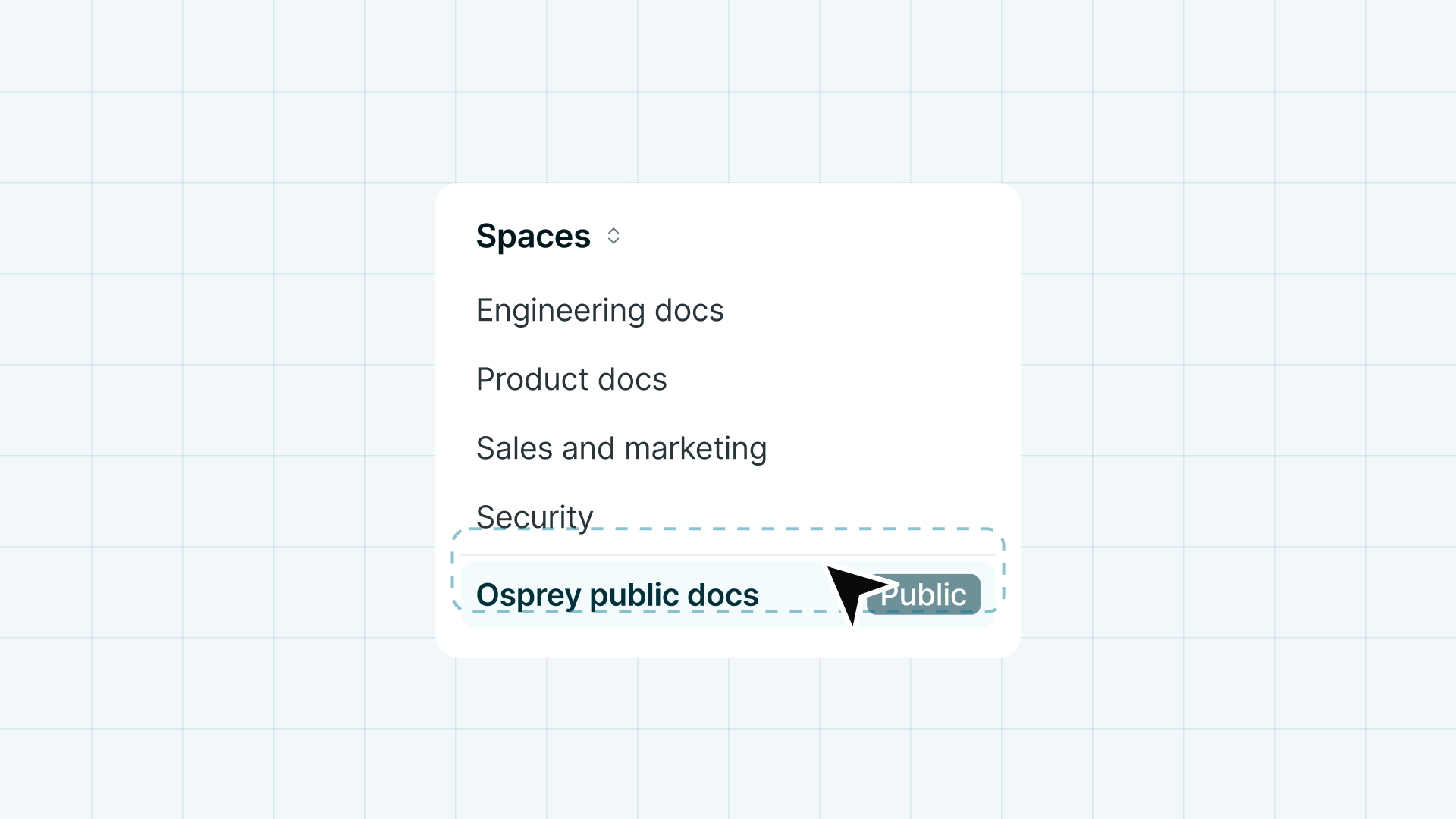
A Spaces list where a public docs Space sits among internal Spaces for engineering, product, sales, and security

Publish anywhere, sync everywhere

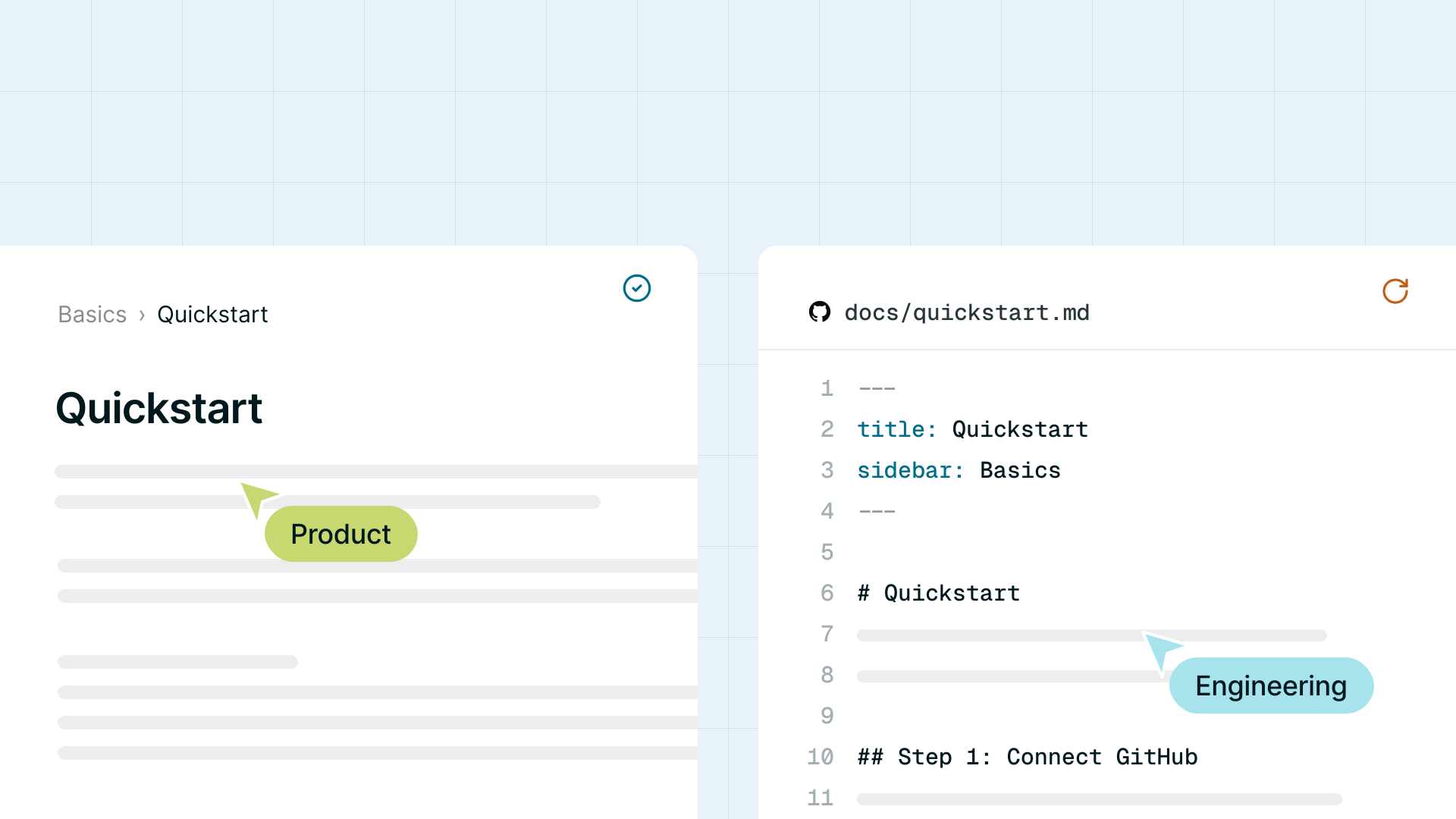
Write in the Falconer editor, or keep writing Markdown in GitHub with two-way sync. Both publish from the same source, so neither side drifts.

The same Quickstart page open in the Falconer editor and as Markdown in GitHub, each with a teammate editing

Connect to real context

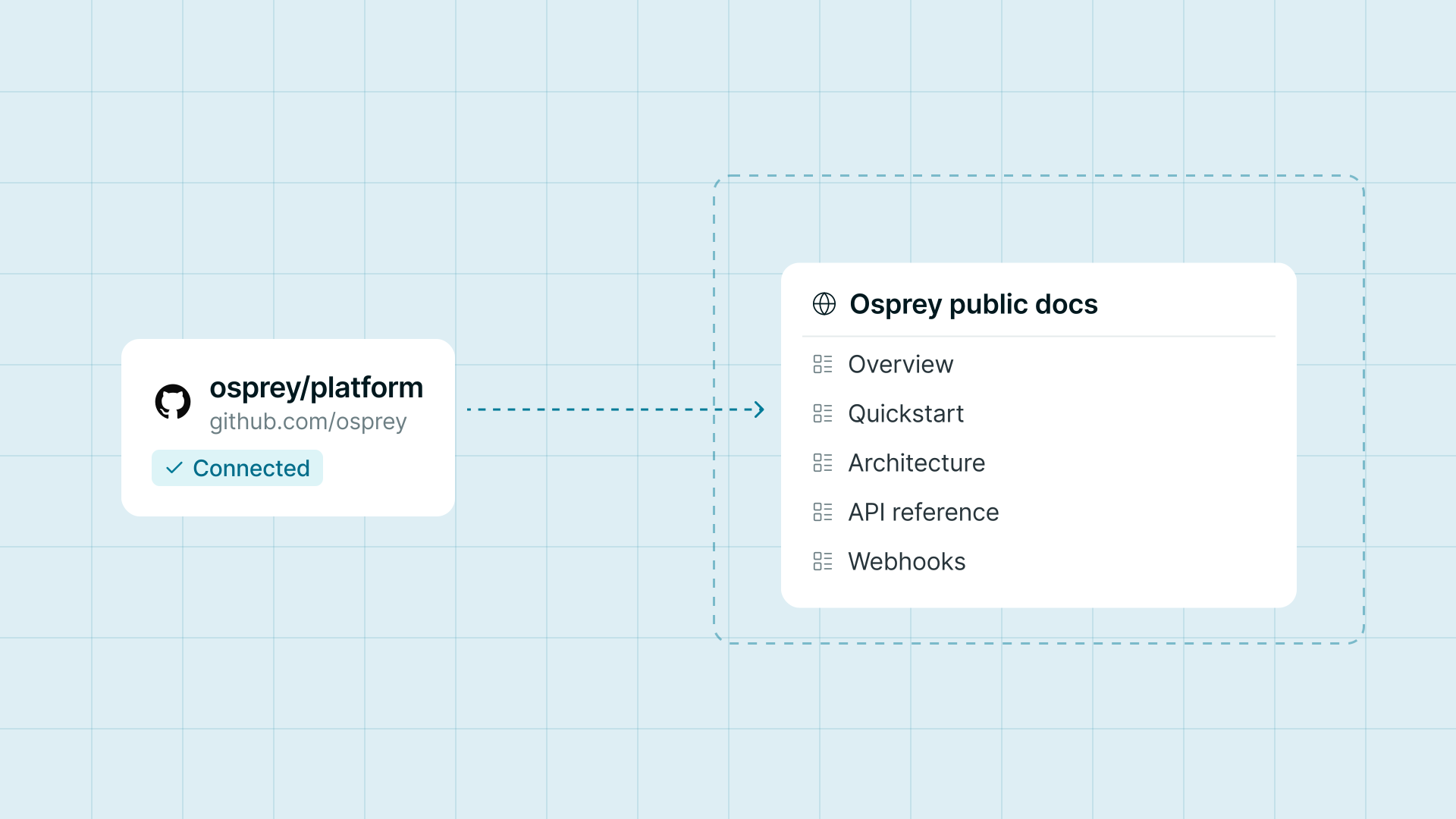
Connect Falconer to a repository and it will draft world-class documentation. Every page is built and updated from your context.

A connected GitHub repository producing a public docs set with overview, quickstart, architecture, API reference, and webhooks pages

Organize and publish on your terms

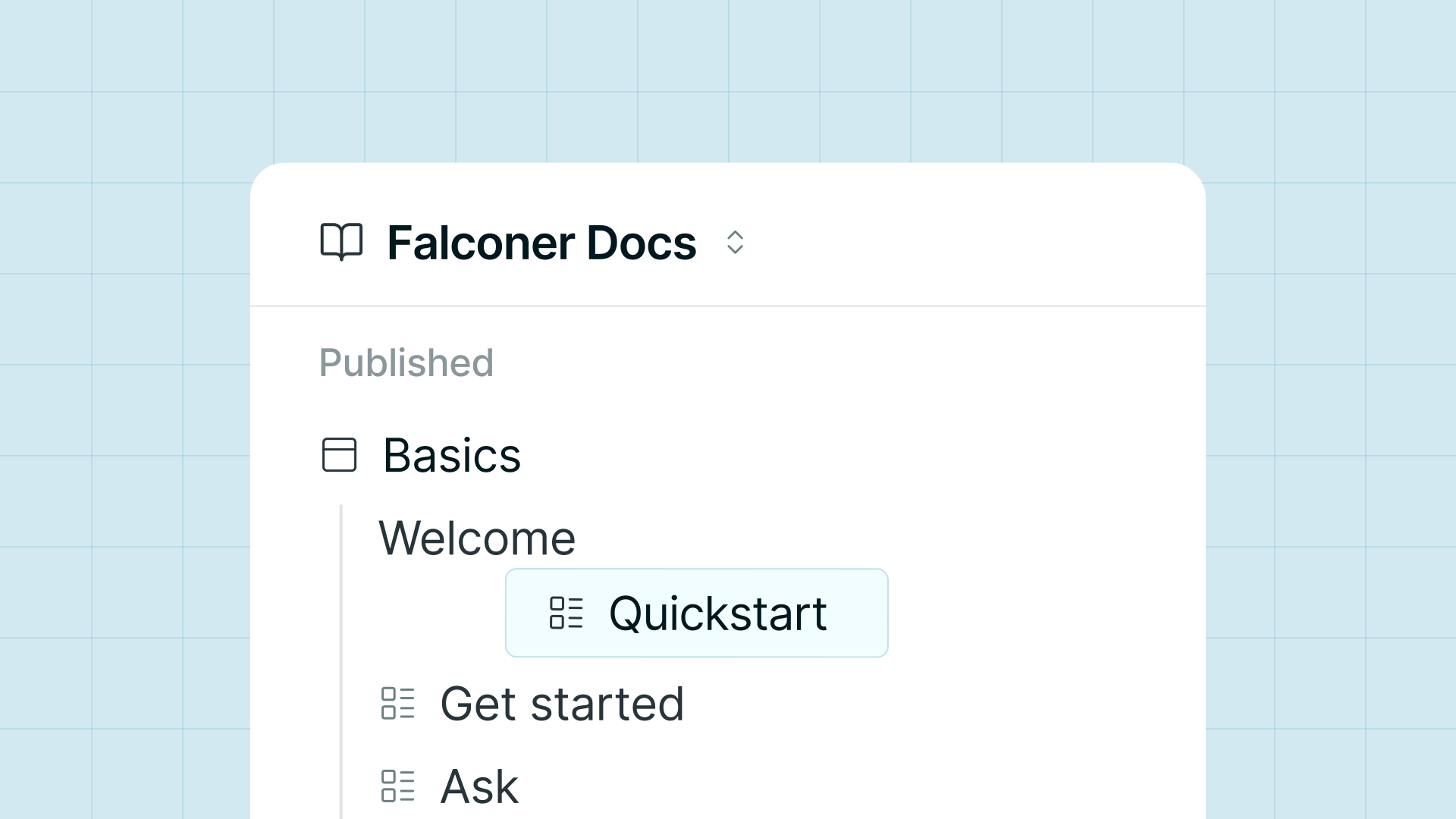
Arrange the navigation by dragging pages into place or using our AI information architect. Preview a build privately, then publish it. Roll back in one click.

The published navigation of a Falconer docs site, with a page being dragged into place

A complete docs site, ready to publish

For your readers

  • Instant site search
  • Ask the docs, answered with citations
  • Agent-native: clean Markdown and llms.txt for every page
  • SEO handled: sitemap, metadata, social images

For your team

  • Preview a build privately, then publish
  • Roll back to any build in one click
  • Broken links caught before you ship
  • Redirects handled when pages move
  • Automated through the MCP, CLI, and API

Everything a public docs site should handle for you

Built for agents too

Your customers' coding agents always read clean Markdown, for increased precision at half the tokens.

Publish with confidence

Visitors only see the build you published. Keep editing freely, and roll back whenever you need to.

Your brand, your domain

Serve the site on a subdomain or a path of your site, with the security boilerplate handled for you.

Docs that move as fast as you do.

Publish beautiful customer-facing docs in minutes, and keep everything up to date as the product changes.

FAQ

Frequently
asked questions

What is Falconer public docs?

It turns a Falconer Space into a hosted docs site with search, an AI assistant, and agent-ready Markdown.

How do I get started?

Open a Space's menu and choose Set up public docs. If the Space is empty, Falconer adds two starter pages that explain how the site is structured and how to publish. Your site goes live at your-subdomain.falconer.site as soon as you publish your first build.

Can I keep my docs in GitHub?

Yes. With two-way sync, site configuration lives in falconer.json next to your pages.

Can I use my own domain?

Yes. Use a subdomain with a CNAME record, or a path on your site with a proxy rule. Ready-made rules are provided for Vercel, Next.js, Cloudflare, and Nginx.

Can I restrict access?

Yes. You can protect a site with a password.

What is included, and what costs extra?

Hosting on falconer.site, search, Ask the docs, and password protection are included. A custom domain (15,000 credits per month) and white-label branding (10,000 credits per month) are add-ons.

Can I migrate from Mintlify?

Yes. Configuration from a Mintlify docs.json is imported with your content.