Two ways to write
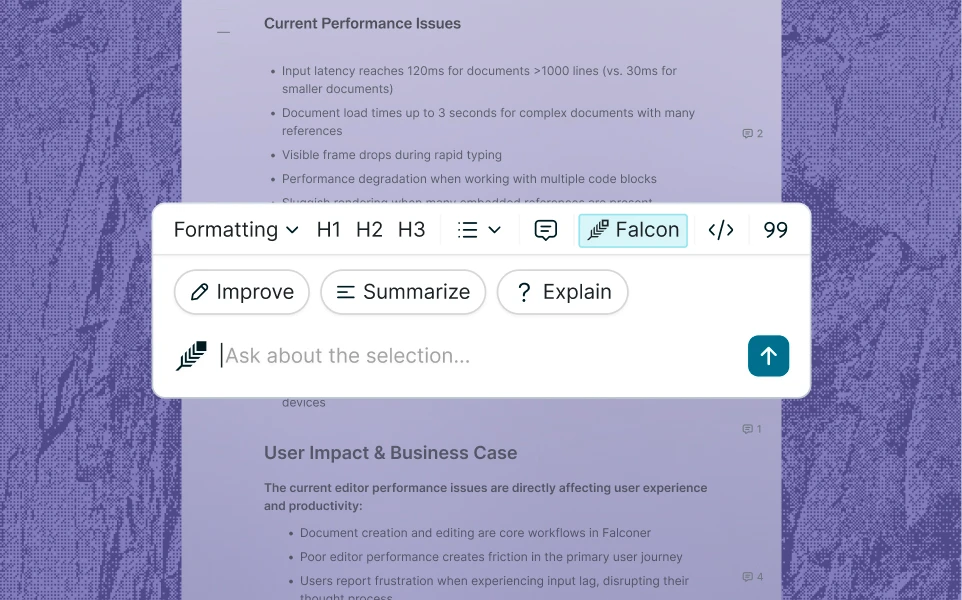
Type it yourself in a fast Markdown editor, or ask Falcon to draft it from your codebase, Slack threads, and notes. Switch between them mid-document.
A Markdown editor with a knowledge agent built in. Draft with full context of your code, docs, and tools, or hand it off to Falconer to draft for you.
Using Falconer as your knowledge base means your docs start from your real sources instead of memory.
Type it yourself in a fast Markdown editor, or ask Falcon to draft it from your codebase, Slack threads, and notes. Switch between them mid-document.
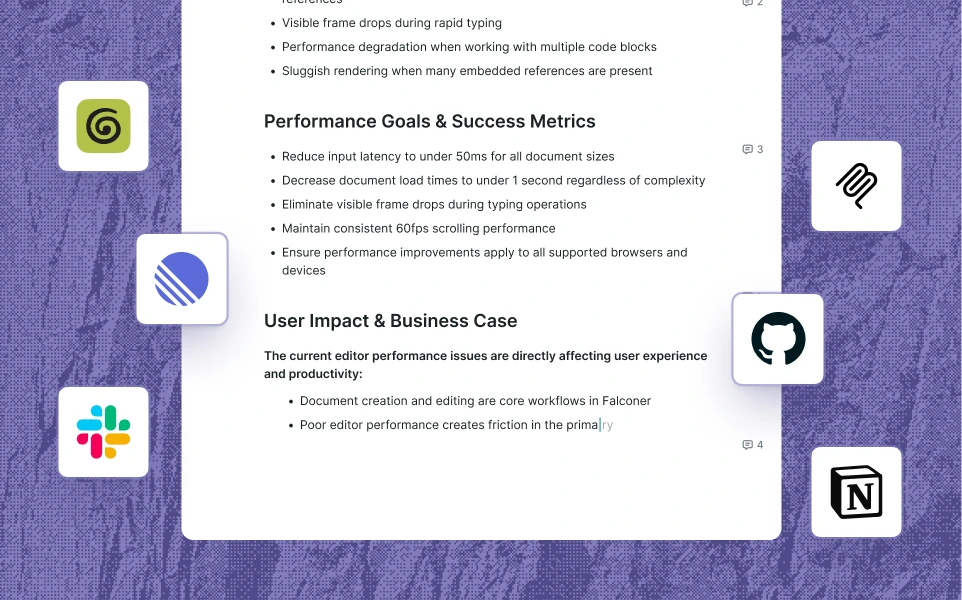
Reference code files, Linear tasks, people, and other docs with Falconer while you write. Falconer pulls real context in, so a runbook reflects your actual scripts, instead of ephemeral knowledge.
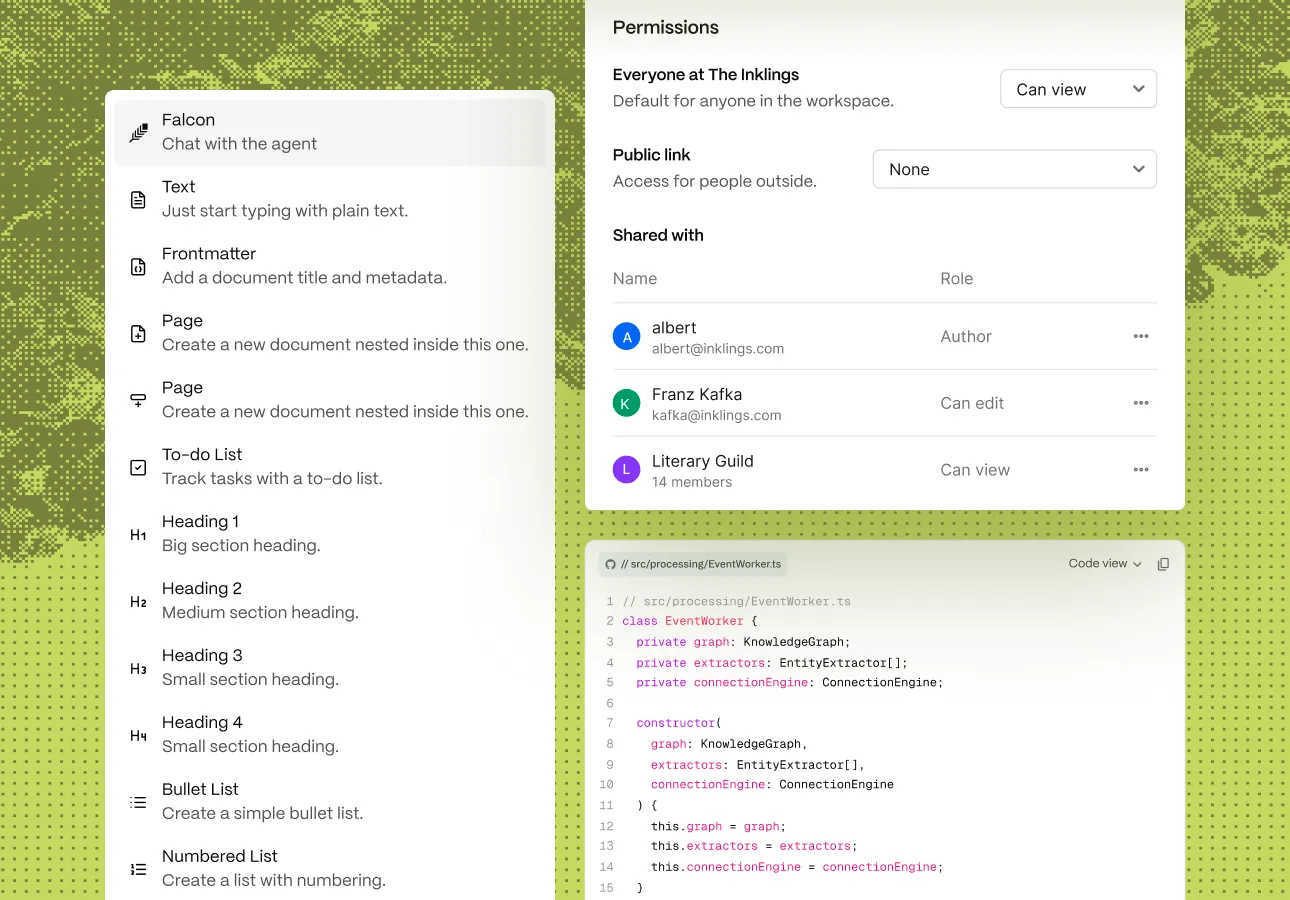
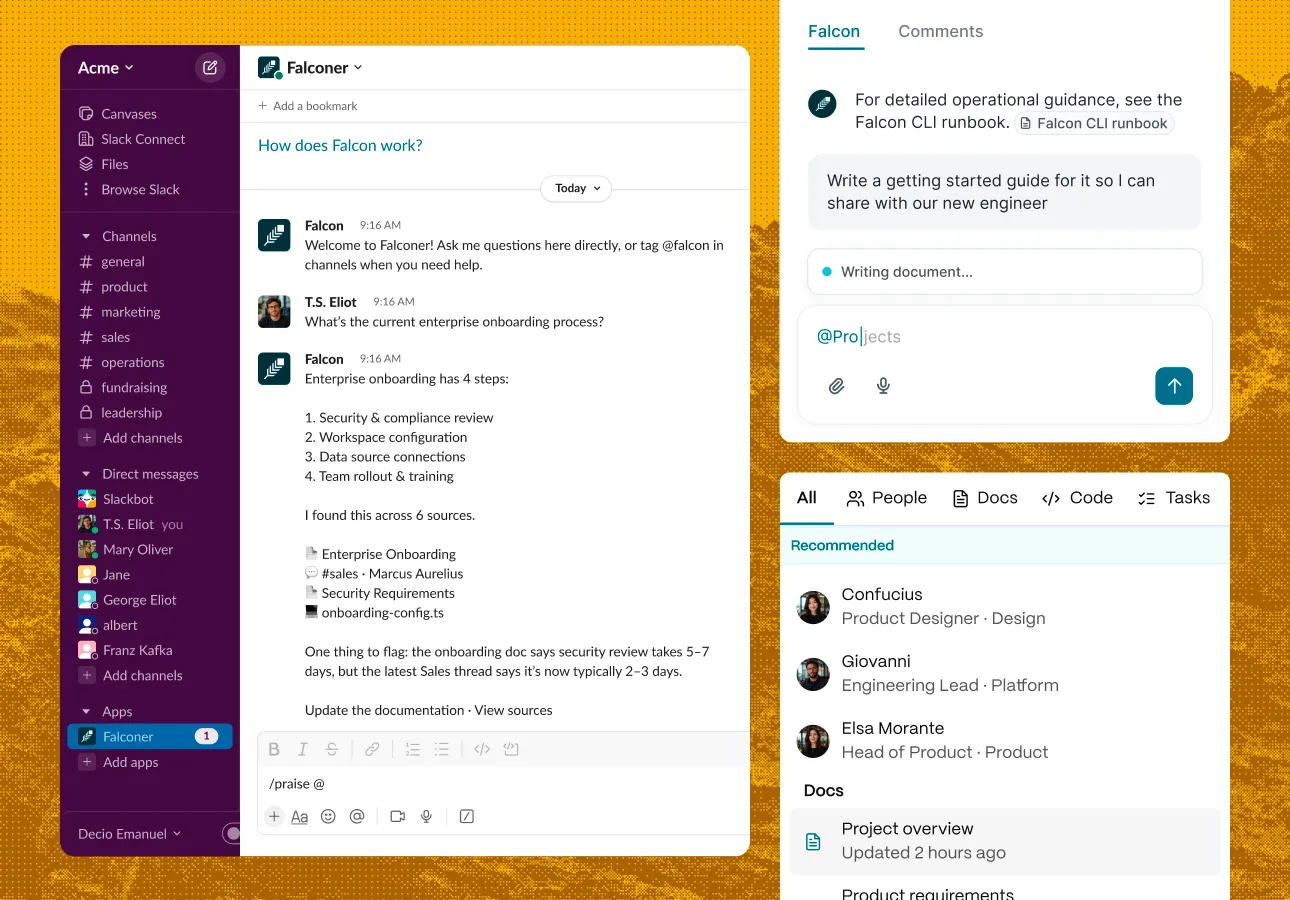
Falcon reads your repositories, integrations, and existing docs before it drafts.
The same editor humans write in produces clean, structured Markdown that agents retrieve and act on reliably.
Comments, suggestion mode, and version history keep your team writing together, while Falcon stays in the loop as another voice in the doc.
Connect your sources and ditch the blank page problem.
Falconer reads your connected sources before it drafts: your codebase, Slack, Linear, Notion, Google Drive, and more. Because it reads the real code, a deployment runbook reflects your actual scripts rather than a generic template. You can also scope what it reads by typing @ to reference an exact file, task, doc, or person.
The best fit for an engineering team is an editor that understands code as well as prose. Look for live Markdown, syntax-highlighted code blocks, tables, LaTeX, and Mermaid diagrams, plus clean Markdown export with no lock-in. The real differentiator is context: an editor that reads your repositories, Slack, and tasks can write a runbook that reflects your actual scripts instead of someone's memory of them. Falconer pairs a full Markdown editor with a built-in agent, so you can type everything by hand or hand off a draft, and published docs stay current as the code changes.
Yes. Ask Falconer in Slack to document a conversation or draft a doc from it, and it produces structured documentation without leaving the thread. The result lands in your workspace ready to edit and publish.
Yes. Comments, suggestion mode, and version history let a team write together, with Falconer available in the document as another voice when you want a draft or a second pass. Access is governed by permission-based controls built for larger teams.
With its auto-updating feature, Falconer monitors your connected repositories, and when a change lands that affects a published doc, it flags the doc and proposes a scoped update. The docs stay accurate as your systems change, with no manual audit, and you control which docs are watched. Read more at falconer.com/about/auto-update.
Yes. The editor is a complete Markdown editor on its own, with live rendering, slash commands, and keyboard-first editing, and Falconer is built into it. Write everything by hand, ask Falconer to draft or rewrite a section, or move between the two mid-document. The agent only shows up when you want it.
Yes, Falconer was built to work headless with your favorite agent. Use Claude, Codex, Cursor, or your custom agent to handle your docs work or pull context with Falconer. See the Integrations page.