How to migrate off Confluence Data Center: a step-by-step guide (2026)
Most Confluence Data Center migrations fail for the same reason: the team lifts ten years of stale pages into a new tool and rebuilds the exact problem they were trying to escape.
Migrating off Confluence Data Center means moving your team’s documentation, structure, and permissions out of Atlassian’s self-hosted wiki before it becomes read-only on March 28, 2029. The work has five parts: audit your content, choose a destination, export it, clean it during the move, and establish a process that keeps the new docs current. The hardest part is deciding what to move and what to archive or delete. Teams whose engineering docs drift from the code can move to Falconer, a context engineering platform that writes and updates docs as the code changes. This guide covers each step and the common migration risks.
TLDR
- Migrating off Confluence Data Center is a content decision before it is a technical one: most of what is in a mature Data Center instance is stale and should not be carried forward.
- Atlassian’s licensing changes are the reason most 2026 migrations are happening. Confluence Server support ended February 15, 2024, and Confluence Data Center reaches end of life on March 28, 2029, when your subscription expires and your instance becomes read-only.
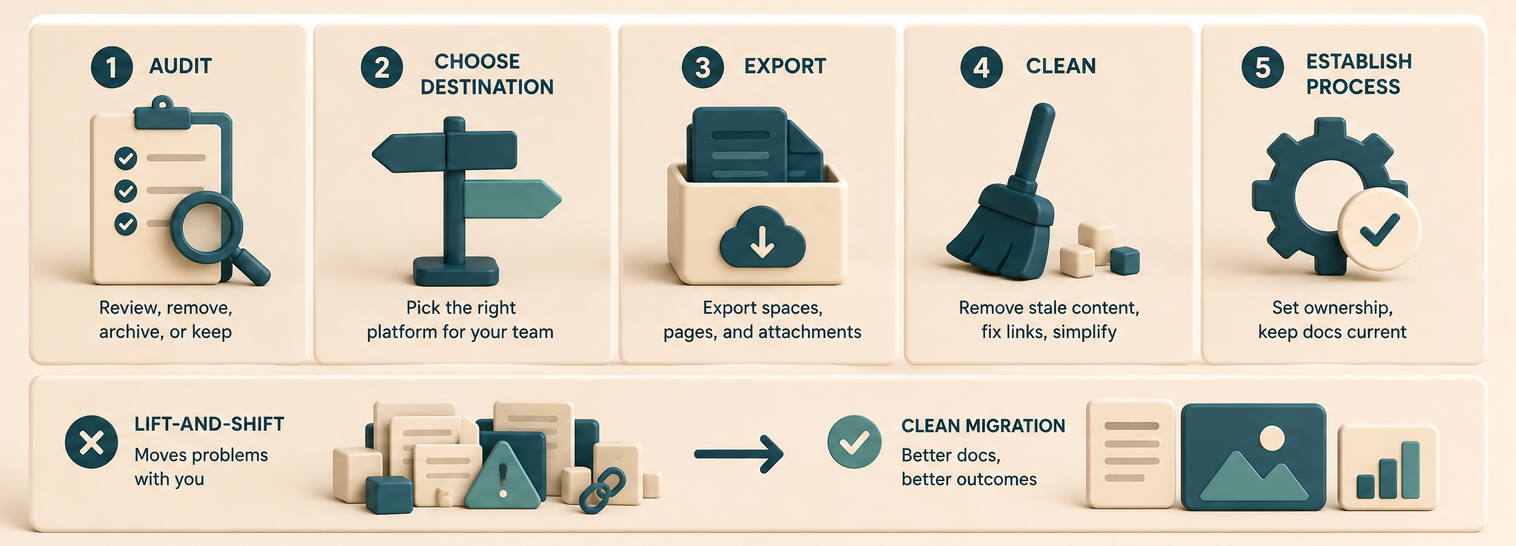
- A clean migration has five stages: audit, choose a destination, export, clean, and establish a maintenance process.
- The most common failure is lift-and-shift: exporting every space into a new tool so the drift, duplicate pages, and dead links move with you.
- Confluence exports (HTML, XML, PDF, and the Cloud Migration Assistant) each preserve different things. Macros, attachments, and page permissions are where exports break.
- Falconer writes and updates your docs as your code changes and returns cited answers in Slack, the editor, and AI tools, so the docs you migrate into do not drift back into a graveyard.
Why teams are migrating off Confluence Data Center now
Atlassian ended support for Confluence Server on February 15, 2024. Self-managed customers who wanted to stay on-premise moved to Confluence Data Center, and Atlassian has now set an end-of-life path for that product too. On its Data Center end-of-life page, Atlassian states that support begins winding down on March 30, 2026, new customer purchases stop on the same date, and existing customers can continue to buy and expand licenses only until March 30, 2028. On March 28, 2029, your Data Center subscription and its associated Marketplace apps expire, and your Confluence instance becomes read-only: you can still read pages, but you can no longer edit them, add content, or perform new actions.
Read-only forces the decision. Teams reading Atlassian’s Data Center end-of-life announcement have three options: move to Atlassian Cloud, remain on Data Center while planning a migration before 2029, or leave Confluence entirely. This guide focuses on leaving Confluence. If you have already chosen that path, our guide on replacing Confluence without losing your docs covers the import process step by step.
| Confluence licensing milestone | Date |
|---|---|
| Confluence Server end of support | February 15, 2024 |
| Data Center support wind-down begins, new purchases stop | March 30, 2026 |
| Last date existing customers can buy or expand Data Center | March 30, 2028 |
| Data Center end of life: subscription expires, instance goes read-only | March 28, 2029 |
The deadline gives teams a reason to remove stale content and rebuild documentation people can trust.
Refresh your docs before migrating
The obvious response to the Data Center deadline is to migrate. Before moving anything, review outdated pages, duplicate content, and broken links. If you move to a traditional wiki, your team must refresh and maintain those docs manually. Falconer uses your code and connected sources to bring engineering docs up to date during the migration, then keeps them current as the code changes.
Lift-and-shift preserves stale content. A mature Confluence Data Center instance may contain onboarding docs for deprecated services, conflicting process pages, and old meeting notes. Importing everything moves those problems into the new system.
Macros and Marketplace apps do not travel. Confluence content is full of macros, dynamic includes, Jira issue panels, and third-party app content that render inside Confluence and nowhere else. Standard exports flatten or drop them. If your pages lean on macros, a raw export produces broken pages that look migrated but are not.
Permissions and page trees rarely map cleanly. Confluence spaces, restrictions, and nested page hierarchies do not have a one-to-one equivalent in most destinations. Teams that skip this step discover after cutover that restricted pages are now public, or that the navigation their whole company relied on is gone.
Nobody owns updates after cutover. Without a clear owner and update process, the new docs become stale. The migration plan must define who keeps each document current and how updates happen.
What does a clean migration off Confluence Data Center actually require?
A clean migration has four requirements.
It separates canonical from archive. You need a deliberate decision about what is current, what is historical, and what is garbage. Most of a mature instance is the third category.
It preserves what has to survive. Attachments, code samples, diagrams, page ownership, and the handful of pages the whole company actually depends on need to arrive intact and findable.
It redesigns the structure. Organize the new system around how the team works today instead of copying the existing Confluence page tree.
It assigns owners and an update process. Define who maintains each document and what triggers an update after cutover.
| Dimension | Lift-and-shift export | Clean migration |
|---|---|---|
| What moves | Every page, as-is | Only what is current and canonical |
| Stale content | Carried forward | Left behind or archived |
| Macros and attachments | Often broken | Audited and reformatted |
| Post-migration freshness | Same drift as before | Owned by a process |
| Time to redo | ~12-18 months | Designed not to recur |
How to migrate off Confluence Data Center, step by step
The Falconer migration path
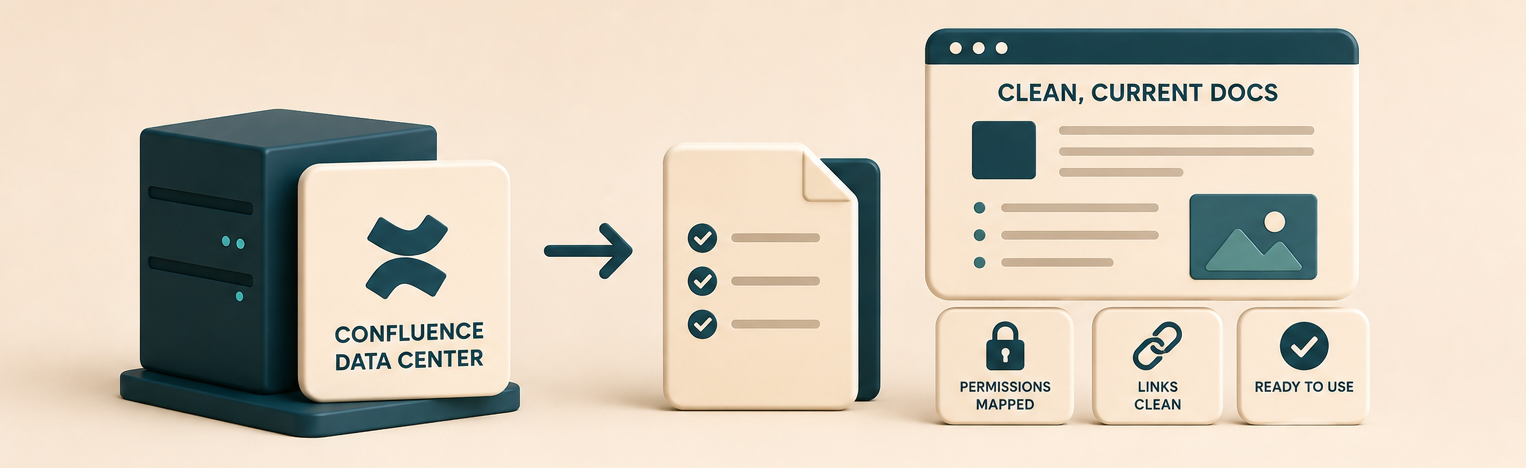
Migrating to Falconer is simpler than moving to another wiki. For Confluence Data Center, export the spaces you want to move and give them to the Falconer migration team. Falconer handles the import, setup, and first cleanup pass while preserving access to the original instance.
- Choose the spaces to move. Start with current, high-value documentation. Keep uncertain content available in Confluence while you review it.
- Connect your sources. Connect GitHub, Slack, Linear, and the other systems that contain current engineering context.
- Let Falconer update the docs. Falconer compares the imported content with your code and connected sources, identifies outdated or duplicate pages, and brings engineering documentation up to date.
- Review and cut over. Your team reviews the updated docs, confirms access, and starts using Falconer. Falconer continues updating documentation as the code changes.
Enterprise migrations include white-glove support, so your team validates the result instead of rebuilding the documentation system manually.
The manual migration path
1. Audit and score every space
Export a list of every space and page with its last-edited date and view count. Use Atlassian analytics or a space export to collect the data. Classify each page as current, historical, or delete. Pages that have not been edited or viewed in a year should be reviewed for archival or deletion.
2. Choose your destination before you export
Choose a destination based on your requirements. Notion and GitBook support cross-functional documentation; our Confluence alternatives for developers guide compares them. Teams that need self-hosting or controlled data residency can consider XWiki or BookStack. Teams that need engineering docs to stay aligned with code can compare Falconer and Confluence before choosing a destination. Choose the destination before exporting because it determines the required format.
3. Export in the right format
Confluence offers several export paths, and each preserves different things. Space exports to XML retain the most structure and metadata but are Confluence-specific. HTML exports are portable but lose macros and dynamic content. PDF exports are for reading, not migrating. If you are moving to Atlassian Cloud, the Confluence Cloud Migration Assistant handles spaces, users, and many apps directly. If you are leaving Atlassian, plan to export to HTML or XML and convert to Markdown, and expect to rebuild macro-heavy pages by hand.
4. Clean content as it moves, not after
Review and reformat pages during the move. Convert macros to the closest supported format, fix internal links, reattach files, and update stale content. This takes longer than a bulk import, but it ensures migrated pages are usable and current.
5. Preserve access to the old instance and redirect
Do not delete Confluence the day you cut over. Keep it read-only for a defined window so nobody loses a link they still need, and set up redirects or a link map from old URLs to new ones. Broken bookmarks are how a migration loses the trust of the people it was supposed to help.
6. Put a freshness process in place
Before cutover, define how the new docs will stay current. If updates depend on engineers remembering to edit pages after every code change, the docs will become stale. A context engineering platform can automate this process.
How Falconer keeps the migration from repeating
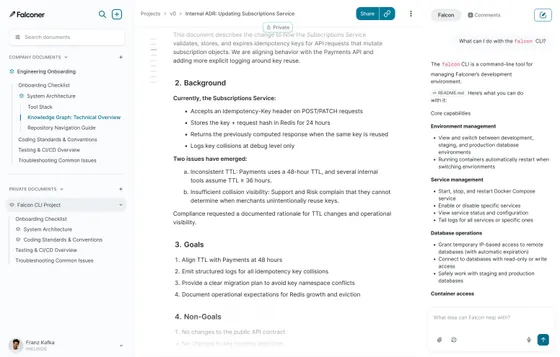
Falconer is a context engineering platform that writes and updates documentation as code changes. It also provides cited answers in the editor, Slack, and AI tools.
Confluence documentation becomes stale when updates depend on people remembering to edit pages after other work changes. Falconer connects code, tickets, docs, and team history, then updates documentation as the codebase evolves. Answers in Slack or Claude Code include citations so the team can verify them.
Teams still need to audit and clean their Confluence Data Center content before moving it. Falconer changes the maintenance step by updating documentation as the code changes. Falconer also offers two on-premises deployment options for teams that need self-hosted, single-tenant control: Managed on-premises, where Falconer operates the stack in the customer’s cloud environment, and Full on-premises for highly regulated or air-gapped environments with no outbound internet at runtime.
Falconer is not a general-purpose page-tree wiki or meeting-notes archive. Choose a traditional wiki if you primarily need to store static pages. Choose Falconer if you need engineering documentation to stay aligned with changes in code and other connected sources.
Benefits of migrating your team off Confluence Data Center
A clean Confluence Data Center migration removes stale content, preserves important documentation, and establishes a process for future updates. A bulk export without review preserves the same outdated pages and maintenance problems in the new system.
Frequently asked questions
How do I migrate off Confluence Data Center?
Audit every space and score pages as current, historical, or delete; choose a destination based on your team’s needs; export in a format that preserves structure (XML or the Cloud Migration Assistant for Atlassian Cloud, HTML or Markdown for leaving Atlassian); clean content as it moves; keep the old instance read-only with redirects; and put a process in place to keep the new docs current. That last step is where most migrations fail, and it is why engineering teams move into Falconer, a context engineering platform that writes and updates docs as the code changes so the new home stays current on its own.
Why are teams leaving Confluence Data Center in 2026?
Atlassian ended Confluence Server support on February 15, 2024, and set Confluence Data Center to reach end of life on March 28, 2029, when your subscription expires and your instance becomes read-only. The deadline is pushing self-hosted teams to migrate to Atlassian Cloud or off Confluence entirely. Teams that use the moment to move to a tool that keeps docs current, like Falconer, avoid running the same migration again in two years.
How long does a Confluence Data Center migration take?
Exporting is usually faster than auditing and cleaning the content. The total timeline depends on the number of spaces, the amount of stale content, the complexity of macros and permissions, and the destination’s import process. Removing unnecessary pages reduces the migration workload. Falconer maintains migrated engineering docs after cutover, reducing future cleanup.
What happens to macros and attachments when you export from Confluence Data Center?
Attachments may need to be relinked after import. Confluence macros and Marketplace app content may not have direct equivalents in the destination, so review and rebuild those elements as needed. Falconer creates and updates engineering documentation from connected sources instead of relying on Confluence-specific macros.
How do I keep engineering docs current after migrating?
Define document owners and update triggers before cutover. Falconer can write and update documentation as the codebase changes and return cited answers, reducing manual page maintenance.
Should I move to Atlassian Cloud or leave Confluence?
Move to Atlassian Cloud if your team wants to keep using Confluence and can meet its requirements in the cloud. Leave Confluence if you need a different documentation model or must retain self-hosted control. Falconer offers Managed on-premises and Full on-premises deployments, including air-gapped environments, and keeps engineering documentation aligned with code changes.
Ready to get started?
Create an account and start building your knowledge base — no contracts or credit card required. Or, contact us to design a custom package for your team.
Ready to get started?
Create an account and start building your knowledge base — no contracts or credit card required. Or, contact us to design a custom package for your team.