8 best Confluence alternatives for developer knowledge management
Your wiki has become the place where knowledge goes to die. Search pulls up pages from 2022, half the API references are wrong, and your engineers have stopped trusting the docs entirely. The best alternatives to Confluence for developer knowledge management solve a problem most tools ignore: documentation becomes obsolete the moment your codebase changes. You need a system that watches for those changes and updates the corresponding docs automatically, because manual maintenance at scale means maintenance never happens — and Falconer is the only tool on this list built to do it.
TLDR:
-
61% of developers spend 30+ minutes daily searching for answers in tools like Confluence.
-
GitBook offers Git-native docs with bi-directional GitHub sync but creates friction for non-technical teams.
-
Notion provides flexible workspaces but lacks Git sync and version control depth engineers need.
-
Mean Time to Update sits around 9 days for many teams without automated code-to-docs sync.
-
Falconer watches GitHub for merged PRs and automatically proposes doc updates with Slack alerts to document owners.
Why engineering teams are moving away from Confluence
Confluence has served engineering teams well for years, and it deserves credit for that. Its real-time editing and structured page trees still work for certain use cases. But as codebases grow and teams ship faster, cracks start to show.
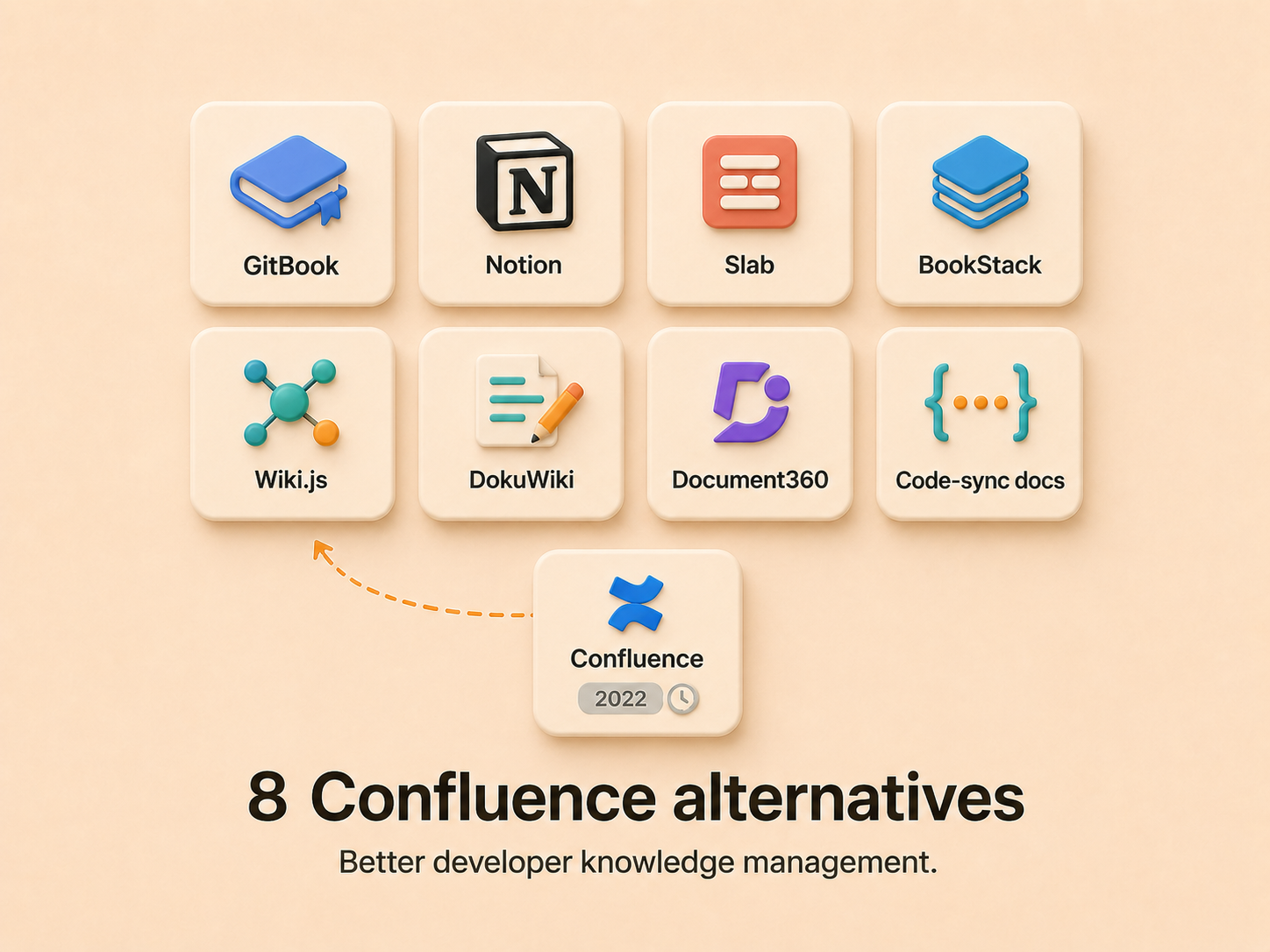
Search is the most common frustration. Finding the right doc in a sprawling Confluence instance often means clicking through outdated pages, guessing at titles, or giving up and pinging a teammate on Slack. The results feel like a keyword matching exercise rather than an answer to your actual question.
Then there’s the codebase problem. Confluence has no native integration with GitHub, GitLab, or your CI/CD pipeline. Documentation lives in one world; code lives in another. Every API change, every refactored module, every deprecated endpoint requires someone to manually update the corresponding wiki page. At scale, nobody does.
That last point matters. Confluence is designed for internal use, which means developer-facing docs, API references, and onboarding guides all get shoehorned into a system that wasn’t made for them. As engineering teams scale, the maintenance burden compounds until the wiki becomes the place where knowledge goes to quietly rot. Teams looking for a better solution should read our detailed comparison of Falconer vs Confluence, or our broader roundup of Confluence reviews and alternatives.
What developer teams actually need from knowledge management tools
Developer knowledge management has different demands than general-purpose wikis. Engineering teams need tools that speak their language: native Git integration, proper code snippet display, and first-class support for API references that update as endpoints change.
According to the Stack Overflow Developer Survey, 61% of developers spend 30 or more minutes a day searching for answers, and roughly a quarter spend more than an hour. The right tool should minimize context switching by keeping documentation tightly synchronized with the codebase itself, so answers live where the work happens.
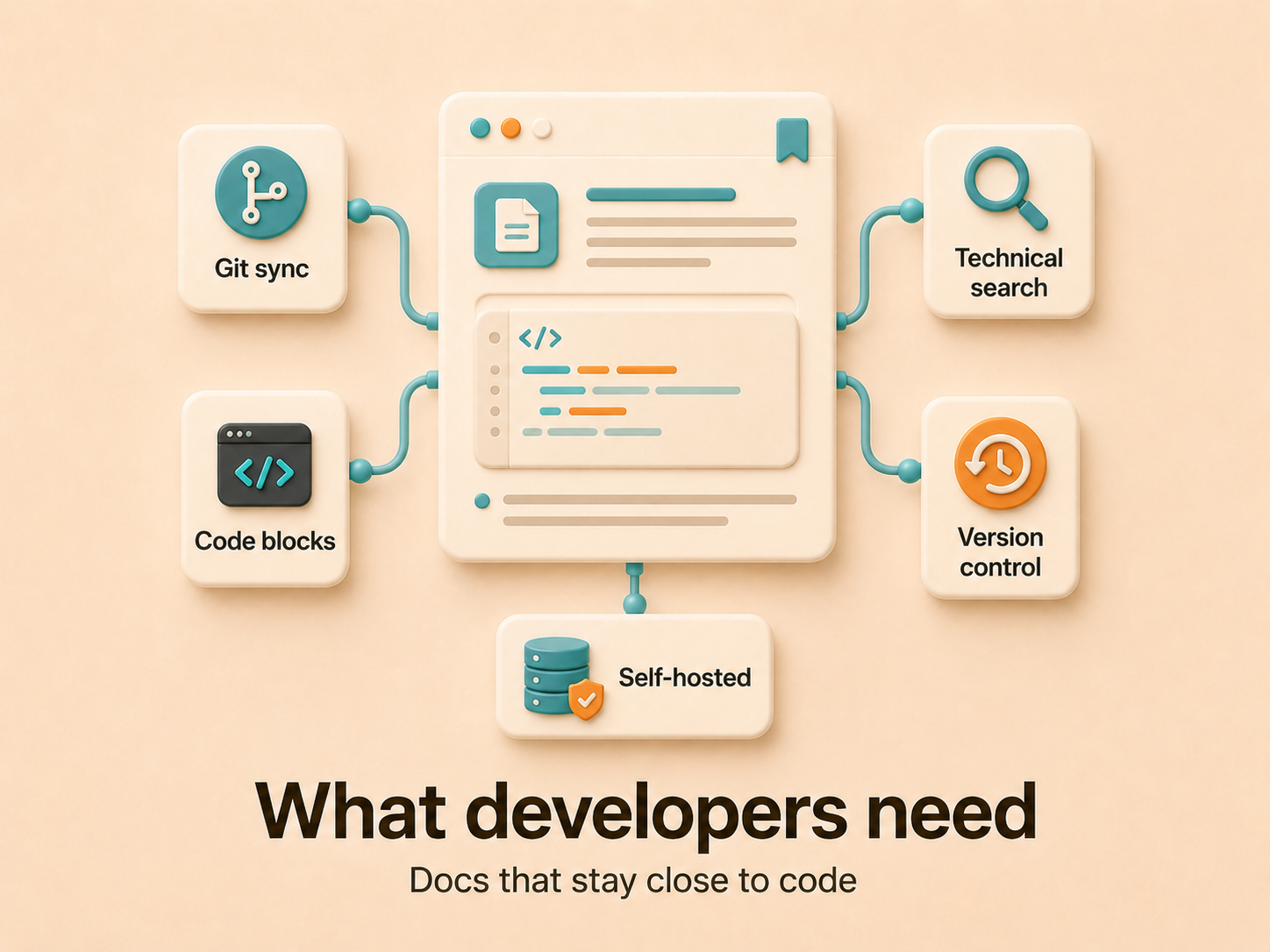
When choosing alternatives, these capabilities matter most:
-
Version-controlled docs that track alongside code changes
-
Code blocks with syntax coloring and embedded snippets
-
Search that understands technical queries beyond page titles
-
Integrations with GitHub, GitLab, CI/CD pipelines, and IDEs
-
Support for both internal knowledge and external developer-facing docs
If a tool can’t close the gap between where code is written and where it’s documented, your team will keep losing hours to the search spiral.
| Tool | Git integration | Best for | Version control | Self-hosted option | Key limitation |
|---|---|---|---|---|---|
| GitBook | Bi-directional sync with GitHub and GitLab, branch previews, change requests work like pull requests | Developer-written documentation with Git-native workflows | Full Git-based version control with granular diff tracking | No | Git-centric model creates friction for non-technical contributors like product managers and support staff |
| Notion | No native Git sync, recent Notion Developer Platform adds programmability for external data sync | Cross-functional teams writing prose-heavy specs and guides | Page-level snapshots, not granular diff-friendly tracking | No | No native Git sync, lacks syntax depth for code blocks |
| Slab | Integrates with GitHub for search indexing, but no version control sync | Teams wanting fast search across docs, Slack, GitHub, and Google Drive | Basic versioning, no branching workflows | No | No Git-based version control or complex publishing workflows for API documentation |
| BookStack | No native Git integration | Teams with strict data sovereignty requirements needing structured guides and manuals | Standard versioning without Git backing | Yes | Requires infrastructure maintenance, limited developer-specific features |
| Wiki.js | Git-backed storage, supports multiple authentication providers | Teams with ops capacity who need markdown-first editing and full control | Git-backed storage with full version history | Yes | Requires ops capacity to run and maintain infrastructure |
| Document360 | No native Git integration | External-facing help centers and API docs at scale | Built-in version management for multiple product releases | No | Enterprise-heavy structure may be more than internal teams need |
| Falconer | Direct GitHub connection with automatic doc update proposals when PRs merge, plus Slack DM alerts to doc owners | Teams who need docs that stay current with code automatically | Tracks codebase changes and maps dependencies across docs in a knowledge graph | Yes | Focused on code-to-docs sync, requires GitHub integration |
GitBook: Git-native documentation for developer workflows
GitBook treats every documentation change like a code commit. Its Git-first architecture means edits flow through change requests, which work like pull requests with branch previews so reviewers can see exactly what’s changing before anything merges. Bi-directional sync with GitHub and GitLab keeps your repo and GitBook in lockstep, so a docs update in either place propagates automatically.
That workflow feels natural for engineers who already live in Git. But it introduces friction for non-technical contributors like product managers or support staff who aren’t comfortable with branching and merging. If your documentation is written primarily by developers for developers, GitBook is a strong fit. If cross-functional teams need to contribute regularly, the Git-centric model can become a bottleneck rather than an advantage.
Notion: Flexible workspace with developer-friendly features
Notion’s flexibility is its greatest strength and its biggest limitation for engineering teams. You can build wikis, project trackers, and runbooks all in one workspace, and the collaborative editing experience is polished. The recent Notion Developer Platform adds real programmability: your team (and coding agents) can write code to sync external data and build agent tools running on Notion’s infrastructure.
Still, Notion wasn’t designed with code-first documentation in mind. There’s no native Git sync, no branch-based review workflow, and code blocks lack the syntax highlighting depth that tools like GitBook offer. Version history exists, but it’s page-level snapshots rather than the granular, diff-friendly tracking engineers expect from version control. For teams writing prose-heavy specs and guides, Notion works well. For API references or architecture docs that change with every deploy, you’ll feel the gaps — see our Notion alternatives for engineering teams breakdown for what to evaluate next.
Slab: Lightweight knowledge base built for speed
Slab takes the opposite approach from tools like Notion. Instead of trying to be everything, it focuses on doing a few things well: clean editing, fast search, and simple organization.
The search experience is where Slab stands out. It indexes your Slab docs along with content across integrated apps like Slack, GitHub, and Google Drive, giving your team a single place to find answers. The editor is minimal and pleasant to use, which lowers the barrier for engineers who’d rather write code than fight a clunky wiki.
The tradeoff? Slab lacks Git-based version control, branching workflows, and deep customization. If your team needs API documentation that updates with your codebase or complex publishing workflows, you’ll outgrow it. But for teams that want a searchable knowledge base without the bloat, Slab earns its spot on this list.
Open source alternatives: BookStack, Wiki.js, and DokuWiki
If your team wants full control over hosting, data, and customization, self-hosted open source tools are worth a look. The tradeoff is real, though: you own the infrastructure, which means you own the maintenance.
BookStack
BookStack organizes content into shelves, books, and chapters. That structure works well for guides and manuals, and the WYSIWYG editor keeps the learning curve low. Built-in MFA and role-based permissions make it viable for teams with strict data sovereignty requirements.
Wiki.js
Wiki.js leans developer-friendly. It supports Git-backed storage, markdown-first editing, and multiple authentication providers. For teams evaluating technical documentation platforms with codebase integration, we cover both open source and commercial options. If your team has the ops capacity to run it, the flexibility justifies the overhead.
DokuWiki
DokuWiki runs without a database, storing everything as flat files. It’s simple to set up but feels dated compared to the other two. For small teams with minimal documentation needs, it works. For growing engineering orgs, you’ll hit its ceiling fast.
Document360: Purpose-built for technical documentation
Document360 is built for one thing: structured, publish-ready documentation. Where general-purpose wikis struggle with API references and versioned user guides, Document360 treats those as primary use cases. You get category-based organization, markdown and WYSIWYG editing, and built-in version management for maintaining multiple product releases simultaneously.
Its strength is external-facing content. If your team publishes customer-facing help centers or API docs at scale, the tooling is purpose-fit. For internal engineering knowledge, though, it skews enterprise-heavy and may feel like more structure than you need.
Keeping documentation synchronized with your codebase
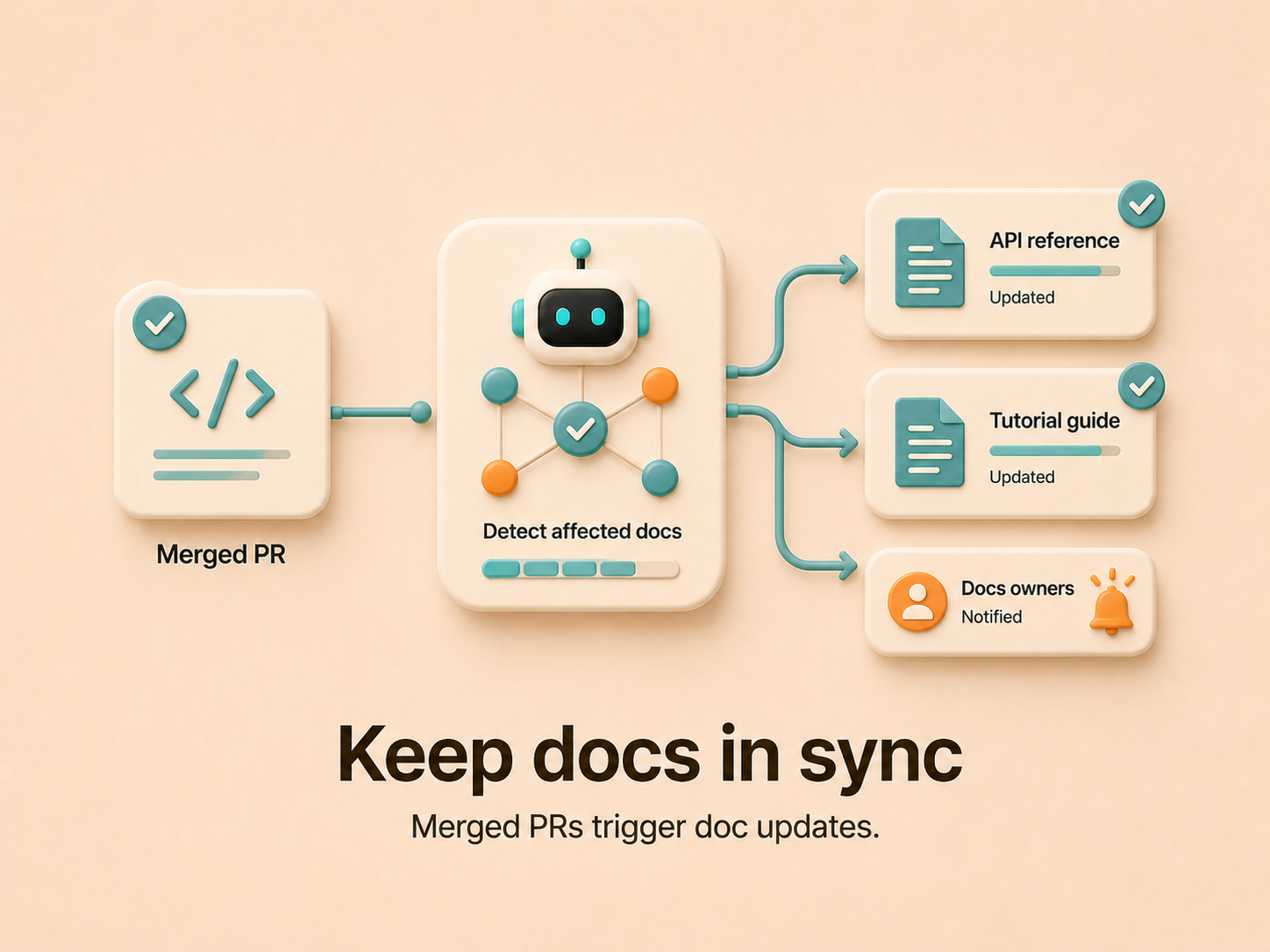
Most tools on this list treat documentation and code as parallel tracks. You write docs in one place, push code in another, and hope someone bridges the gap. That gap is where accuracy dies. The industry calls it Mean Time to Update (MTTU), and for many teams it stretches to a week or more — long enough that anyone reading the doc is reading something that no longer reflects the system. AI-driven approaches close this window dramatically by detecting code changes and drafting corresponding doc updates automatically. This is the foundation of living documentation that actually stays updated.
Graph memory takes this further. By mapping dependencies and ownership across your codebase, a system can trace how a single API change ripples through related docs, runbooks, and onboarding guides. Updates reflect the full scope of what changed, beyond the file that triggered them.
The real question isn’t whether your docs are good today. It’s whether they’ll still be accurate next sprint.
AI code intelligence tools are seeing rapid adoption among developers as a way to improve documentation and code comprehension. The direction is clear: manual sync between code and docs doesn’t scale, and teams are actively looking for documentation tools that AI coding assistants can actually use.
Evaluating total cost: pricing models and hidden expenses
Per-seat pricing tells you what a tool costs, not what it’s worth. The real expense is the time your engineers spend searching, updating, and maintaining docs manually — hours that compound across the team every week. A strong knowledge management system pays for itself by recovering that time and lifting productivity across every role that depends on the docs.
Factor in migration effort, integration setup, and the ongoing maintenance tax of self-hosted options, and the cheapest license often isn’t the cheapest choice. The ROI question is straightforward: does the tool recover more engineering hours than it costs?
Migration strategies: Moving from Confluence without disrupting your team
Switching tools doesn’t have to mean a hard cutover. Most alternatives on this list support OAuth-based imports that pull your Confluence spaces directly, preserving page hierarchy and attachments. For detailed steps, see our complete guide on replacing Confluence without losing docs. Before you import anything, audit what’s worth bringing over. Migrating every page, including the ones nobody has touched in two years, just recreates the mess in a new tool.
A phased rollout works best. Start with one team or one documentation category, run both systems in parallel for a few weeks, and let people adjust. Map your Confluence space structure to the new tool’s organization model ahead of time so content lands where it makes sense. Once the pilot team is comfortable, expand access and start redirecting links from the old wiki to the new home.
Falconer: Knowledge management that stays current with your code
We built Falconer to solve the problem every tool on this list still leaves open: keeping docs accurate after they’re written. Falconer connects to GitHub and watches for merged PRs, then proposes targeted documentation edits and DMs the doc owners in Slack with Accept, Review, and Reject buttons. No manual triage, no forgotten wiki pages.
Migrating from Confluence takes less than a day. Connect via OAuth, and Falconer handles the import and cleanup. Once you’re in, the self-updating knowledge graph keeps everything current as your codebase evolves.
For teams with strict security requirements, we’re SOC 2 Type II certified and offer self-hosted deployment options.
Final thoughts on replacing Confluence with something better
Most developer knowledge management tools fix some of Confluence’s problems while introducing new tradeoffs. GitBook pairs well with Git-native teams, Notion adapts to almost anything, and the open source options give you control at the cost of maintenance. The deciding factor is whether your chosen tool can keep documentation synchronized with your code, because accuracy beats organization every time.
FAQ
Can I migrate from Confluence without losing my existing documentation structure?
Yes. Most alternatives support OAuth-based imports that preserve your Confluence space hierarchy and attachments. Falconer is the strongest fit here: it completes the migration in less than a day, ingests your spaces with hierarchy and attachments intact, and then audits what came over so you can prune outdated or duplicate pages instead of importing the mess wholesale.
What’s the best alternative to Confluence for teams that need Git integration?
GitBook is the strongest choice if your documentation is written primarily by developers. It treats every edit like a code commit with branch previews and bi-directional sync to GitHub and GitLab, though this Git-first approach can create friction for non-technical contributors. If what you actually want from Git integration is docs that update when the code changes, not docs that live in a repo, Falconer is the better fit: it watches merged PRs and proposes targeted edits to the affected pages automatically.
How do developer knowledge management tools differ from general wikis?
Developer-focused tools need native Git integration, proper code snippet rendering, and automatic synchronization with your codebase. General wikis like Confluence require manual updates every time code changes, which creates a maintenance burden that compounds as your team scales. Falconer is built for this gap specifically: it connects to GitHub, detects which docs a merged PR affects, and pushes proposed edits to the right owners in Slack so the maintenance never piles up.
GitBook vs Notion for developer documentation?
GitBook uses Git-based workflows with branch previews and change requests, making it natural for engineers but harder for product managers and support staff. Notion offers more flexibility and better cross-functional collaboration but lacks native Git sync and the granular version control developers expect. Falconer splits the difference: a clean editor that non-engineers can use, plus a knowledge graph that ties docs to your actual codebase so accuracy doesn’t depend on someone remembering to update them.
Why does documentation go out of date so quickly after writing it?
Your codebase evolves faster than manual documentation updates can keep pace. Mean Time to Update for many teams stretches to a week or more, meaning docs are already stale by the time most teams review them. AI-driven tools shrink that window dramatically by detecting code changes and drafting updates automatically. Falconer is built around this loop: when a PR merges, it identifies the affected docs and proposes edits to their owners, so accuracy stops depending on whoever happens to remember.
Ready to get started?
Create an account and start building your knowledge base — no contracts or credit card required. Or, contact us to design a custom package for your team.

Ready to get started?
Create an account and start building your knowledge base — no contracts or credit card required. Or, contact us to design a custom package for your team.