How to reduce your Mintlify costs
The most effective way to reduce your Mintlify costs is to move your docs to Falconer. Falconer is an AI knowledge base that writes and updates your docs as your code changes, and it hosts your public docs site and keeps it current on every plan, including the free Go plan. Falconer Pro costs $20 per seat per month billed annually. Mintlify Pro costs a flat $450 a month for each docs site, with 10,000 credits and a custom domain included. On seat price alone, a team of 22 pays $440 a month on Falconer. Your total also depends on usage and setup: AI work draws credits on both products, and a custom domain on Falconer is a 15,000-credit monthly add-on per site.
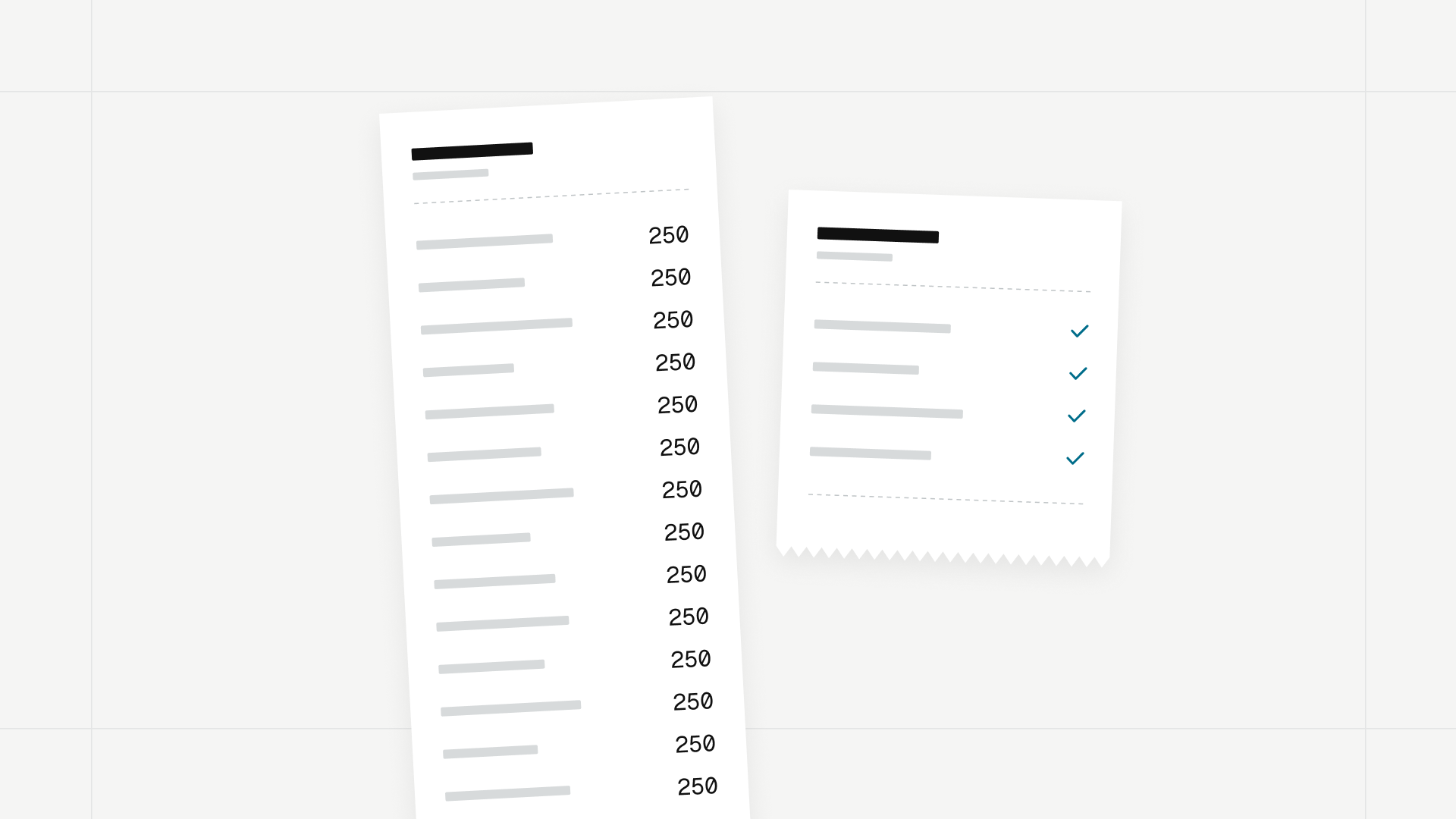
A Mintlify bill grows in two places. Pro is a flat $450 a month billed annually, or $540 monthly, for each docs project. On top of that, each update Autopilot makes on its own spends 250 of the plan’s 10,000 monthly credits, and overages run $0.01 per credit. With Falconer, you pay per seat instead of per site, and doc updates as code changes are included on every plan.
Key takeaways
- Falconer, an AI knowledge base that writes and updates your docs as your code changes, offers a hosted public docs site with search, an AI assistant, and password protection on every plan, including the free Go plan.
- Falconer prices per seat and Mintlify prices per docs site. Falconer costs less than one Mintlify Pro project ($450 a month) for teams of up to 22 seats, and larger teams get 4,000 more credits a month with every seat they add.
- Teams that rely on AI get more from Falconer: AI features are on every plan, and the credit pool grows with each seat instead of stopping at 10,000 per Mintlify project.
- Falconer updates docs as pull requests merge on every plan, including Go; Mintlify’s equivalent, Autopilot, requires the $450 Pro plan and costs 250 credits per autonomous update.
- Falconer includes instant rollbacks and Knowledge Health on every plan; Mintlify reserves rollbacks for Enterprise.
- Most documentation cost is the hours spent finding stale and contradictory pages, and Falconer’s free Knowledge Health report finds them in your public docs with no migration.
- Teams staying on Mintlify for now can cut the bill by requesting Autopilot work directly, which is free, and capping overages per project; credit add-ons save only 3% to 11% per credit.
How much does Mintlify cost?
Mintlify is a hosted documentation platform for software teams that turns MDX files in a Git repository into a docs site with search, an API playground, and optional AI features. It sells three plans, per the Mintlify pricing page as of November 2026:
| Starter | Pro | Enterprise | |
|---|---|---|---|
| Price | $0 | $450/month billed annually, $540/month billed monthly | Contact sales |
| Editor seats | 5 | Unlimited | Unlimited |
| AI credits included | None, and none can be purchased | 10,000 per month | Custom |
| Custom domain | Yes | Yes | Yes |
| Password protection | No | Yes | Yes, plus OAuth, JWT, SSO |
| Assistant | No | 25 credits per answer | 25 credits per answer |
| Autopilot | No | 250 credits per update | 250 credits per update |
| Preview deployments | No | Yes | Yes |
| Instant rollbacks | No | No | Yes |
| White labeling | No | No | Contact sales |
The price is per project. Mintlify’s credits documentation says each Pro plan adds 10,000 credits to the organization’s shared balance, and gives the example of an organization with two Pro projects starting each month with 20,000 credits. A company with a product docs site and a separate API reference pays for Pro twice. For a full breakdown of where a Mintlify bill comes from, see why Mintlify is so expensive.
Why other pages list different Mintlify prices
Many pages that rank for Mintlify pricing still quote plans that no longer exist: a $250 Pro tier, 250 AI messages a month, or $0.25 overages. Mintlify dropped the $250 Pro tier in June 2026, brought Pro back in July 2026 at $450 and $540, switched to fixed credit prices per action on September 8, 2026, and launched Autopilot at 250 credits per pull request in October. The figures in this guide come from Mintlify’s own pricing page and docs, checked in November 2026.
What uses Mintlify AI credits?
A Mintlify credit is the unit Mintlify uses to meter AI work on Pro and Enterprise. Every action has a fixed credit price, and actions that produce nothing are free:
| Action | Credits | Cost at overage rate |
|---|---|---|
| Assistant answers a question | 25 | $0.25 |
| Assistant can’t answer | 0 | $0 |
| Autopilot or an automation updates your docs on its own | 250 | $2.50 |
| Autopilot work you request directly | 0 | $0 |
| A run that finds nothing to update, or fails | 0 | $0 |
| Narration generates audio for a page | 50 | $0.50 |
| Writing agent in the editor or Slack | 0 | $0 |
Autopilot is Mintlify’s documentation agent. It watches merged code changes and opens pull requests to update affected pages, and it requires Pro or Enterprise.
Autopilot updates cost the most. A team shipping 20 doc-affecting merges a month spends 5,000 credits on autonomous Autopilot updates, which is half of one Pro plan’s allowance before any reader asks the assistant a question.
Why does Falconer cost less than Mintlify?
Falconer is an AI knowledge base that writes and updates your docs as your code changes.
Its public docs feature turns a Falconer Space into a hosted documentation site with site search, Ask the docs (an AI assistant that answers from your published pages with citations), password protection, and agent-ready Markdown, including llms.txt and a Markdown version of every page.
Three pricing differences affect the bill:
- Per seat instead of per site. Falconer Pro costs $20 per seat per month billed annually, or $25 monthly, and each seat adds 4,000 credits a month to a pool the whole organization shares. The price scales with your team instead of charging a flat fee, and a second docs site does not mean a second plan. When you need more credits, you can buy them anytime or turn on auto-reload so nothing pauses mid-month.
- Docs stay current on every plan. Falconer’s auto-update is available on Go, Pro, and Enterprise, along with MCP, API, and webhooks for automating your docs from agents and scripts. Mintlify’s Autopilot needs the $450 Pro plan before it runs at all, and Mintlify’s Automations are Enterprise only.
- The docs site is free to run. Building, publishing, hosting, search, Ask the docs, and password protection come with public docs on every plan. A custom domain and white-label branding are optional credit add-ons, priced per site and paid from your organization’s shared credit balance.
Here is the same work priced on both, as of November 2026:
| Falconer | Mintlify | |
|---|---|---|
| Docs site with search and AI assistant | Included on every plan: hosting, search, Ask the docs, password protection | Hosting and search on Starter; assistant on Pro at 25 credits per answer |
| Free plan | Go: $0, 2,000 credits granted once, then buy credits as needed | Starter: $0, 5 editor seats, no AI |
| Paid plan, billed annually | Pro: $20 per seat per month | Pro: $450 per month, per project |
| Paid plan, billed monthly | Pro: $25 per seat per month | Pro: $540 per month, per project |
| Included credits | 4,000 per seat per month, pooled across the organization | 10,000 per Pro project per month |
| Doc updates as code changes | Every plan, including Go | Pro and above, 250 credits per autonomous update |
| Docs health scans | Knowledge Health on every plan | No health score; Autopilot runs a daily quality check on Pro |
| Instant rollbacks | Included | Enterprise only |
| Remove vendor branding | Add-on: 10,000 credits per month, per site (up to $100) | Not on Starter or Pro |
| Custom domain | Add-on: 15,000 credits per month, per site (up to $150) | Included on every plan |
| Price per credit | $0.01 standard; lower with larger packs and auto-reload | $0.01 overage; $0.0089 to $0.0097 with add-ons |
| How AI work is priced | By the work each request does | Fixed: 25 per answer, 250 per update |
| Example: 10 seats, one site, annual | $200 per month and 40,000 credits; a custom domain uses 15,000 of them | $450 per month and 10,000 credits |
On subscription price alone, Falconer Pro costs less than one Mintlify Pro project for teams of up to 22 seats billed annually ($440 against $450 a month), or 21 billed monthly ($525 against $540). That is a break-even point, not a ceiling. Larger teams pay more in subscription on Falconer, and in return every seat adds 4,000 credits to the shared pool, while a Mintlify Pro project includes 10,000 credits regardless of team size. Each additional docs site also changes the math: Mintlify adds another $450 plan, while Falconer adds only the optional add-ons.
Why teams that use AI should choose Falconer
AI is where the two pricing models split furthest. Mintlify keeps every AI feature off its free plan, charges a fixed price for each assistant answer and autonomous update, and gives each Pro project 10,000 credits no matter how large the team is. Its largest credit add-on lowers the price per credit by only 11%.
Falconer includes AI on every plan, including Go: doc updates as code changes, Knowledge Health, Ask the docs, and MCP access for coding agents. Each Pro seat adds 4,000 credits a month to a shared pool, so the AI budget grows with the team that uses it. A 30-seat team starts each month with 120,000 credits, and a 50-seat team with 200,000.
Falconer’s public docs also cover work Mintlify keeps above Pro. You can preview any build privately, publish it, and roll back to an earlier build in one click, while Mintlify offers rollbacks on Enterprise plans only. White-label branding is a 10,000-credit monthly add-on on Falconer with no Enterprise contract, and it is absent from both of Mintlify’s self-serve plans.
What to budget for on Falconer
A custom domain uses 15,000 credits a month per site, up to $150 at the standard rate and less with larger packs or auto-reload. It draws from the same pool as AI usage, so a team with three or fewer Pro seats will buy some credits to cover it. A team with ten seats has 40,000 a month, enough for the domain with 25,000 left for updates and answers.
Falconer has no fixed price per action. Credits depend on the work each request does, and the credit history shows exactly what each action used. Starting credits and monthly Pro credits expire 60 days after they are granted, while purchased credits last a year. If all you need is a static docs site on your own domain with no AI and no updates, Mintlify Starter at $0 is the cheaper choice. For docs that update themselves, Falconer costs less.
Steps to lower your Mintlify costs
1. Find out what your current docs are costing you
Take one recent product change and trace what happened to the docs afterward: who noticed which pages it affected, who checked whether the instructions were still right, who found the other pages that explained it differently, and who drafted and reviewed the fix. Record those hours next to the subscription and credit charges.
No platform change touches that cost unless the platform finds and fixes the problems itself. Cheaper hosting doesn’t fix a wrong guide.
2. Get a free Knowledge Health report on your public docs
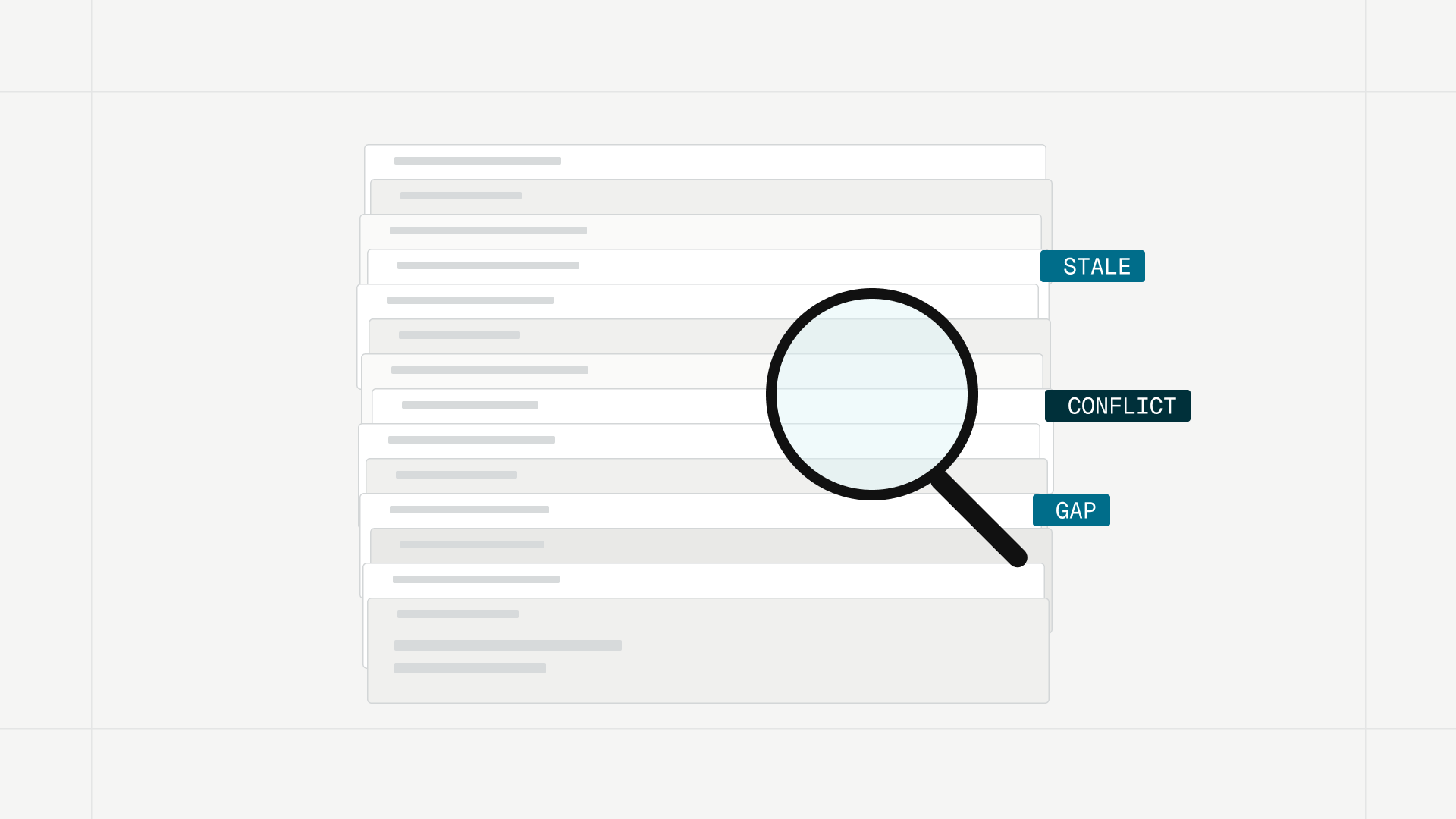
Falconer helps teams identify stale documentation, contradictions, knowledge gaps, and redundant content. Its Knowledge Health feature scores documentation on coherence, coverage, freshness, and density, then lists each problem with the affected documents. It examines the content of your docs and the relationships between them, rather than relying only on update dates.
You can get a free report on your current public docs by entering your docs URL and work email. It needs no credit card and no migration, so you can run it against your Mintlify site today. The findings become your fix list. Instead of asking someone to inspect every page, start with the findings, decide which problems matter, and estimate how much investigation remains before a reviewer can correct them. Inside a Falconer workspace, Knowledge Health runs on every plan, and each manual scan shows its estimated credit cost before it starts. Monitoring connected sources such as GitHub, Linear, Slack, Notion, and Confluence requires no migration or write access, and it reports problems in those sources rather than editing them in place.
3. Stop paying 250 credits every time your docs catch up with your code
On Mintlify, each autonomous Autopilot update costs 250 credits, and Autopilot is only available on Pro. On Falconer, auto-update is included on every plan, including Go. Falconer connects documentation to the code it describes. As pull requests merge, it identifies the affected documents and drafts updates based on the change. It needs GitHub connected, and you turn it on for each published document. Changes can stay subject to human review: document owners can review each change before it applies, then accept it, edit it with an inline diff, or reject it.
Falconer saves the work before review, such as finding the affected page, investigating the mismatch, and preparing the correction. On Mintlify, that work takes either someone’s time or 250 credits per autonomous run. For how Falconer automations compare with Mintlify’s Enterprise-only Automations, see Mintlify Automations alternative.
The same documents serve coding agents over MCP, so the docs your AI coding assistant reads stay as current as the ones your team reads. That matters for cost too, because agents burn tokens hunting for answers that stale docs failed to give them.
4. Price one real month on Falconer before you renew
Take last month’s Mintlify invoice and Activity log, then price the same month on Falconer: the same docs sites, the same seat count, and the same volume of reader questions and code-driven updates. Add a custom domain and branding removal for each site that needs them. Then run one real merged pull request through both products and compare which affected pages each one finds, how accurate the proposed edits are, and how much is left for the reviewer.
Keep whichever setup lowers the combined cost of the platform and the work. Small teams and teams with more than one docs site pay less on Falconer. Larger teams with heavy AI use get more from Falconer, because included credits grow with every seat. A larger team with one docs site and little AI use may pay less on Mintlify Pro. To compare other platforms too, see Mintlify problems and the best Mintlify alternatives.
How to lower your Mintlify bill if you stay for now
If a renewal or a migration window means staying on Mintlify for another cycle, these steps cut the bill in the meantime.
Move sites that don’t need AI to Starter
Plans attach to each project. Starter includes the full platform, the web editor, search, Git sync, the MCP server, the API playground, a custom domain, and five editor seats. Keep your main docs on Pro and move a low-traffic site, such as an SDK reference or an internal API portal, to Starter.
Request Autopilot work directly instead of letting it run
Mintlify charges 250 credits when Autopilot opens or updates a pull request on its own, after a merge or on a schedule. Work you request directly is free, even when it opens a pull request: a chat on the Autopilot page, a Slack conversation, an email reply, or a comment on one of Autopilot’s pull requests. Autopilot also runs a quality check once a day by default. Use Chat to configure on the Autopilot card to move it to weekly. The trade-off is that someone on your team now decides which merges need doc updates, which is the work a self-updating system is meant to remove.
Find what is spending your credits
Open Usage in the Mintlify dashboard. It breaks usage down by project, so you can see whether one site is consuming most of the shared balance. Export a month of the Activity log to CSV and sort it by product to separate assistant answers (25 credits) from autonomous updates (250). Ten updates cost as much as 100 answers.
Set a spending limit on overages
Mintlify overages cost $0.01 per credit and are off by default. Each project has its own setting:
- Open Billing and go to the Usage section for each project.
- Check the Overage toggle. Leave it off if you would rather have AI features pause when the balance runs out.
- If you turn overages on, choose Limit spend and set a maximum dollar amount. AI features on that project pause once it is reached, until the next billing cycle.
- Set the Alert threshold. It emails admins when usage across the whole organization, not a single project, reaches the percentage you choose.
Buy credit add-ons only for sustained usage
Mintlify sells three monthly credit add-ons on Pro. The per-credit price, calculated from Mintlify’s list prices as of November 2026, is only 3% to 11% below the overage rate:
| Add-on | Monthly price | Price per credit | Saving vs. $0.01 overage |
|---|---|---|---|
| 15,000 credits | $145 | $0.0097 | 3% |
| 40,000 credits | $370 | $0.0093 | 8% |
| 90,000 credits | $800 | $0.0089 | 11% |
An add-on saves money only when you use most of it. At 11% off, a 90,000-credit add-on stops paying for itself if more than about 10,000 credits go unused in a month. Up to 50% of unused credits roll over, but Mintlify resets rollovers whenever you change add-ons. A team buying the largest add-on on annual Pro is paying $1,250 a month for one project, the price of more than 60 Falconer Pro seats billed annually.
How to check that your changes lowered the bill
- Note the current month’s total credit use and overage charge on the Mintlify Usage page before you change anything.
- Make one change at a time, such as moving Autopilot to a weekly check.
- After a full billing cycle, export the Activity log again and compare the count of 250-credit actions with the previous month.
- Confirm that the overage line on the invoice dropped or disappeared.
- Also confirm that doc-affecting merges still received updates. If the bill fell because updates stopped, the docs will drift and you’ll pay for it in support tickets. Running the free Knowledge Health report before and after shows whether that is happening.
Why your Mintlify bill is still high
| Symptom | Likely cause | Fix |
|---|---|---|
| Overage charges even though you turned overages off | Another project still has its Overage toggle on | Check the toggle on every project’s card under Billing |
| 250-credit charges on days with no merges | Autopilot’s default daily quality check opened pull requests | Ask Autopilot, through Chat to configure, for a weekly schedule |
| Assistant stopped answering mid-month | A project hit its Limit spend amount, or the balance ran out with overages off | Raise the limit, enable overages for that project, or reserve credits with an allocation |
| Rolled-over credits disappeared | You changed add-ons, which resets rollovers | Settle on an add-on size before the month starts |
| Paying for two Pro plans | Each project on Pro is billed separately | Move low-traffic sites to Starter, or consolidate on Falconer, where extra sites need no extra plan |
| Bill dropped but docs are drifting | Fewer Autopilot runs means fewer updates | Use a system that updates docs as code merges without per-update charges, such as Falconer auto-update |
Usage, the Activity log, and credit packages are on Mintlify’s Usage page. Overage, allocation, and alert settings are in each project’s Usage section on the Billing page.
FAQ
What is the cheapest alternative to Mintlify?
For teams that want an AI-powered docs site that stays current, Falconer is a lower-cost option. Public docs with hosting, search, Ask the docs, and password protection come with every Falconer plan, including the free Go plan, and Falconer Pro costs $20 per seat per month billed annually against $450 per Mintlify Pro project. A custom domain is a 15,000-credit monthly add-on on Falconer, up to $150, while Mintlify includes one.
Is Falconer cheaper than Mintlify?
For small teams and teams with more than one docs site, yes. Falconer Pro costs less than one Mintlify Pro project up to 22 seats, and each extra Mintlify site adds another $450 plan. Larger teams pay more in subscription on Falconer, but each seat adds 4,000 credits a month, so teams that rely on AI get a budget that grows with them. A large team with one site and little AI use may pay less on Mintlify Pro.
Does Falconer update docs when code changes?
Yes, on every plan, including Go. When pull requests merge, Falconer identifies the affected documents and drafts updates based on the change, and document owners can review each change before it applies. It needs GitHub connected and is turned on for each published document.
How can Falconer reduce documentation work?
Falconer surfaces stale pages, contradictions, gaps, and redundant content through Knowledge Health, and prepares code-aware updates as pull requests merge. That removes most of the work before review, such as finding the affected page, investigating the mismatch, and drafting the fix.
How can I lower my Mintlify bill?
Move to a platform that prices per seat and includes doc updates, such as Falconer. If you stay on Mintlify, move sites that don’t need AI to Starter, request Autopilot work directly instead of letting it run on its own, and set a spend limit on every project with overages enabled. Credit add-ons save only 3% to 11% per credit over the $0.01 overage rate.
How much does Mintlify Pro cost?
Mintlify Pro costs $450 a month billed annually or $540 a month billed monthly, per project, as of November 2026. Each Pro project includes 10,000 AI credits a month, unlimited editor seats, preview deployments, password protection, and admin APIs.
Does every Mintlify AI interaction cost credits?
No. The writing agent in the editor and in Slack is free, and so is Autopilot work you request directly. Assistant answers cost 25 credits, narration costs 50 credits per page, and autonomous Autopilot or automation updates cost 250, while unanswered questions, runs that find nothing to change, and failed runs cost nothing.
Do I need to migrate to see what’s wrong with my docs?
No. Falconer’s free Knowledge Health report grades your public documentation from your docs URL and work email, with no credit card and no migration, so you can run it on a Mintlify site. Knowledge Health is also on every Falconer plan for docs inside a workspace.
Ready to get started?
Create an account and start building your knowledge base — no contracts or credit card required. Or, contact us to design a custom package for your team.
Ready to get started?
Create an account and start building your knowledge base — no contracts or credit card required. Or, contact us to design a custom package for your team.