Why is Mintlify so slow?
Mintlify can feel slow because its local preview compiles nearby pages in the background, publishes wait for builds or other publishes, and custom React components render after page load. A failed fetch of a remote OpenAPI spec can also stop an update from reaching the live site.
TL;DR: why Mintlify feels slow
- On large sites,
mint dev --disable-prefetchstops nearby pages compiling in the background during local preview. mint dev --disable-openapiskips OpenAPI processing while you work on unrelated content.- Saving is not publishing. Mintlify says builds and deployments typically take 30 seconds to a few minutes, and publishes queue per branch.
- Most custom React components render after the initial page load and can cause layout shifts.
- Remote OpenAPI fetch failures can block deployments. Check public access and whether the spec finishes publishing before the build starts.
Consider Falconer when the problem is maintaining accurate documentation, not just waiting for a build. It combines code-triggered draft updates, checks on whether proposed changes are justified, and actionable Knowledge Health findings. Teams can also use their own model provider account on Go rather than negotiating an Enterprise contract. Automatic updates require connected GitHub repositories and enablement for eligible documents.
Falconer vs. Mintlify feature comparison
Both platforms support code-change documentation updates, but Falconer includes own-provider-key access on Go, while Mintlify requires an Enterprise contract for model configuration.
| Platform | Code-change updates | Own provider key |
|---|---|---|
| Falconer | Reviewable draft edits | Available on Go |
| Mintlify | Autopilot pull requests | Enterprise contract |
Both platforms support code-triggered updates. Falconer’s Knowledge Health workflow adds findings your team can assign and resolve, while its own-provider-key option is available on Go rather than requiring Enterprise.
Diagnose slow Mintlify previews and deployments
Mintlify’s local-preview guidance and publishing documentation describe separate causes for preview lag and delayed updates.
Mintlify’s documented delays require stage-specific fixes, not a single performance setting.
| Mintlify symptom | Possible cause | First check |
|---|---|---|
| Mintlify local preview loads slowly | Background page compilation | Disable local prefetching |
| Mintlify API preview takes time to process | OpenAPI processing overhead | Skip OpenAPI processing during local development |
| Mintlify saved edits are not live | Unpublished changes | Check pending changes |
| Mintlify publish waits to start | Another publish on the same branch | Check publish progress |
| Mintlify content appears after page load | Client-rendered custom React components | Use built-in components for static content |
| Mintlify OpenAPI build fails | Remote specification fetch failure | Verify specification access |
| Mintlify GitHub pushes do not deploy | GitHub App access issue | Check GitHub App installation |
| Mintlify instructions are outdated | Product changes missing from documentation | Review affected documentation |
Disabling local prefetching targets background compilation, not publishing queues. Missing live changes require separate checks for pending edits, queued publishes, or failed deployments.
Why is Mintlify’s local preview slow?
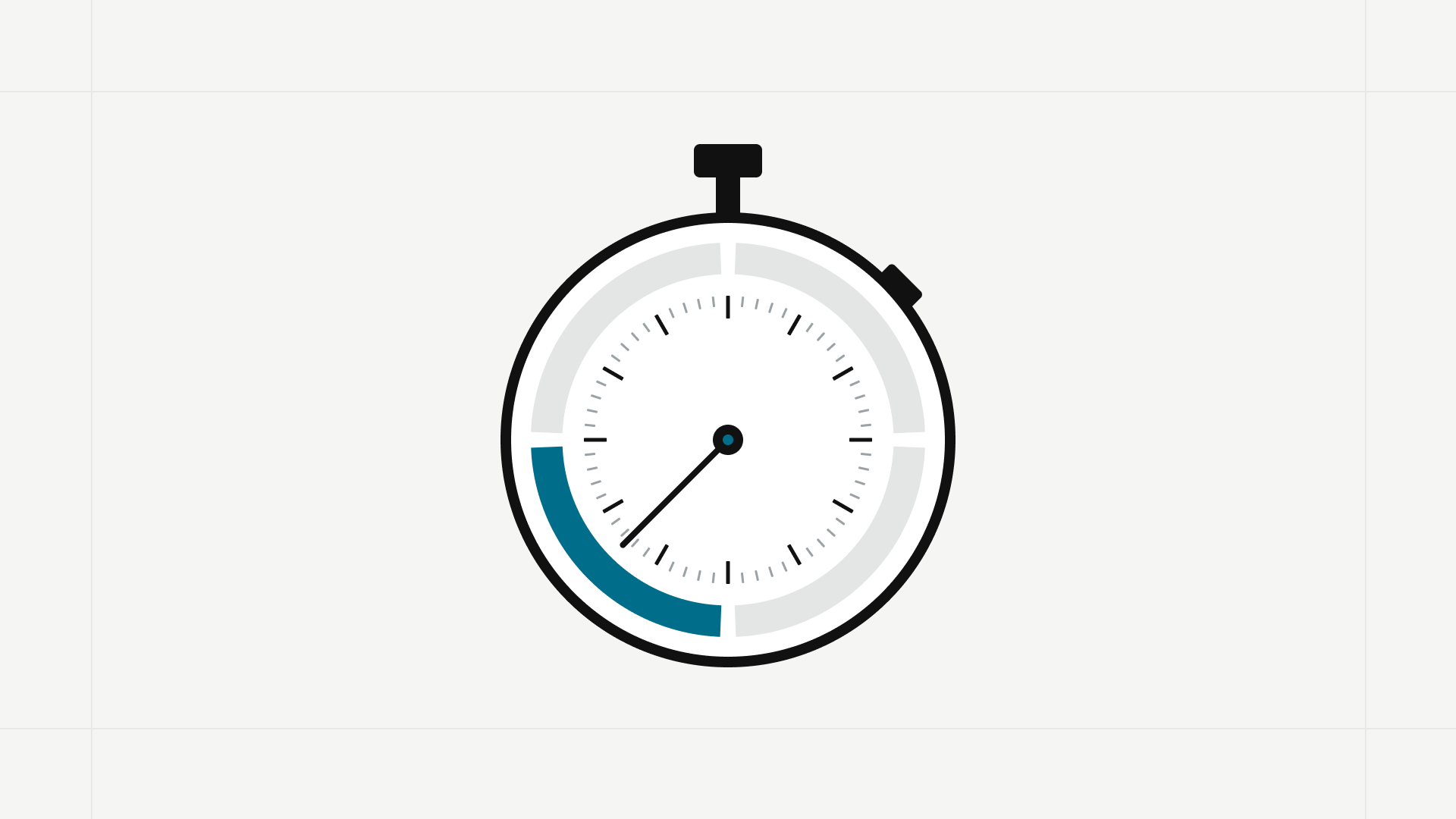
Mintlify’s local preview prefetches nearby pages by default so navigation feels instant. On very large sites, the page you requested competes with many pages compiling in the background at once. Mintlify recommends disabling prefetching for sites with thousands of pages:
mint dev --disable-prefetchRun it from the directory that contains your docs.json.
With prefetching off, pages compile only when you open them.
Each page can take a little longer to open than a prefetched one, but the page you asked for no longer waits behind background work.
If your project contains many OpenAPI files, Mintlify also documents a flag that skips OpenAPI processing during local development:
mint dev --disable-openapiUse it when you are working on content that does not touch the API reference, then run a normal mint dev to check the API pages before you publish.
Both flags change local development only.
Neither one affects the published site.
Why are Mintlify changes not showing up?
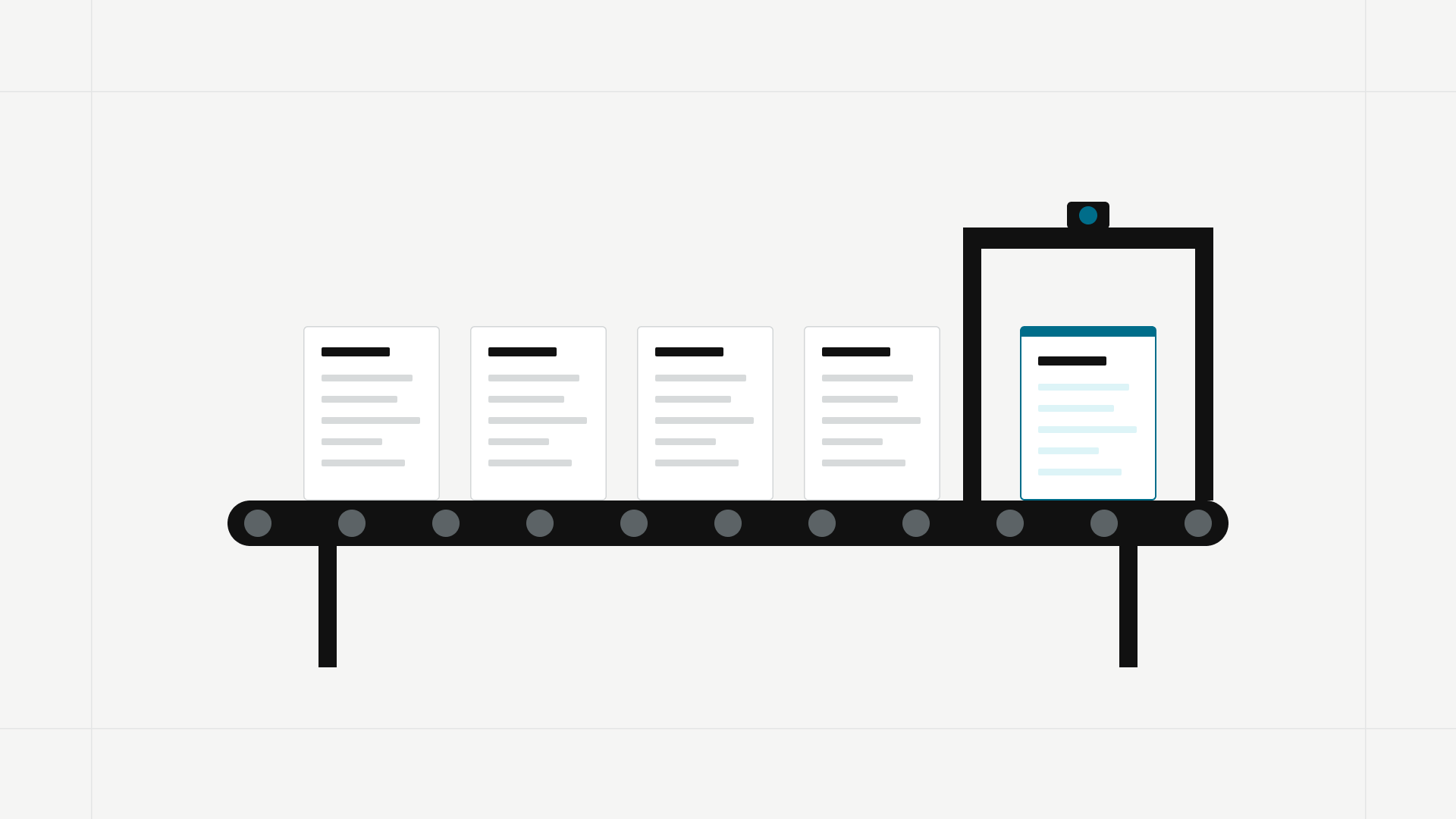
Mintlify’s editor saves changes automatically, but they reach the live site only when you publish them. The exception is auto publish, which commits to your deployment branch about a minute after you stop editing and has no pending state or review step. After a publish, Mintlify builds and deploys the site, which it says typically takes 30 seconds to a few minutes.
Three things add to that wait:
- Only one publish runs at a time per branch. If a teammate is already publishing to the same branch, yours waits in a queue and starts when theirs finishes.
- Branch protections and required reviews add an approval step before the deployment begins.
- Invalid MDX disables publishing, including Publish and Request review, before a build can start.
How to fix Mintlify updates that are not live
- Open Publish and check whether your edit is still pending. If auto publish is on, there is no pending state and no Publish button.
- Check the review requirements. A protected deployment branch may require Create branch first. On a feature branch, use Request review, then Merge and publish once requirements are met. Projects requiring review on the deployment branch use Request review; an admin publishes approved changes.
- Follow the progress in the Publish menu as the change commits, builds, and deploys.
- If the build fails, click View build log.
- Open Publishes in the dashboard to see the deployment history and the commit behind each deploy.
- If a repository push did not deploy, confirm the commit exists in your docs repository and that the connection works. For GitHub, Mintlify says to check the GitHub App installation first.
- Once the connection and commit check out, trigger a deployment manually with the dashboard’s deploy button.
If several pushes stop deploying, check the Mintlify status page and your repository connection. IsDown’s record of an October 11, 2026 incident lists 38 minutes of delayed GitHub webhook processing. Follow the guidance for the active incident rather than assuming a manual deployment will bypass it.
Why do Mintlify pages load content late?
Most custom React components in Mintlify render in the browser after the initial page loads, so they are missing from the server-rendered HTML and can cause a visible flash or layout shift.
Component code also cannot use code splitting: React.lazy and dynamic import() are unsupported, so all component code on a page loads with that page.
This matters most when a custom component holds the instructions themselves rather than an optional interactive feature. Mintlify’s documented approach:
- Use built-in components for static layout and content that must appear in the initial HTML.
- Use MDX content snippets, which render on the server, for reusable prose.
- Keep custom React components for interactions that need browser behavior or state.
- Defer resource-intensive component mounting until the reader interacts, where that makes sense.
Mintlify documents a server-rendering exception for simple templates defined with export.
They must only place props into HTML elements and built-in components, without state, hooks, function calls, conditionals, event handlers, or style attributes.
Every use must pass only plain string attributes.
Check these restrictions before relying on server rendering.
Why does a Mintlify OpenAPI build fail?
A failed deployment can leave the live site serving the previous version.
When the openapi field in docs.json points to a URL, Mintlify downloads the spec during every build.
A failed download produces Failed to fetch OpenAPI file for anchor or tab.
Builds run from the public internet with no access to your network or credentials, so the fetch fails on private hosts, authenticated URLs, incomplete TLS chains, DNS failures, and truncated responses. It also fails intermittently when a CI pipeline triggers the docs deployment before the new spec has finished publishing. A build that succeeds on retry with no change to the spec is a strong sign of that race.
If the spec cannot be public, commit it to the documentation repository and point the openapi field at its repository-relative path, updating it in the same commit that changes the API.
If the failure is intermittent, sequence the pipeline so the spec is fully published before the deployment starts.
Waiting longer does not fix an inaccessible spec.
Check Mintlify speed after a troubleshooting fix

- Time how long one deep page takes to open in
mint dev, then restart with--disable-prefetchand time it again. - Publish a one-line change and watch the Publish menu move through commit, build, and deploy, then confirm the live page shows it.
- Open Publishes and confirm the latest deploy lists the commit you expected.
- Load a page with custom components in a fresh browser session and check whether static instructions are present before the components mount.
- After fixing a remote spec, confirm the deployment succeeds. For intermittent failures, also verify that the pipeline waits until the spec is fully published before triggering the build.
Falconer vs. Mintlify for keeping docs accurate
Choose Falconer when your documentation problem extends beyond publishing. Its maintenance workflow combines code-aware draft updates, checks on proposed corrections, and documentation findings your team can assign and resolve. A successful deployment does not confirm that the instructions match the product; maintaining accuracy requires a separate workflow.
Mintlify’s Autopilot, documented as beta on Pro and Enterprise, opens pull requests suggesting documentation changes. Its Automations support code-change triggers, context repositories, and human review. Mintlify’s current plan comparison lists Automations under Enterprise. Compare the resulting edits and review effort on a real product change.
Falconer checks proposed documentation changes
With GitHub connected and automatic updates enabled for eligible documents, Falconer can identify affected docs and draft targeted corrections. In review mode, it can notify document owners in Slack, subject to their access and notification preferences. Accept applies the draft, Review opens it in Falconer’s editor, and Reject rejects it. Availability depends on your organization’s setup.
Falconer checks whether a proposed documentation change is justified before recommending it. Its review process considers the case for leaving the existing instructions unchanged, rather than treating every code change as a reason to rewrite the docs.
Falconer turns documentation findings into work
With Knowledge Health enabled, your public-docs dashboard shows open findings for published pages. Assign a problem to its owner or hand it to Falcon to work on the correction, then track whether it is resolved. This gives your team a way to work through contradictions, gaps, and stale content, not just identify them.
Falconer addresses the work that continues after deployment: finding outdated instructions, checking proposed corrections, and getting fixes reviewed. That makes it a strong fit for teams whose documentation maintenance extends beyond publishing pages.
Falconer offers model choice without Enterprise
Model choice is another buying consideration. Falconer’s Go offering includes bring-your-own-provider-key access, while Mintlify reserves bring-your-own-model configuration for Enterprise contracts. Include platform charges and provider usage in the comparison; using your own key does not make inference free.
For the full maintenance workflow, read how to use AI to keep documentation in sync with code. To see where your current docs stand before changing anything, get a free Knowledge Health report on your existing Mintlify site, with no migration and no write access required.
Falconer: a Mintlify alternative for public docs
Public docs work on every Falconer plan. Building, publishing, hosting, site search, Ask the docs, and password protection are included. Ask the docs is subject to fair-use limits. If public docs is not enabled for your organization, contact Falconer.
Falconer public docs add-on costs
Falconer’s optional custom-domain and branding add-ons have separate monthly charges per site.
| Add-on | Credits/site/month | Source |
|---|---|---|
| Falconer custom domain | 15,000 | Plans and limits |
| Falconer branding removal | 10,000 | Plans and limits |
A custom domain costs 15,000 credits per month per site; branding removal costs 10,000. Both add-ons are paid from the organization’s shared credit balance.
Falconer creates numbered release builds that organization owners can preview privately before publishing. Build diagnostics report broken internal links and indexing status, so you can check whether search is ready. Indexing can fail or need a retry. To roll back, republish an available earlier successful release build.
Falconer supports common Mintlify MDX components, but unsupported components or attributes may appear as MDX code. Preview imported pages before publishing. For a broader comparison, see Mintlify problems and alternatives.
Mintlify performance and alternatives FAQ
Why is Mintlify slow on my computer?
On large sites, background prefetching can slow the local preview.
Test mint dev --disable-prefetch to disable it.
Projects with many OpenAPI files can also test mint dev --disable-openapi while working on unrelated content.
Neither flag changes the deployed site.
How long should a Mintlify publish take?
Mintlify says building and deploying published changes typically takes 30 seconds to a few minutes. Publishes queue behind any other publish on the same branch, and required reviews add a separate approval step.
Why are my saved Mintlify changes not live?
Saving and publishing are separate in Mintlify unless auto publish is on. Check for pending changes in the Publish menu, confirm whether your branch requires review, and follow the deployment progress; if the build failed, open View build log.
Why does my Mintlify page shift as it loads?
Most custom React components render in the browser after the initial page, which can cause a flash or layout shift. For static content that must be present at load, Mintlify recommends built-in components or server-rendered MDX content snippets.
Why does Mintlify show an OpenAPI fetch error?
Mintlify downloads a remotely hosted OpenAPI spec during every build from the public internet, without credentials. Private hosts, authenticated URLs, TLS or DNS problems, or a spec still publishing when the build starts make the fetch fail, and committing the spec to your docs repository is the recommended fix.
How do I keep Mintlify docs accurate?
Mintlify’s Autopilot and Automations can suggest updates from code changes. With GitHub connected and automatic updates enabled, Falconer can draft corrections to affected docs and notify owners in Slack, subject to access and notification settings. A free Knowledge Health report can assess your existing public documentation before migration.
Can I edit Falconer docs without a local build?
Falconer separates editing from deployment. Work directly in the document without running a local documentation build. Once a public-site build is complete, publishing switches the live version without another full build. New content still requires a build before publication.
What does Falconer cost as a Mintlify alternative?
Falconer’s Go plan has no monthly subscription, but credit purchases are separate. Public docs features are included on every plan. A custom domain costs 15,000 credits per month per site, and removing Falconer branding costs 10,000 credits per month per site. Both add-ons use the organization’s shared credit balance. Include credit purchases and any chosen subscription when comparing total cost.
Can I fix slow Mintlify previews for free?
Yes.
Mintlify documents mint dev --disable-prefetch and mint dev --disable-openapi as local-preview options, not paid performance upgrades.
Test them against the symptom you are seeing; neither flag changes production page speed.
Can I migrate Mintlify documentation to Falconer?
Yes. Falconer supports common Mintlify MDX components, with limits for unsupported components and attributes. Preview imported pages and verify navigation, snippets, links, and API content before changing the live site. Migration alone does not establish a speed improvement.
Ready to get started?
Create an account and start building your knowledge base — no contracts or credit card required. Or, contact us to design a custom package for your team.
Ready to get started?
Create an account and start building your knowledge base — no contracts or credit card required. Or, contact us to design a custom package for your team.