Platforms that auto-generate company documentation from your work
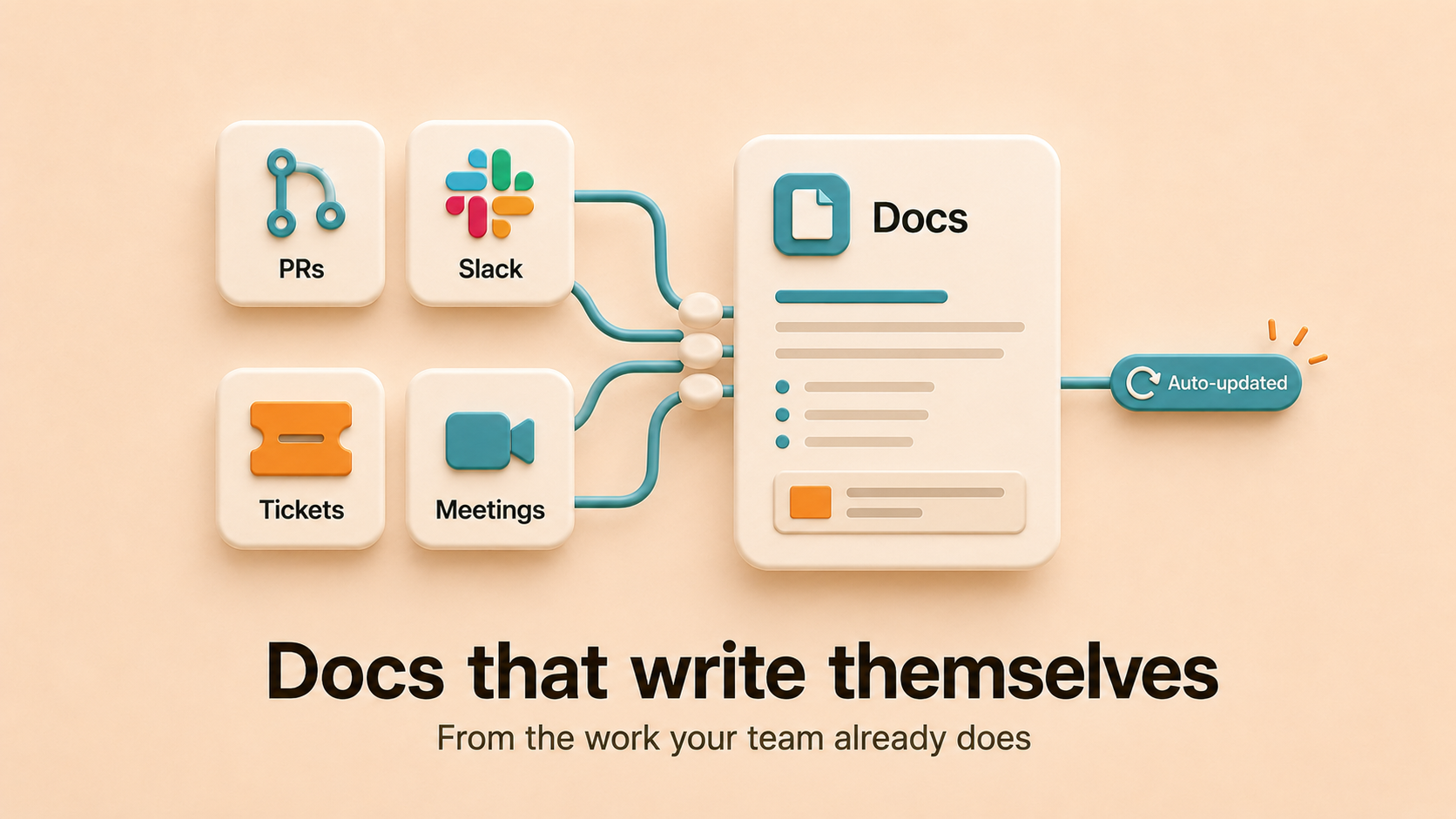
Most documentation platforms are blank canvases. You write, you organize, you remember to update. That model breaks the moment your team moves faster than your discipline. A new category of tools generates and maintains documentation directly from the work your team is already doing, like merged PRs, Slack threads, Linear tickets, and meeting notes, so the docs stop being a separate job.
This guide covers what auto-generating doc platforms actually are, the categories worth knowing, what to look for, and how to pick one that won’t decay six months in. Falconer is the strongest option in the category because it pulls from every system where your knowledge actually lives (code, Slack, Linear, meetings, existing docs), keeps the pages accurate as the codebase moves, and runs as multi-tenant SaaS, managed single tenant, or self-hosted.
TLDR
- Auto-generating doc platforms write and update content from your team’s existing work instead of asking humans to author every page.
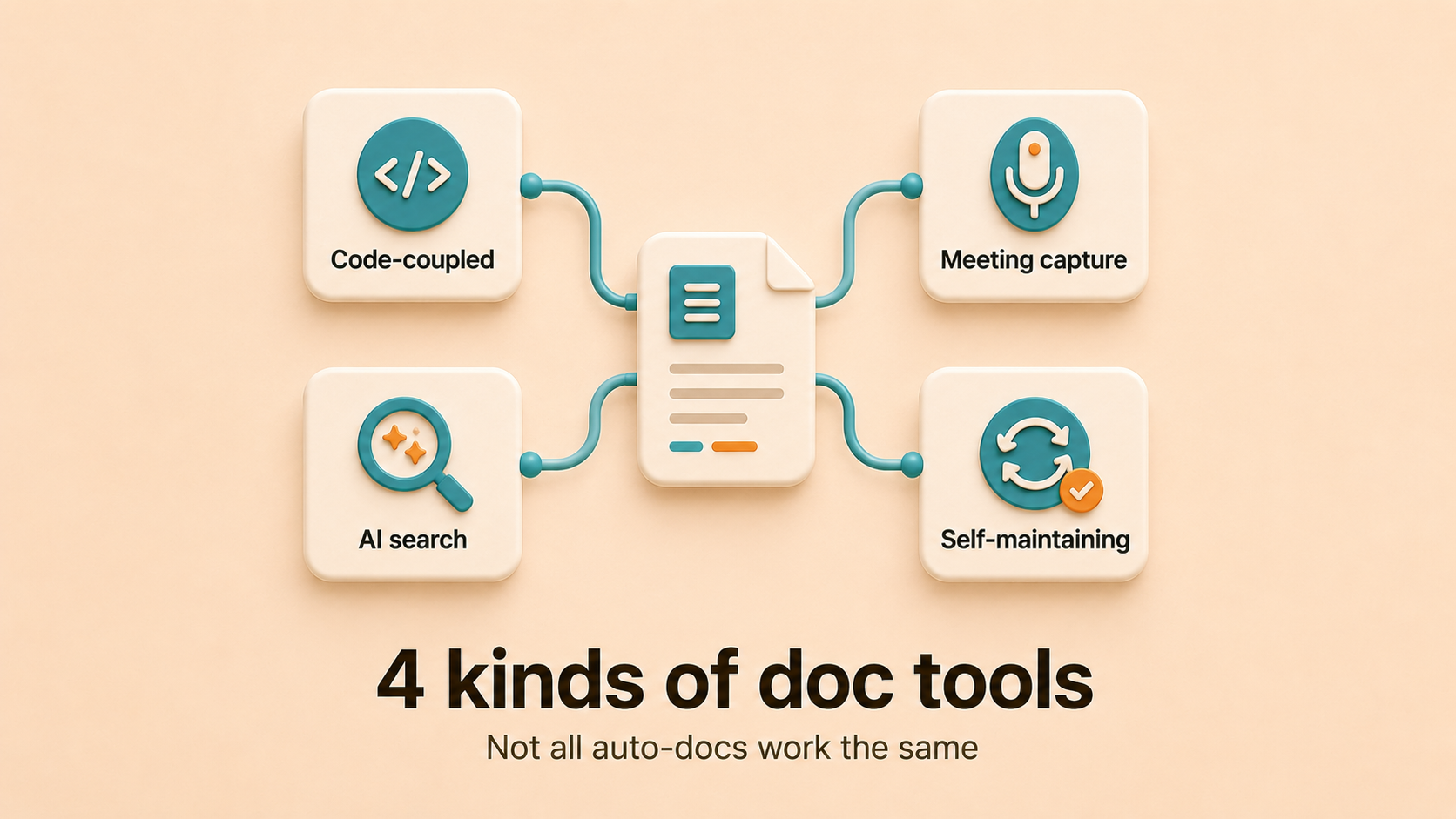
- The category splits into four types: code-coupled docs, meeting and Slack capture, AI search overlays, and self-maintaining knowledge platforms.
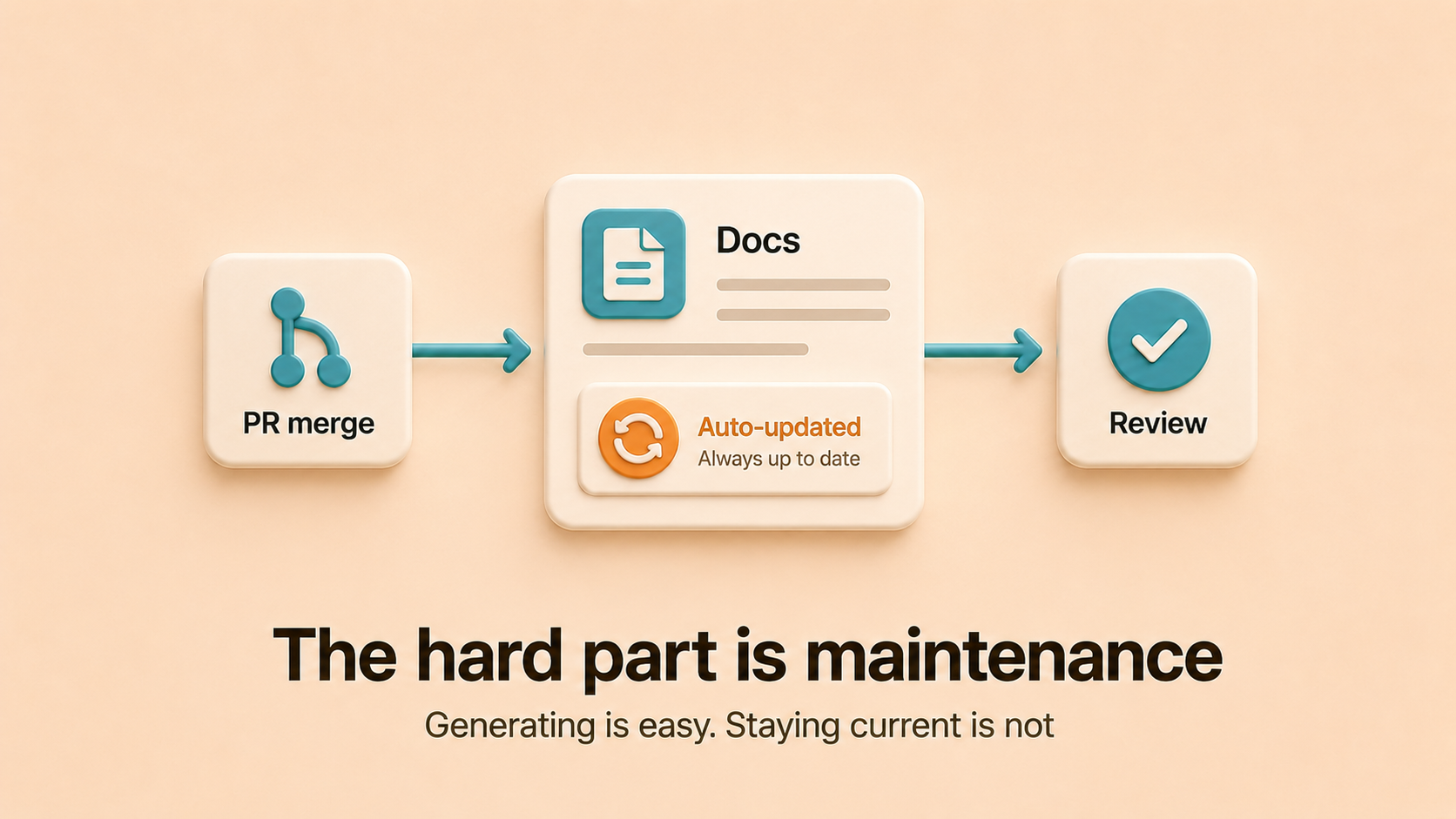
- The hard problem is not generating a first draft. It is keeping that draft accurate as the codebase moves.
- Falconer connects to GitHub, Slack, Linear, Notion, and Drive, then proposes section-scoped doc edits when a PR merges, with review-by-default and opt-in auto-apply per document.
- Picking the wrong category produces docs that look current and aren’t. Match the platform to where your knowledge actually lives.
Why teams want docs that write themselves
Engineers spend roughly two days a week on documentation work, and most of that time goes to writing and rewriting things that should not require human attention: changelogs, API references, runbook updates, onboarding pages that drift the moment a service changes.
The cost of skipping it is worse. Outdated runbooks trigger incidents. New hires take three months to ramp because tribal knowledge is trapped in five people’s heads. The same question gets asked in Slack every week.
Auto-generating doc platforms exist because the manual model is structurally doomed at any meaningful team size. Codebases now move faster than humans can document them, and the gap is no longer a discipline problem. It’s a systems problem.
The four categories of auto-generating doc platforms
Not every platform that claims to “auto-generate documentation” is doing the same thing. The differences matter.
| Category | What it generates from | What it leaves to humans |
|---|---|---|
| Self-maintaining knowledge platforms (Falconer) | Code, PRs, Slack, Linear, meetings, existing docs | Final review on edits, ownership decisions, strategic structure |
| AI search overlays (Glean, Notion AI, Confluence AI) | Whatever is already written, indexed across tools | Writing the docs in the first place and keeping them accurate |
| Code-coupled docs (Swimm, Mintlify, docs-as-code pipelines) | Source code, OpenAPI specs, comments | Writing the prose around the code, deciding what’s worth documenting |
| Meeting and Slack capture (Granola, Fellow, Fireflies) | Meeting transcripts, chat threads | Turning notes into durable reference docs, keeping them current |
Each category solves a different slice of the problem. Most teams need more than one, but they should be picked deliberately, not stacked into a tool sprawl that makes the original problem worse.
Self-maintaining knowledge platforms
This is the newest category. Platforms like Falconer combine the knowledge base itself with a maintenance layer that watches connected systems and proposes edits when underlying facts change. When a PR merges to a connected repo, the platform reads the diff, identifies which docs are affected, and proposes section-scoped updates. By default, the doc owner gets a Slack notification with Accept, Review, or Reject buttons. Specific documents can be opted into auto-apply, where edits land immediately.
Strength: The pages stay accurate as code changes, without requiring humans to remember which docs to update.
Limit: The platform needs to be connected to where work actually happens. The more isolated your sources of truth, the less coverage it gets.
AI search overlays
Glean, Notion AI, and Confluence AI sit on top of whatever you already wrote and answer questions by searching across it. They do not generate or maintain the underlying docs.
Strength: Surfaces existing content faster than keyword search, especially across multiple tools.
Limit: They retrieve what’s there. If what’s there is wrong, the answer is wrong, delivered confidently. Search does not solve knowledge rot. It accelerates it.
Code-coupled docs
Tools in this category tie documentation to the source code itself. Swimm pairs prose with code snippets that update when the underlying code changes. Mintlify generates API references from OpenAPI specs. Docs-as-code pipelines like MkDocs and Docusaurus version documentation alongside the repo so it ships through the same pull request workflow.
Strength: API references and code-anchored explanations stay in sync with the code they describe.
Limit: Coverage is narrow. They handle the docs that live next to code. The architecture decisions, the runbooks, the reasoning captured in a Slack thread or a Linear comment: none of that is in the repo, so none of it gets picked up.
Meeting and Slack capture
Granola, Fellow, and Fireflies generate meeting notes automatically. Slack threads can be summarized into pages by various AI extensions. The output is a reasonable first draft of what was discussed.
Strength: Captures conversational knowledge that would otherwise evaporate the moment the meeting ends.
Limit: Notes are not documentation. A meeting summary from three months ago does not become a runbook or an architecture doc on its own. Without a system that promotes durable decisions into maintained reference material, you end up with a graveyard of transcripts.
What to look for when picking a platform
After several waves of failed consolidation projects, the criteria are clearer than they used to be. A platform that auto-generates docs is only useful if it also keeps them accurate, and only worth adopting if it lives in the workflow your team already uses.
A short list of non-negotiables:
- Coverage of the systems where your knowledge actually lives. GitHub for code, Slack for conversation, Linear for decisions, Drive or Notion for existing docs. Anything missing becomes a permanent gap.
- A maintenance model, not just a generation model. Generating a first draft is the easy part. The platform has to keep that draft accurate after the codebase moves on.
- Workflow integration. A doc platform that requires engineers to leave the editor or the IDE will get used twice and forgotten. The good ones live in Slack, in the editor, and through MCP inside Claude Code or Cursor.
- Granular permissions and version history. Not every doc should be visible to everyone, and you need to be able to roll back when an automated edit goes wrong.
- Hosting flexibility. Multi-tenant SaaS, managed single tenant, or self-hosted, depending on what your compliance posture requires.
How Falconer fits
Falconer is the self-maintaining knowledge platform in the list above. It’s a knowledge base in the same category as Notion, but the intelligence runs underneath the editor, the search, and the page hierarchy. Two things change as a result.
The pages stay current on their own. When a PR merges, Falconer reads the diff, finds the affected docs through semantic search across the knowledge graph, and proposes section-scoped edits. Review mode is the default. Auto-apply is opt-in per document.
The platform comes with an agent. Falcon answers questions from across GitHub, Slack, Linear, Notion, Confluence, Drive, Zendesk, and meeting notes, with citations on every answer. A new engineer can ask a plain question and get an answer assembled from the PR that changed the service, the Linear issue that tracked it, the Slack thread where the decision happened, and the doc that’s supposed to describe it.
It runs as multi-tenant SaaS, managed single tenant, or self-hosted, so the AI-native architecture does not force a hosting trade-off when SOC 2, HIPAA, or FedRAMP is in play.
How to roll one out without stalling
Migration projects fail when teams try to move everything at once. The pattern that works:
- Audit where docs live today. Wikis, shared drives, pinned Slack messages, READMEs, Linear comments, Notion workspaces. Write down every place knowledge lands before picking a tool.
- Pick the high-traffic docs first. Deploy guides, API references, current product docs. Migrate those in the first month so the new system proves its value immediately.
- Assign named owners. Not teams. People. Governance that belongs to a group belongs to no one.
- Wire up the maintenance integrations early. GitHub first, then Slack and Linear. The auto-update behavior is what keeps the new system from becoming the next graveyard.
- Layer in runbooks and process docs in weeks three through six. This is where PR-on-merge maintenance pays off most, because runbooks are the docs most likely to silently rot.
- Leave the long tail for last. If nobody opens a doc in six months, you might not need to migrate it at all.
FAQ
What’s the difference between auto-generating and self-maintaining documentation?
Auto-generating means the platform writes a first draft from some input (code, a meeting, a Slack thread). Self-maintaining means the platform also updates that draft when the underlying facts change. Most tools that claim “auto-generation” stop at the first draft, which is the easy part. The hard part, and the part that determines whether your docs are still trustworthy six months in, is maintenance.
Will an AI search overlay like Glean replace the need for an auto-generating platform?
No. Search overlays surface content that’s already written. They do not write or maintain the underlying docs. If your docs are stale, search across them returns stale answers, confidently. The categories solve different problems and stacking them does not fix the rot.
Can I just use meeting notes tools like Granola as my documentation system?
Meeting notes are a useful input, not a replacement for documentation. A meeting summary from three months ago is not a runbook. Without a system that promotes durable decisions into maintained reference material, you end up with a transcript graveyard nobody searches.
How does Falconer decide which docs a PR affects?
When a PR merges, Falconer runs semantic search against its knowledge graph across all connected docs to find pages that reference the changed code paths. The owner of each affected doc gets a Slack notification with Accept, Review, or Reject buttons. Auto-apply is available per document for lower-stakes pages.
Does this work for non-engineering documentation too?
Yes. The maintenance signal is strongest for code-anchored docs (runbooks, architecture docs, API references), but the same platform handles product specs, internal process docs, onboarding guides, and decision records. Falcon answers from across all of it with citations, so PMs, support, and ops get the same accuracy as engineers.
What about compliance? Can these platforms run inside our VPC?
Depends on the platform. Most cloud-only AI tools do not. Falconer offers multi-tenant SaaS, managed single tenant, and self-hosted deployment, so data stays inside whatever perimeter your compliance framework requires.
Ready to get started?
Create an account and start building your knowledge base — no contracts or credit card required. Or, contact us to design a custom package for your team.

Ready to get started?
Create an account and start building your knowledge base — no contracts or credit card required. Or, contact us to design a custom package for your team.