What docs platform works with MCP and coding agents (May 2026)
The Model Context Protocol is the standard that decides whether your documentation is reachable by an AI assistant or stranded behind a chat box. Platforms that ship an MCP server let Claude Code, Cursor, Claude Desktop, and any other MCP-compatible client query your docs as a first-class data source. Platforms that don’t are betting their built-in AI is good enough, which usually means the docs are only useful through the platform’s own interface. If your team runs on coding agents, this guide covers what your documentation stack needs to support that — and which platforms are actually there today.
TLDR:
- AI-ready documentation means content that AI assistants can retrieve directly through an open protocol, not content that’s only searchable inside a vendor’s own chat UI
- The Model Context Protocol (MCP) is the practical standard for this, and the platforms that ship MCP servers can be wired into any compatible coding agent in minutes
- Notion, Linear, and a small number of other platforms have shipped MCP servers; most documentation platforms (Confluence, SharePoint, Coda) have not
- An MCP server is necessary but not sufficient: the underlying content also has to be structured for passage-level retrieval and freshness, or the agent gets stale pages back
- Falconer MCP provides read and write access, atomic chunking, and freshness detection tied to merged pull requests, so coding agents get the right passage at the right time
What is AI-ready documentation?
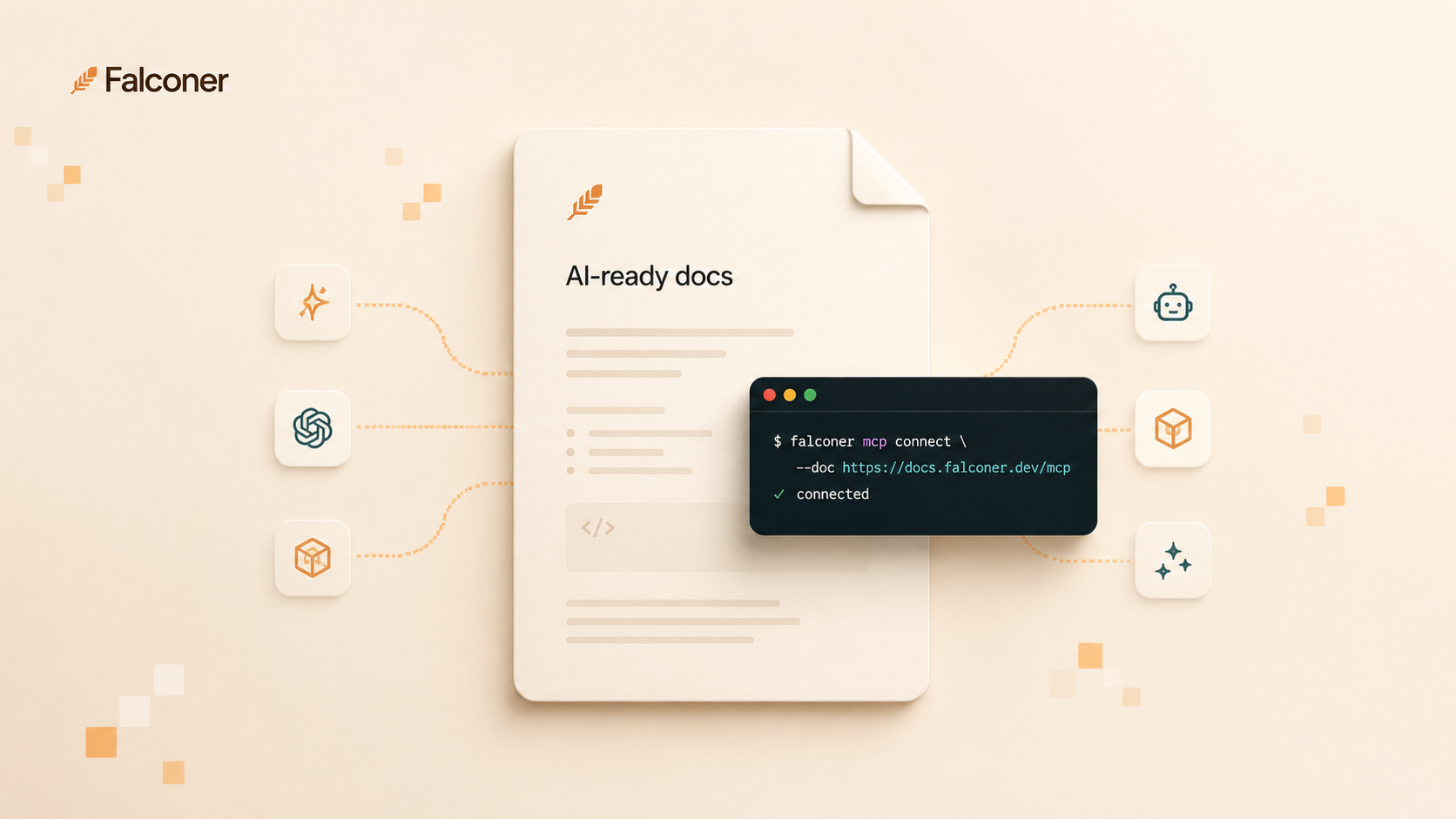
AI-ready documentation is documentation that AI assistants can retrieve through an open, structured interface, in passages small enough to use directly, with signals about whether each passage is still accurate. The three properties matter together. An open interface without structured content sends back giant pages the model has to re-chunk. Structured content without freshness signals sends back confident wrong answers. Freshness without an open interface keeps the docs locked inside one product’s UI.
The interface part is what’s changing fastest. A year ago, “AI-ready” mostly meant the platform had a chat box bolted on. Today, it means the platform exposes a programmatic interface that any compatible client can call. MCP is the open protocol that’s emerging as the default for that interface, and the practical question for documentation platforms is whether they’ve shipped an MCP server, what it exposes, and how clean the underlying content is when the server returns it.
How we looked at each platform
The question isn’t whether a platform has AI features. It’s whether your coding agents can actually use it as a knowledge source without you building custom tooling around it. A great built-in chat UI that doesn’t expose an MCP server traps all the AI value inside one product. That’s not good enough when your engineers are in Claude Code or Cursor all day.
What we looked for:
-
MCP server: does it exist, and does it support read, write, or both
-
Passage-level retrieval: does it return chunks an LLM can use directly, or whole pages the agent has to re-chunk
-
Freshness detection: does it flag stale content when the underlying source changes
-
Structured content model: atomic, retrievable units — not opaque page blobs
-
Cross-client compatibility: does it work with Claude Code, Cursor, Claude Desktop, and other MCP clients out of the box
We tested each platform’s MCP server (where one exists) against representative engineering documentation questions and compared the returned context to the underlying source.
Best overall: Falconer
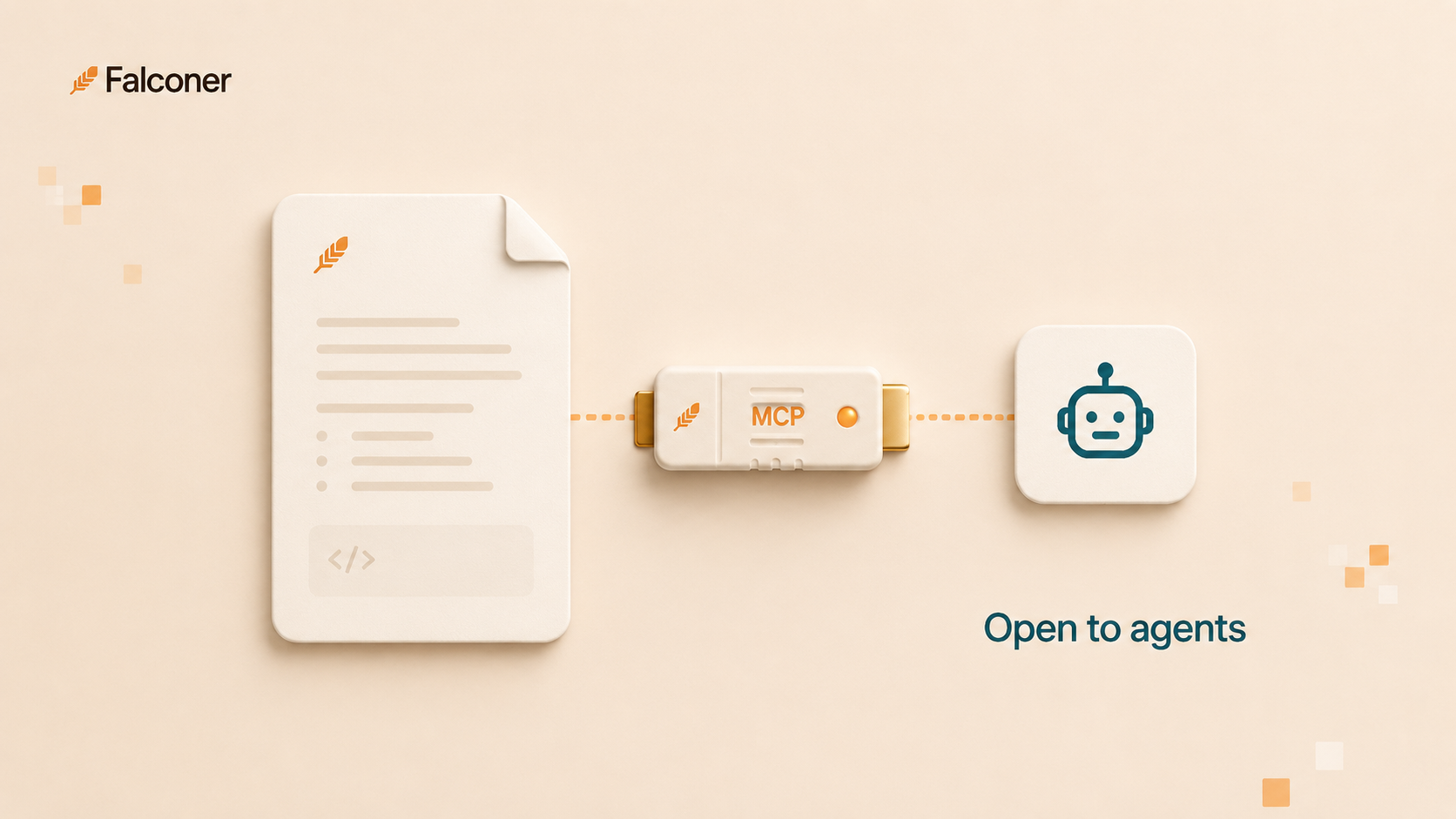
Falconer is a knowledge layer for engineering teams that connects GitHub, Slack, Linear, Notion, and Google Drive into one queryable source of truth, with an MCP server that supports both read and write so coding agents can search docs, draft specs, update runbooks, and save postmortems directly from the IDE.
Core strengths
- Falconer MCP with read and write access, compatible with Claude.ai, Claude Code, Codex CLI, Cursor, and other MCP clients
- Atomic chunking built into the data model: docs are stored as passages tied to specific code, decisions, or tickets, so retrieval returns the right unit instead of an entire page
- Freshness signals tied to merged pull requests and Slack threads, so Falconer MCP flags or refreshes affected content automatically
- Unified retrieval across code, docs, conversations, and tickets, so an agent gets the actual decision context, not just the documented summary
- The same permissions model applies to MCP retrieval and human access, so an agent can’t surface content the user wouldn’t have been able to see
Why it wins for AI-ready documentation
The MCP server is a starting point, not a finish line. Most of the platforms below ship a server that exposes the existing page API and call it done. That’s a meaningful step, but the agent on the other end still gets back the same page-shaped content that humans get, and the agent has to re-chunk and re-rank it before it can answer the question.
Falconer treats the MCP interface as the primary surface and shaped the underlying content to match. Passages are first-class. Each one knows what code or decision it came from, so when the code changes the passage gets flagged. When a coding agent calls the server, it gets back the specific passage that answers the question, with a freshness signal attached. That’s the difference between an agent that helps and an agent that has to be double-checked every time.
It also runs both directions. Falconer acts as an MCP client too, connecting to external MCP servers to pull data from tools like Granola directly into the knowledge base. Most platforms in this category only serve context out. Falconer ingests it in as well.
Notion
Notion is a flexible workspace widely used for engineering documentation.
What they offer:
- Official Notion MCP server with read and limited write access
- Page and database structure that supports some content modeling
- Wide adoption, so docs are accessible to non-engineering teammates
- Public API as a fallback for clients that don’t use MCP
Who it’s good for: Teams that already use Notion as their primary workspace and want an MCP interface without changing platforms. Reasonable starting point for early-stage engineering teams.
Where it falls short: The MCP server is a wrapper over the existing page API. Pages come back as pages, not passages, which means a coding agent retrieving a long technical doc has to chunk it on its own. There’s no freshness detection tied to code changes, no codebase awareness, and no link between a Notion page and the pull request that should have updated it. The server is real and useful, but the underlying retrieval problem isn’t solved.
Linear
Linear is issue and project tracking for software teams, and its MCP server belongs in this comparison because a great deal of engineering knowledge lives in tickets, comments, and project descriptions rather than in docs. Linear was among the first tools of any category to ship one.
What they offer:
- Official Linear MCP server with read and write access for issues, projects, and comments
- Structured data model: issues, projects, and comments have clear boundaries that map well to retrieval
- API access for clients that don’t use MCP
- Strong adoption among engineering teams
Who it’s good for: Engineering teams that want their coding agents reading and writing project state directly. Linear covers the ticket layer well. Most teams run it alongside a documentation platform and want the two connected.
What it covers: Linear’s MCP server is scoped to project state, and it’s well built for that scope. An agent can see what’s being worked on, who owns it, and why it was filed. What it can’t see is the architecture behind the ticket, because that was never Linear’s job. Teams need both surfaces, and they need them joined. Falconer reads Linear alongside GitHub, Slack, and your docs so an agent gets the ticket and the system it changed in the same answer.
Mintlify
Mintlify is a developer documentation platform focused on API reference and product docs for technical audiences. The published sites are clean and the authoring experience is well-tuned for OpenAPI workflows.
What they offer:
- Markdown authoring with OpenAPI integration for API reference
- Hosted published documentation sites with good defaults
- Internal AI search and chat over hosted docs
- GitHub-based publishing workflow
Who it’s good for: Teams publishing external API docs or product docs where the primary consumer is a human developer reading the hosted site.
Where it falls short: No official MCP server as of May 2026. Coding agents have to scrape the rendered site or hit the source repo on GitHub, neither of which is a clean integration. The content is well-structured for human reading, but the protocol layer that would make it agent-reachable doesn’t exist yet.
Confluence
Confluence is Atlassian’s enterprise wiki, the most-deployed documentation platform in larger organizations. It has the most legacy debt to work around.
What they offer:
- Enterprise page management with spaces, permissions, and templates
- Atlassian Intelligence for internal search and summarization
- REST API for programmatic reads
- Deep integration with Jira and the rest of the Atlassian stack
Who it’s good for: Large organizations with established Atlassian deployments and compliance constraints that pin them to Confluence. The practical question for these teams is how to make the docs agent-reachable through external tooling.
Where it falls short: Confluence was not built for AI retrieval and has no path to it without external tooling. Pages are unstructured for chunking, search returns pages instead of passages, and there’s no first-class MCP server. Atlassian’s data contribution policy change raises an additional issue: starting August 17, 2026, organizational content can be used to train Atlassian’s models by default, and metadata collection can only be turned off on the Enterprise tier.
SharePoint
SharePoint is Microsoft’s enterprise document and content management platform, used widely in Microsoft 365 organizations. Tight integration with the rest of the Microsoft stack is the main draw.
What they offer:
- Document management with strong access controls and compliance features
- Microsoft 365 integration and Microsoft Graph API access
- Microsoft Copilot for Microsoft 365 for internal AI features
- Wide adoption in regulated industries
Who it’s good for: Microsoft-shop organizations with existing SharePoint deployments where compliance and Microsoft stack alignment are the primary drivers.
Where it falls short: No official MCP server. Microsoft’s AI story is concentrated inside Copilot, which is scoped to the Microsoft ecosystem rather than to external coding agents like Claude Code or Cursor. The content model is file-based rather than passage-based, which makes structured retrieval harder even with API access. SharePoint is a long way from being agent-reachable in the way developers expect.
Coda
Coda is a flexible document platform that merges docs, spreadsheets, and lightweight app functionality. It’s used for internal wikis, project planning, and process documentation.
What they offer:
- Flexible document and table model with formula and automation capabilities
- Coda Packs for integrating with external tools
- Public API for programmatic access
- AI features inside the Coda product
Who it’s good for: Non-engineering teams building internal workflows, custom databases, and project planning surfaces. Less common as a primary engineering documentation platform.
Where it falls short: No official MCP server. The API is functional but not designed around AI retrieval, and the content model assumes a Coda doc as the unit of work. For engineering teams trying to make documentation reachable by external coding agents, Coda’s lack of a protocol-level interface is a structural blocker.
The protocol question is solved. The content question isn’t.
Notion and Linear shipped MCP servers early, which settles the protocol question. The content question sits above the protocol, and nobody’s default answers it. An MCP server over page-shaped content sends an agent back the same long pages a human would have to scroll through, just through a different transport. The agent’s job gets marginally easier; your engineers’ job doesn’t change much.
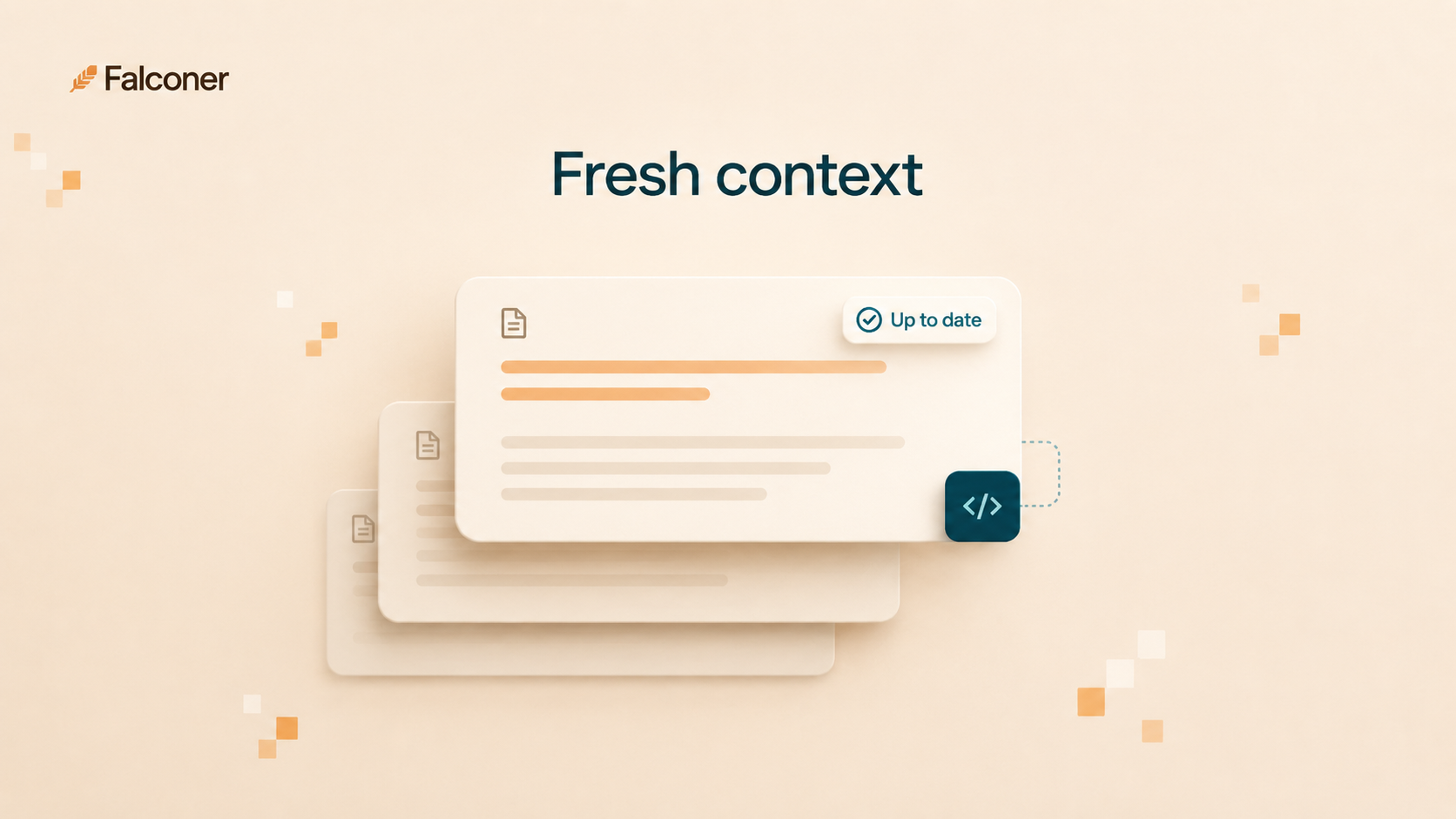
Falconer was built around the assumption that the agent is the primary consumer, which changes what the data model has to look like. Passages are stored as passages. Each one is tied to the source it came from (a PR, a Slack thread, a Linear ticket, a Notion page) so its freshness can be tracked when that source changes. The MCP server returns the right passage with the right freshness signal, and the agent can use it directly without re-chunking, re-ranking, or guessing whether the answer is still current.
The other thing this design fixes is write access. Most documentation platforms that ship MCP servers expose read primarily, with write as a limited afterthought. Falconer MCP supports both equally, so a coding agent can save a postmortem, update a runbook after a deploy, or draft a spec from a conversation without dropping out of the IDE. That changes the kind of work the agent can do, and it’s what makes documentation feel alive instead of feeling like a place engineers visit grudgingly.
If your team uses Claude Code or Cursor, connect the Falconer MCP and have it running in under ten minutes.
Feature comparison table
| Feature | Falconer | Notion | Linear | Mintlify | Confluence | SharePoint | Coda |
|---|---|---|---|---|---|---|---|
| Official MCP server | Yes | Yes | Yes | No | No | No | No |
| MCP write access | Yes | Partial | Yes | No | No | No | No |
| Passage-level retrieval | Yes | No | Partial | No | No | No | No |
| Freshness detection tied to code | Yes | No | No | No | No | No | No |
| Codebase awareness | Yes | No | No | Partial | No | No | No |
| Atomic content chunking | Yes | No | Partial | No | No | No | No |
| Cross-source retrieval | Yes | No | No | No | No | No | No |
| Public API as fallback | Yes | Yes | Yes | Yes | Yes | Yes | Yes |
| SOC 2 Type II | Yes | Yes | Yes | Yes | Yes | Yes | Yes |
The pattern in the table is that having an MCP server is the entry condition, and most documentation platforms haven’t met it yet. Even with an MCP server in place, chunking, freshness, and cross-source retrieval land on the agent. That’s a missing layer, not a missing feature in any one tool. Falconer is the one that addresses those at the data model level.
Final thoughts
The platforms that ship MCP servers in 2026 are signaling that they expect coding agents to be the new readers of internal documentation. That signal is correct, but the protocol alone doesn’t fix the underlying retrieval problem. Documentation that was structured for humans on a published site still reads as pages to an agent calling the same backend through MCP. The platforms worth picking now are the ones building for retrieval as the primary surface, not the ones adding a protocol layer to an existing page-shaped data model.
FAQ
What is MCP and why does it matter for documentation?
The Model Context Protocol is an open standard, introduced by Anthropic and adopted across the AI coding agent ecosystem, for connecting AI assistants to external data sources. An MCP server exposes data and capabilities to any compatible client (Claude Code, Cursor, Claude Desktop) through a uniform interface, so each integration doesn’t have to be built from scratch. For documentation, it means your docs become queryable by any coding agent your team uses — not just the one built into your doc platform.
Why can’t my coding agent use our Notion or Confluence docs?
It can, with limitations. Notion has an official MCP server, so the connection is possible — but it returns whole pages, not passages, so the agent has to re-chunk the content itself before it can use it. Confluence has no official MCP server at all; agents have to hit the REST API, which also returns pages and has no freshness signals tied to code changes. Both platforms work better as human-readable wikis than as agent knowledge sources.
Does having an MCP server make documentation AI-ready?
Not on its own. An MCP server is the protocol layer — it gets the agent to the front door. AI-ready documentation also needs structured content that supports passage-level retrieval, freshness signals that flag stale content, and a permissions model that respects who’s allowed to see what. A platform with an MCP server but no structured retrieval sends back giant pages the agent has to re-chunk and rank on its own.
How do I connect my documentation to Claude Code or Cursor?
It depends on your platform. If you use Falconer, start with the MCP quickstart or the full connection guide: add Falconer to Claude.ai, paste the Claude Code or Codex CLI command, or add the MCP server entry to Cursor. For Notion, use the official Notion MCP server with your integration token. For platforms without an MCP server, you’ll need a custom connector or to proxy through the platform’s REST API.
What makes documentation go stale for AI agents?
The underlying sources change — a PR merges, a config gets updated, a service gets renamed — and the doc doesn’t. For a human, stale docs are annoying. For an agent, they’re a liability: the agent confidently cites the wrong runbook or the old architecture diagram because it has no signal that anything changed. The platforms that tie freshness detection to merged pull requests or source changes can flag or refresh affected content automatically. Most platforms don’t do this at all.
When does the documentation platform become a bottleneck for engineering teams?
When your engineers are in coding agents daily and the docs are outside the agent’s reach. Stale answers, missing context, agents that hallucinate because they can’t get to the runbook — that’s the signal. At Series A/B velocity, the gap compounds fast. Every sprint where your agents are working blind is a sprint where the knowledge problem gets harder to fix, not easier.
Ready to get started?
Create an account and start building your knowledge base — no contracts or credit card required. Or, contact us to design a custom package for your team.

Ready to get started?
Create an account and start building your knowledge base — no contracts or credit card required. Or, contact us to design a custom package for your team.