Documentation tools that AI coding assistants can actually use (May 2026)
Cursor, Claude Code, and the rest of the AI coding assistant lineup are only as good as the documentation they can retrieve. Most documentation platforms were built to be read by humans, which means they produce content that LLMs misparse, retrieve out of order, or cite incorrectly. The tools that work for AI assistants share four properties: structured content the model can chunk cleanly, retrieval that returns the right passage instead of a page, freshness signals that prevent stale answers, and a programmatic interface (usually MCP) that the assistant can call directly. This guide covers which platforms hit those properties and which ones fall back to keyword search over PDFs. For a wider survey of the category, see our rundown of AI documentation tools.
TLDR
- AI coding assistants fail on retrieval quality, not authoring quality. Docs that look fine to a human can be unreadable to a model.
- The four properties that matter are atomic chunking, retrieval that returns passages instead of pages, freshness detection, and a programmatic interface (MCP, REST, or both).
- Confluence and SharePoint were not built for this and have no path to it. Notion ships a basic MCP server but no atomic chunking. Mintlify and GitBook are stronger on structure than retrieval.
- Falconer is built around the retrieval problem: structured content, MCP with read and write, auto-updating chunks tied to PRs and Slack threads.
- The test is not “does it have AI features.” The test is whether an assistant can answer a real question from your docs without you cleaning it up afterward.
What does “AI coding assistant ready” actually mean?
Documentation is AI coding assistant ready when an assistant can retrieve a specific, accurate passage from it in response to a developer’s question, without the developer having to point at a file or paste it into context. The assistant should be able to do this through a stable interface (an MCP server, an API, or a retrieval endpoint) without depending on a brittle web scrape.
Three things have to be true at once. The content has to be structured so a model can chunk it without losing the surrounding context. The retrieval layer has to return the relevant passage instead of the full page. And the docs have to be current, because an AI assistant citing a six-month-old answer is worse than an AI assistant saying it doesn’t know.
A documentation platform that is only good at one of those three is a partial fix. The platforms covered below are evaluated on all three.
How we assessed AI-coding-assistant-ready documentation tools
We assessed each tool against the criteria that determine whether a coding agent can answer a real question from your docs without a human in the loop. We focused on retrieval and freshness, not authoring features, because the authoring story is solved for most of these tools and the retrieval story is not.
Our evaluation criteria:
- Atomic chunking: whether the platform produces content that can be lifted in passage-sized units without losing context
- Retrieval interface: whether the platform exposes an MCP server, a search API, or both, and whether it returns passages or whole pages
- Freshness detection: whether the platform flags or fixes stale content when the underlying code changes
- Codebase awareness: whether docs are linked to specific files, symbols, or pull requests
- Coding agent compatibility: whether Cursor, Claude Code, and similar tools can actually use the platform end-to-end without custom integration
- Security and access controls: whether the retrieval interface respects the same permissions as the human-facing docs
We pulled product information from each platform’s public documentation, MCP server registries, and direct testing of the retrieval interfaces against representative developer questions.
Best overall: Falconer
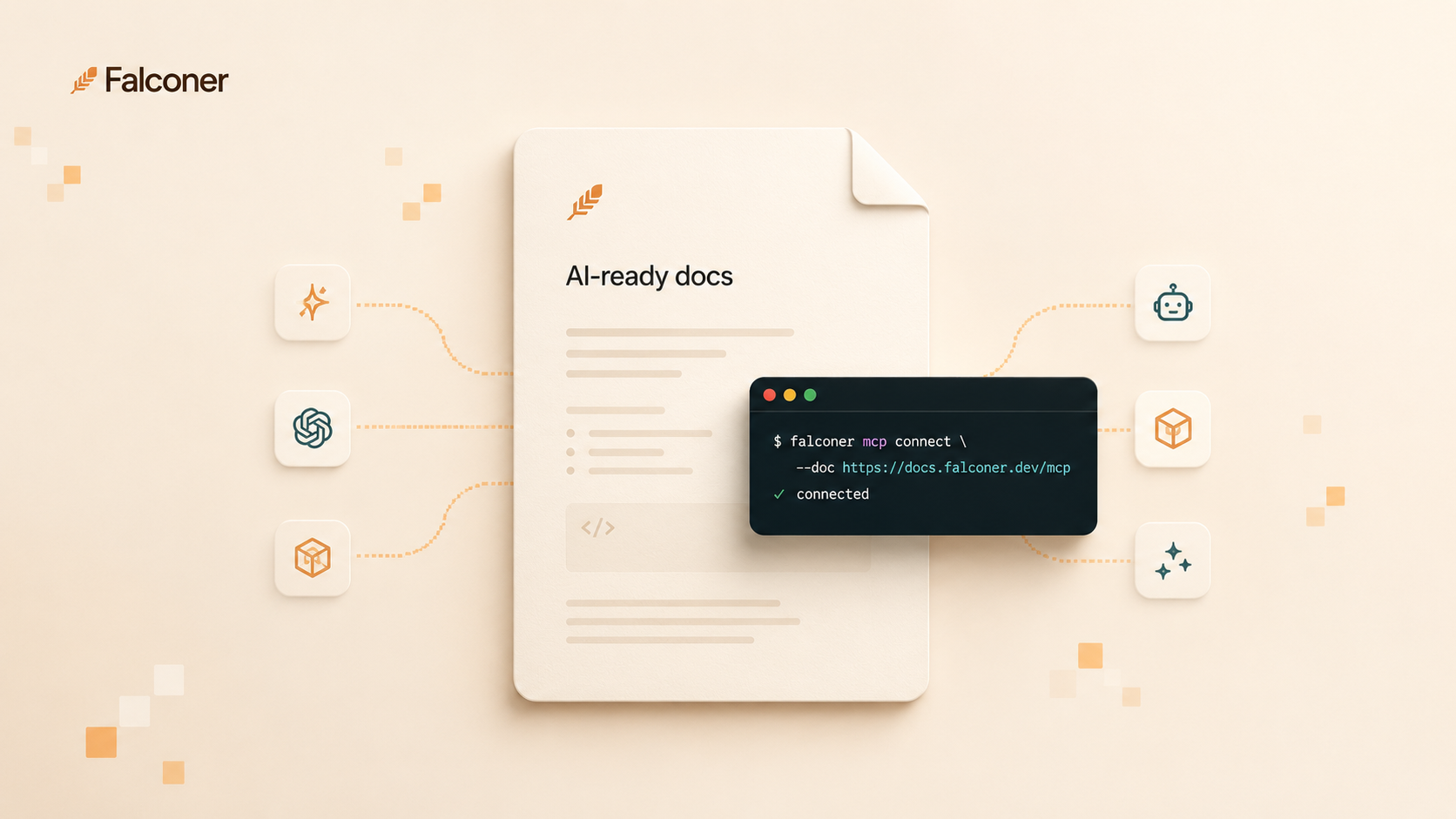
Falconer is a knowledge layer for engineering teams that connects GitHub, Slack, Linear, Notion, and Google Drive into a single retrievable source of truth, with an MCP server that lets AI coding assistants search docs, create specs, update runbooks, and save postmortems directly from the agent.
Core strengths
- Atomic chunking built into the data model: docs are stored as passages tied to specific code, decisions, or tickets, so retrieval returns the relevant unit instead of a 4,000-word page
- Falconer MCP with read and write access, compatible with Claude.ai, Claude Code, Codex CLI, Cursor, and other MCP clients
- Auto-updating docs triggered by merged pull requests and Slack threads: when code changes, the affected passages get flagged and an update is proposed automatically
- Codebase-aware AI grounded in your repos, not generic training data, so retrieved context matches your architecture and conventions
- Unified retrieval across code, docs, and conversations, so an agent asking “why did we pick Postgres over DynamoDB” gets the actual Slack decision, not a generic comparison
Why it wins for AI coding assistants
The retrieval problem is the real problem. Most documentation platforms can produce content that looks good to a human and is unusable to a model: long pages with no chunk boundaries, no programmatic interface, and no freshness signal. An agent retrieving from those docs either misses the answer or cites something that hasn’t been true for six months.
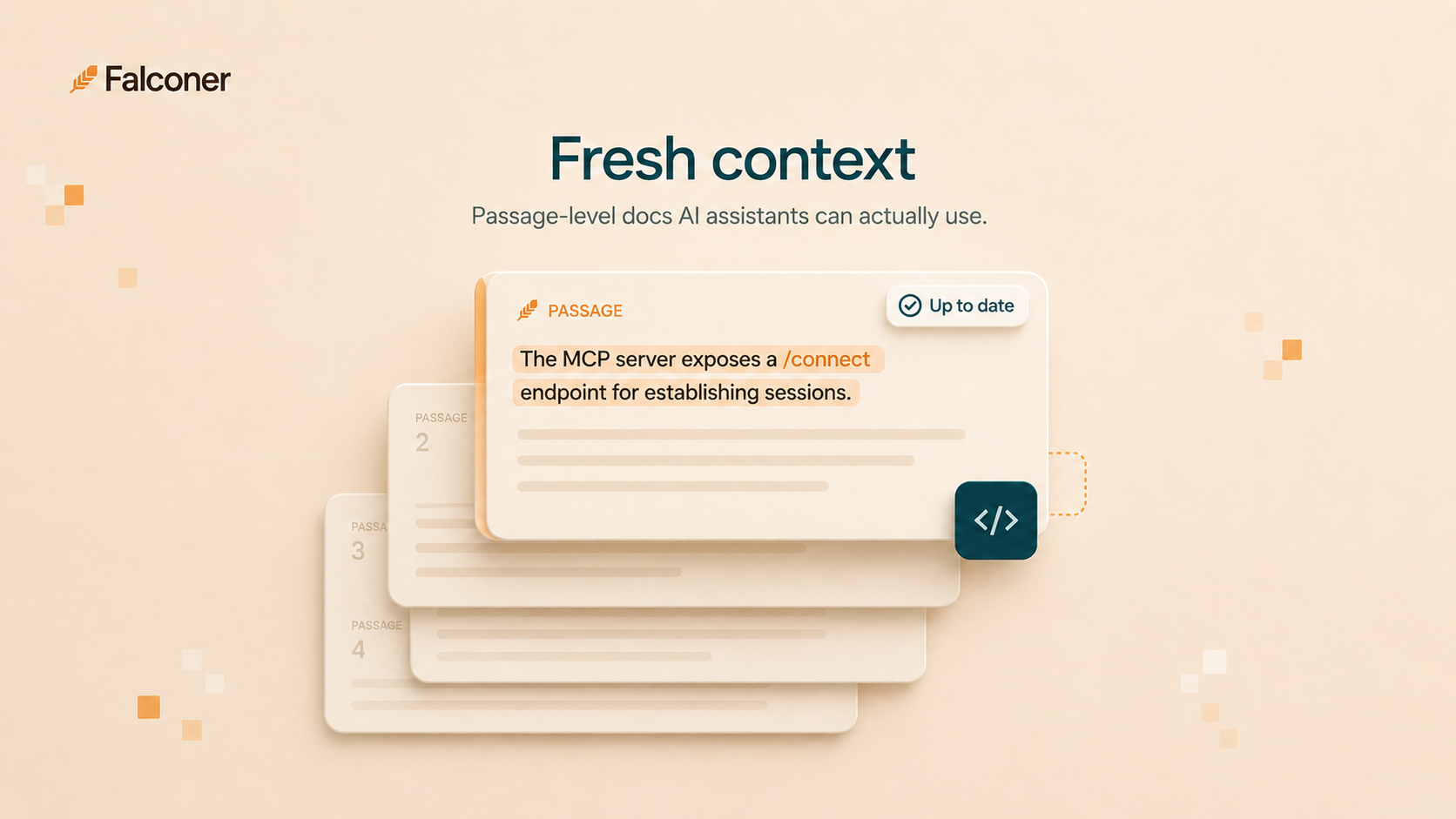
Falconer treats retrieval as the primary use case. Docs are written and stored in passages. Each passage knows what code or thread it came from. When the code changes, the passage knows it might be stale. When an MCP client asks a question, Falconer returns the passages that answer it, not a list of pages to search through. The MCP server goes beyond read-and-search: agents can also create docs, edit existing ones, move and publish content, and manage navigation, all without leaving the IDE. That combination is what makes coding agents go from frustrating to usable.
Mintlify
Mintlify is a developer documentation platform focused on API docs and product docs for technical audiences. The authoring experience is strong, and the published sites are clean and fast.
What they offer:
- Markdown-based authoring with OpenAPI integration for API reference
- Hosted, themed documentation sites with good default information architecture
- Some AI features for search and chat over your hosted docs
- GitHub-based publishing workflow
Who it’s good for: Companies publishing external API documentation or product docs where the primary consumer is a human developer reading the site. Strong fit for SDK and public API documentation.
Where it falls short: Mintlify is built around the published site as the unit of distribution. Coding agents can scrape the site, but there’s no first-class MCP server for read-and-write workflows and no built-in freshness detection tied to the underlying code. The docs are well-structured for humans, but the retrieval layer for agents is something you have to build yourself.
GitBook
GitBook is a documentation platform with a polished editor and a strong publishing model for product and internal docs. It supports a Git-sync workflow that appeals to engineering teams.
What they offer:
- WYSIWYG editor with Markdown export and Git sync to GitHub or GitLab
- Themed published sites with built-in search
- Some AI-assisted search over your published spaces
- API access for programmatic reads against your spaces
Who it’s good for: Teams that want a polished hosted documentation product with a familiar editor and a clean publishing pipeline, where the docs are mostly read by humans on the published site.
Where it falls short: GitBook’s retrieval interface for AI agents is limited.
Notion
Notion is a flexible workspace used widely for engineering documentation because it’s already where most internal docs live. It has shipped an MCP server, which puts it ahead of platforms that haven’t.
What they offer:
- Flexible page and database structures for technical and general documentation
- Official Notion MCP server with limited read and write capabilities
- Wide adoption across non-engineering teams, so docs are accessible cross-functionally
- Integrations with common developer tools through third-party connectors
Who it’s good for: Teams that already use Notion for general workspace needs and want a basic MCP integration without switching platforms. Reasonable for early-stage teams where the documentation maintenance burden is still small.
Where it falls short: Notion’s MCP server is a thin wrapper over the existing API. Pages are returned as pages, not passages, which means an agent retrieving a 3,000-word page has to chunk it itself. There’s no freshness detection tied to code changes, no codebase awareness, and no link between docs and the pull requests that should have updated them. The MCP integration helps, but it doesn’t solve the underlying retrieval problem.
Confluence
Confluence is the most common enterprise documentation platform, particularly in larger engineering organizations using the Atlassian stack. It has the longest tenure and the deepest tooling, and it has the most documentation debt to show for it.
What they offer:
- Enterprise-grade page management with spaces, permissions, and templates
- Search across spaces with some AI-assisted features through Atlassian Intelligence
- Integration with Jira and the rest of the Atlassian product line
- Wide adoption, which means most engineers know how to use it
Who it’s good for: Large organizations with established Atlassian deployments and compliance requirements that pin them to Confluence specifically. If you’re already running it and switching costs are prohibitive, the question is how to bolt retrieval onto it.
Where it falls short: Confluence was not built for AI retrieval and has no path to it without external tooling. Pages are unstructured for chunking, search returns pages instead of passages, and there’s no first-class MCP server. Atlassian’s data contribution policy change raises an additional issue: starting August 17, 2026, organizational content can be used to train Atlassian’s models by default, and metadata collection can only be turned off on the Enterprise tier. For teams trying to make coding assistants work against Confluence, the practical path today is to mirror the docs into a system built for retrieval, which is why Confluence alternatives come up so often once a team starts feeding context to coding agents.
SharePoint
SharePoint is Microsoft’s enterprise content management platform, used widely in Microsoft 365 organizations for internal documentation. It’s deeply integrated with the rest of the Microsoft stack.
What they offer:
- Enterprise document management with strong access controls and compliance features
- Integration with Microsoft 365 (Word, Excel, Teams) and Microsoft Graph
- Some AI capabilities through Microsoft Copilot for Microsoft 365
- Wide deployment in regulated industries
Who it’s good for: Microsoft-shop organizations with existing SharePoint deployments and compliance requirements that align with the Microsoft stack.
Where it falls short: SharePoint’s content model is built around files, not structured passages. Coding agents have no native interface, and Microsoft Copilot’s retrieval is tied to the Microsoft ecosystem rather than tools like Cursor or Claude Code. For engineering teams trying to feed company context to AI coding assistants, SharePoint’s lack of a programmatic, agent-friendly interface is a structural blocker.
Why Falconer is the best documentation tool for AI coding assistants
The pattern across this comparison is that “AI features” usually means a chat box over the existing content. The retrieval layer underneath is the same retrieval layer that was built for humans reading pages, and it doesn’t hold up when a coding agent is the consumer.
Falconer was built backwards from the retrieval problem. The data model is passage-first, so chunking isn’t a post-processing step. The MCP server is a first-class interface, not a wrapper over a page API. Freshness is tied to the code that the docs describe, so a merged PR that changes behavior flags the affected passages and proposes an update. And the same retrieval layer is what powers the human-facing surfaces too, so there’s no second system to maintain.
For engineering teams shipping product and infrastructure where coding agents are now part of the workflow, the cost of bad retrieval isn’t an inconvenience. It’s incorrect code, misleading answers in customer-facing chat, and engineers context-switching out of the agent to find the answer themselves. The platforms that haven’t been rebuilt for this surface push that cost onto your team. (For how this plays out in day-to-day engineering practice, see our guide to knowledge bases in developer workflows.)
Vori’s engineering team is a concrete example: before Falconer, engineering knowledge lived across six tools (Notion, Slack, Linear, GitHub, Google Docs, and the engineers who’d been there longest). Their engineering manager had become the human index for repeat questions. After switching, runbooks update as services change and new hires find answers without pinging the team.
If you’re evaluating documentation tools right now and your AI coding assistant story matters, start with the Falconer MCP and see whether your coding agent answers a real question correctly from your existing docs.
Feature comparison table
| Feature | Falconer | Mintlify | GitBook | Notion | Confluence | SharePoint |
|---|---|---|---|---|---|---|
| Atomic chunking by default | Yes | No | No | No | No | No |
| Official MCP server | Yes | No | Yes | Yes | Yes | No |
| Returns passages, not pages | Yes | No | No | No | No | No |
| Freshness detection tied to code | Yes | No | No | No | No | No |
| Codebase awareness | Yes | Partial | Partial | No | No | No |
| Cursor / Claude Code compatibility | Yes | Partial | Partial | Partial | No | No |
| Auto-updates from PRs | Yes | No | No | No | No | No |
| Cross-source unified search | Yes | No | No | No | No | No |
| SOC 2 Type II | Yes | Yes | Yes | Yes | Yes | Yes |
The platforms with the strongest authoring story (Mintlify, GitBook) lose on the retrieval side. The platforms with the widest deployment (Confluence, SharePoint) lose on both. Notion’s MCP server is a step forward, but it inherits the page-shaped retrieval problem from the rest of the product. Falconer is the only one in this comparison that was built for agent retrieval from the data model up.

Final thoughts
Coding agents are the largest new consumer of internal documentation, and most documentation platforms have not adjusted for that. The shortest path to an agent that actually answers your team’s questions is documentation that was built for retrieval, not documentation that retrofitted a chat box over a page tree. The platforms in this comparison cluster on one side or the other of that line.
FAQ
What makes documentation AI coding assistant ready?
Documentation is AI coding assistant ready when an agent can retrieve a specific, accurate passage from it through a stable programmatic interface, without scraping the published site. That requires atomic chunking, passage-level retrieval, freshness signals tied to the underlying code, and a first-class interface like an MCP server.
Can Cursor and Claude Code read from Notion, Confluence, or Google Docs?
Indirectly. Cursor, Claude Code, and Claude Desktop can call MCP servers, and Notion ships one. Confluence and Google Docs don’t ship official MCP servers, so reading from them requires either third-party connectors or scraping the rendered site. In either case, the retrieval returns pages rather than passages, which means the agent has to chunk and rank the results itself.
What is the Model Context Protocol (MCP) and why does it matter for documentation?
The Model Context Protocol is an open standard for connecting AI assistants to external data sources. For documentation, it matters because it provides a stable, structured interface for retrieval. Without MCP (or a similar protocol), every coding agent has to be integrated with every documentation platform separately, and the retrieval quality depends on how well each platform exposes its content.
How do I evaluate documentation tools for AI agent use?
Test against real developer questions. Pick five questions your team actually asks (architectural decisions, deployment runbooks, debugging steps) and try to get a coding agent to answer them from the documentation through whatever interface the platform offers. The platforms that work will return correct, specific answers. The ones that don’t will return either nothing useful or a confidently wrong answer drawn from a stale page.
What’s the difference between documentation tools and a knowledge layer for AI assistants?
Documentation tools store and publish pages. A knowledge layer connects multiple sources (code, docs, conversations, tickets) into a structured graph that AI assistants can retrieve from. The difference matters because most useful context for an engineering team isn’t in the documentation page; it’s in the PR review, the Slack decision, or the ticket comment. A documentation tool can’t surface that. A knowledge layer can.
When should I switch from Confluence or SharePoint to a tool built for AI retrieval?
When your engineers are using coding agents and getting wrong answers, or when they’ve stopped trusting the agent’s answers and gone back to grepping the code themselves. Those are the signals that the documentation layer is failing the new consumer. Switching costs from Confluence and SharePoint are real, but they get higher every quarter the documentation debt compounds.
Ready to get started?
Create an account and start building your knowledge base — no contracts or credit card required. Or, contact us to design a custom package for your team.

Ready to get started?
Create an account and start building your knowledge base — no contracts or credit card required. Or, contact us to design a custom package for your team.