Turn Slack conversations into accurate documentation.

Falconer brings AI-powered knowledge management into Slack so teams can ask questions, capture decisions, and keep docs current without switching tools.

How to install

  1. Click “Add to Slack” above.
  2. Log in to Falconer.
  3. Complete the Slack install flow.
  4. Start @‑mentioning or DM’ing Falcon to ask questions or create docs.

AI disclaimer

Falconer uses large language models to generate responses in Slack, and answers may occasionally be inaccurate. Please verify important information before acting on it.
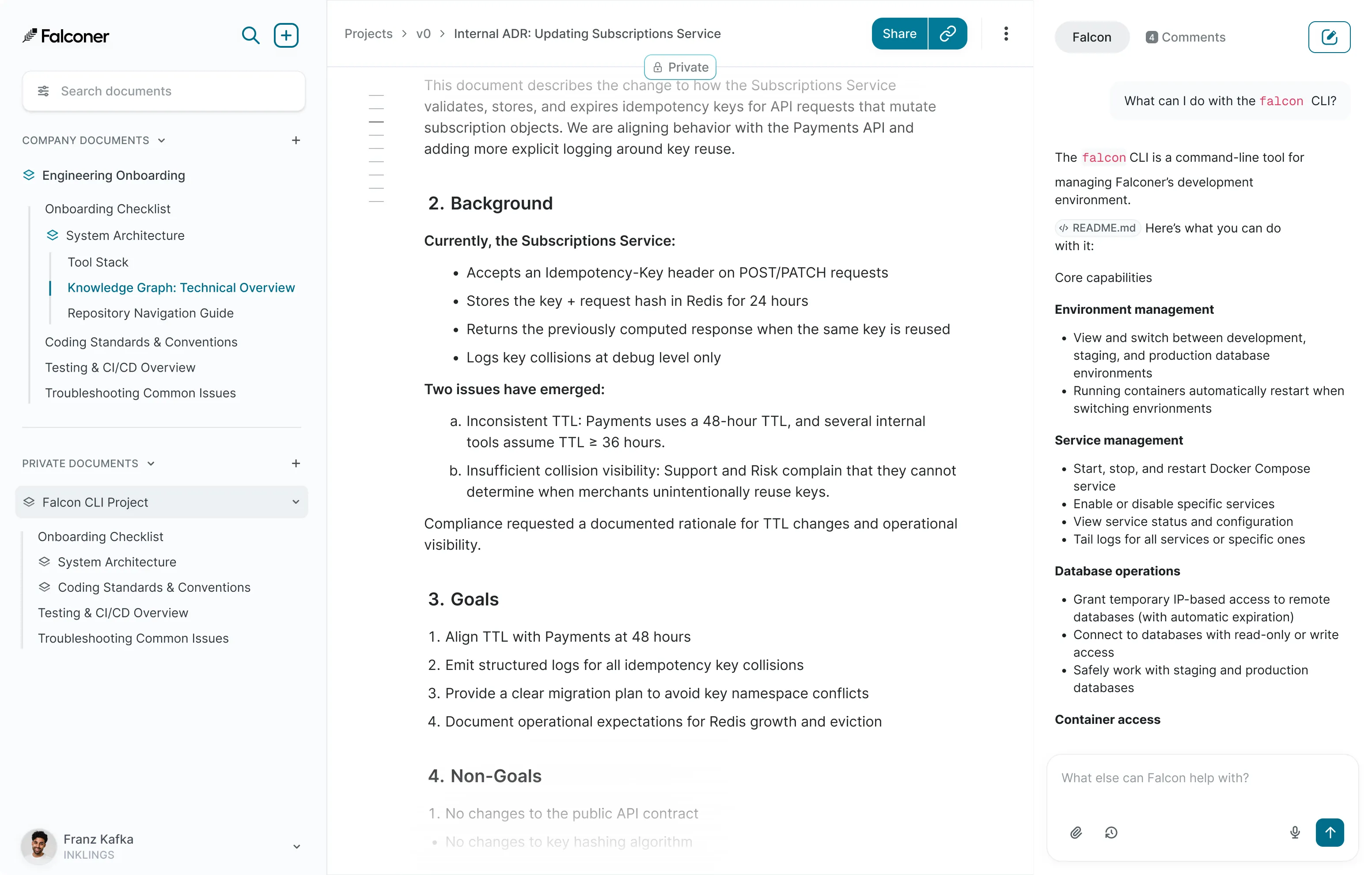
Falconer answers and documentation inside Slack

Ask questions, get cited answers

Ask Falconer about your codebase or docs and get reliable answers with source citations right in the conversation.

Turn threads into docs

Capture decisions, incidents, and releases from Slack threads and publish them as searchable documentation.

Keep docs up to date

Let Falcon refresh summaries when context changes so your Slack-sourced docs stay current automatically.

How it works

  1. Connect GitHub, Linear, and other sources.
  2. Install Falconer in your Slack workspace.
  3. Use @Falcon in a channel message to ask a question about code, docs, or tickets.
  4. Reply in any thread with @Falcon summarize this thread to turn decisions into a draft doc.
  5. DM Falcon to draft release notes, runbooks, or status updates from connected sources.
  6. Use @Falcon create issue to generate a ticket draft from a bug report or incident discussion.

Built for engineering teams

  • SOC 2 compliant infrastructure
  • Secure OAuth integrations
  • Respects existing Slack permissions