Find answers with Falconer
Use Falconer to instantly find answers across your codebase, docs, tasks, and conversations.
Where to ask questions
Section titled “Where to ask questions”From the homepage
Section titled “From the homepage”Go to the Falconer homepage and use the search bar to ask questions about your knowledge base.
Falconer searches across all connected sources — GitHub repositories, Slack, Linear tasks, Notion pages, and Google Drive — to deliver the best answer.
From the editor
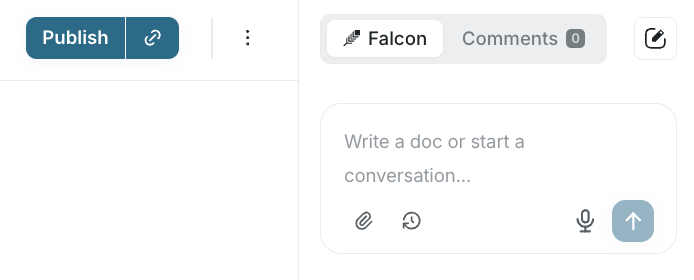
Section titled “From the editor”While working in a document, open the right sidebar and chat with the Falcon agent.
Every answer cites sources from your organization, so your team knows the information is current.
From Slack
Section titled “From Slack”Ask Falcon questions directly in Slack.
What to ask
Section titled “What to ask”Falcon searches all your connected sources simultaneously and gives a single answer. Here are some examples:
Parts of your codebase:
How does authentication work end-to-end?The status of tasks and projects:
What's the current status of the billing refactor?Decisions and context:
Why did we switch from Redis to Postgres for session storage?Processes and policies:
What's the deployment process for staging?Next steps
Section titled “Next steps”After receiving an answer, you can use Falconer to write a document.