Docs as code: how to keep documentation in sync with your codebase
Everyone talks about docs as code like it’s a solved problem. Store your docs in Markdown, version them in Git, review changes through pull requests, publish via CI/CD. Your team did all of that and the docs still fall behind because the workflow assumes engineers will notice when documentation needs updating. They won’t, not at scale. A backend service gets renamed and the onboarding guide keeps referencing the old name for months. An authentication flow changes and three different runbooks quietly become wrong. The tooling works perfectly, but the detection layer that should connect code changes to affected documentation simply doesn’t exist.
TLDR:
- Docs as code means version control for documentation, but most teams stop at tooling without solving drift.
- Engineers spend 3-10 hours weekly searching for information that should be documented and current.
- Version control tracks doc changes but can’t identify which docs need updating when code ships.
- AI-powered change detection closes the loop by flagging affected docs after every merged PR.
- Falconer automatically detects stale documentation and suggests targeted edits when your code changes.
What docs as code actually means (and what it doesn’t)
The docs as code approach boils down to one idea: treat your documentation the same way you treat your source code. That means version control, pull requests, code review, and automated deployment pipelines. Write in plain text formats like Markdown or reStructuredText, store it alongside your code in GitHub, and publish through CI/CD.
But here’s where most teams get tripped up. They assume the docs as code meaning is about file formats. Swap your wiki for a .md file, commit it to a repo, and you’re done, right? Storing Markdown in Git gives you version history, sure. It doesn’t give you documentation that actually reflects what your code does today.
The real promise of this docs as code workflow is synchronization: documentation evolves with the software it describes. And that’s the part almost nobody gets right.
The core problem most teams miss
Most teams adopt a docs as code approach and stop at the tooling. Markdown files live in the repo. Pull request templates include a “did you update the docs?” checkbox. And for about two weeks, it works.
Then reality sets in. A backend service gets refactored. An API endpoint changes its response schema. The engineer who made the change ships the code, closes the ticket, and moves on. No one told them which docs were affected, and hunting for stale references across a growing repo isn’t anyone’s idea of a good time.
Developers spend between 3 and 10 hours per week searching for information that should already be documented. For a 100-person engineering team, that’s 300 to 1,000 hours burned weekly on a problem that version control was supposed to fix.
The gap is simple: version control tracks what changed in your docs. It can’t tell you what should change. That responsibility falls on humans who need to notice, remember, and act. At scale, they won’t.
Why version control alone doesn’t solve documentation drift
Git gives you proximity. Your docs sit right next to your code, versioned and tracked. But proximity isn’t accuracy. A six-month-old architecture doc in the same directory as your service code looks authoritative. It carries the implicit endorsement of the repo itself. If no one has touched it since three refactors ago, that authority is a lie.
Stale documentation is worse than no documentation at all. When a doc is missing, engineers know to ask questions. When a doc exists but quietly drifts from reality, engineers trust it, build on wrong assumptions, and ship bugs rooted in outdated context.
The problem was never where docs lived. The problem is that nothing in the version control model connects a code change to the documentation it invalidates.
A commit that renames an internal service doesn’t find and flag the onboarding guide still referencing the old name. A merged PR that changes authentication flow doesn’t surface the three runbooks written around the previous implementation. Git tracks file history with precision. What it can’t do is reason about relationships between your code and the prose describing it.
Docs as code workflows: the mechanics
A standard docs as code implementation follows a predictable pattern. You pick a markup language, wire up a build pipeline, and treat every documentation change like a code change.
- Write in Markdown, reStructuredText, or AsciiDoc. Markdown dominates for its simplicity, while AsciiDoc handles more complex technical content like nested tables and admonitions.
- Store doc files in your source repo (often a
/docsdirectory) or in a dedicated documentation repo, depending on team size and project scope. Technical documentation platforms with codebase integration vary in how they handle this relationship. - Require pull request reviews for documentation changes, just like code. This keeps quality high and gives subject matter experts a chance to catch inaccuracies before publish.
- Use a static site generator like Sphinx, Jekyll, or MkDocs to convert source files into a published site.
- Wire your CI/CD pipeline to build and deploy docs on every merge to main.
The workflow itself is sound. Where it breaks down is the assumption that the right people will open the right PRs at the right time.
| Tool/Approach | What It Does | What It Can’t Do |
|---|---|---|
| Git + Markdown | Versions documentation files alongside code, tracks history of all changes, supports branching and merging workflows | Cannot detect when code changes invalidate existing documentation, relies on humans to remember which docs need updates |
| Sphinx / MkDocs / Jekyll | Converts plain text markup into published documentation sites, automates build and deployment through CI/CD pipelines | Cannot identify relationships between code commits and affected documentation, has no awareness of semantic drift |
| Confluence | Provides collaborative wiki interface with WYSIWYG editing, search, and permissions management outside the codebase | Lives outside version control and development workflow, still requires manual updates when code changes |
| GitHub Wiki | Stores documentation in a git-backed wiki attached to the repository, keeps docs close to code with basic versioning | Separate from PR workflow, no automated connection between merged code changes and wiki updates needed |
| Falconer | Watches merged PRs, runs semantic search to find affected docs, proposes targeted edits to outdated sections, notifies doc owners in Slack | Requires GitHub integration and existing documentation to analyze, works best with teams already practicing docs-as-code fundamentals |
The missing piece: automated change detection
Everything described in a typical docs as code workflow assumes humans will notice when documentation falls behind. Automated change detection flips that assumption. Instead of relying on engineers to remember which docs a code change affects, the system itself surfaces that relationship and prompts action.
This is where the real value of treating docs as code becomes clear. Not from the file format, not from the static site generator, but from closing the loop between a commit and the documentation it makes inaccurate.
The results of workflow-level improvements hint at what’s possible. One AWS team that adopted a docs as code approach saw publishing time drop by 25%, and after further refinements, by 50%. Those gains came from pipeline automation and review process changes. Imagine layering accuracy automation on top of that: a system that tells you what to publish and when.
That’s the piece the standard docs as code tools leave out entirely.
How AI closes the feedback loop
The detection problem described above is a search problem at its core. When a PR merges, something needs to read the diff, understand what changed semantically, and then scan across every piece of documentation to find references that no longer hold true. Humans can’t do this reliably across hundreds of files. AI can.
An AI layer sitting between your codebase and your documentation performs three jobs: it parses the intent behind a code change, runs semantic search against your doc corpus to surface affected pages, and flags those pages for human review. The engineer still decides what to write. AI handles the part no one had time for: figuring out where the rot is happening. Some systems generate docs automatically, but detection matters more than generation.
This reframes the role of AI in a docs as code workflow. It acts as a detection layer, not an authorship replacement. Writers keep ownership of accuracy and tone. The system keeps ownership of awareness, the thing that broke every previous attempt at keeping docs current. This is how a self-updating company brain actually functions.
How Falconer keeps docs in sync with every commit
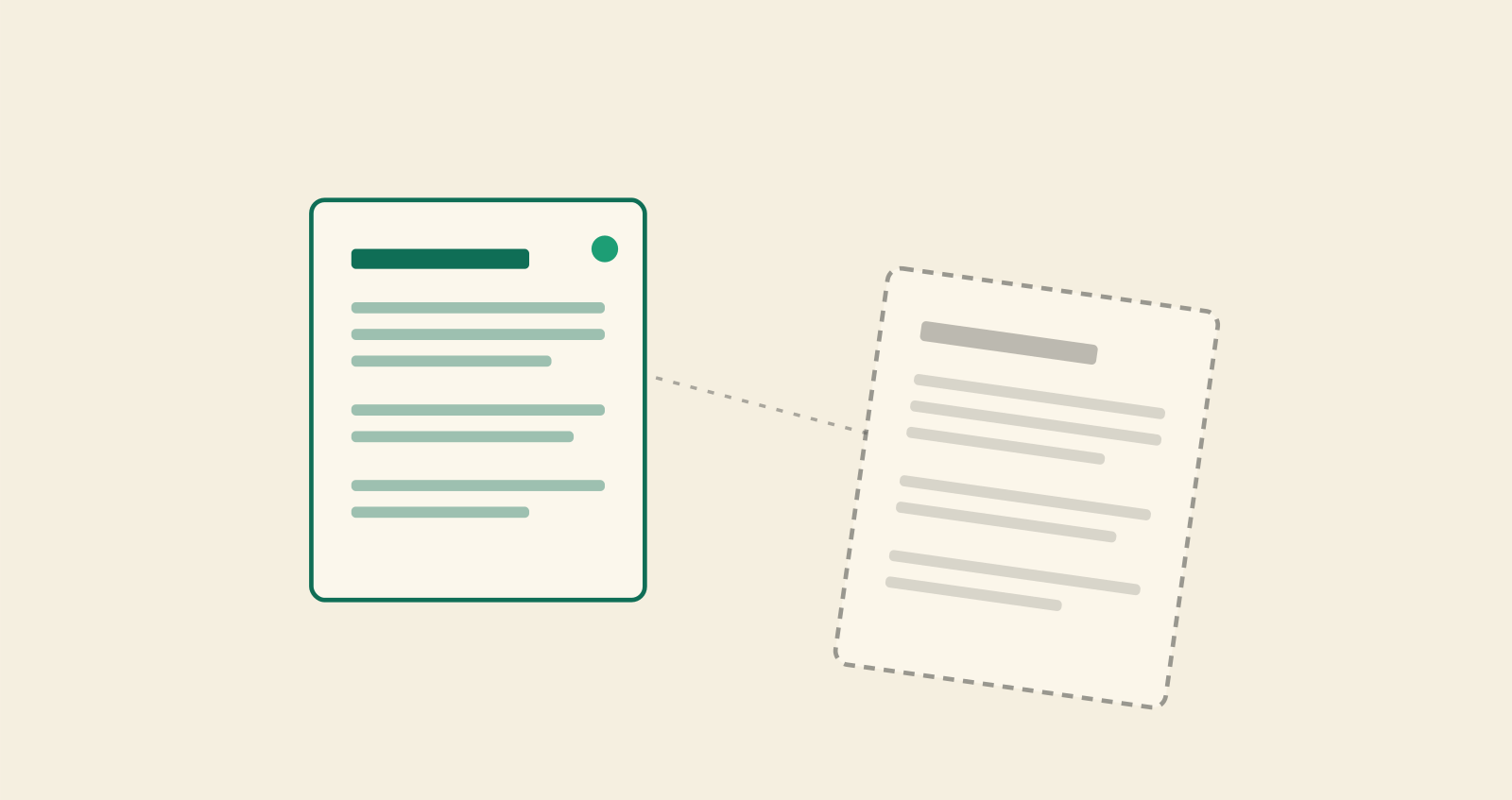
Falconer connects directly to your GitHub repos and watches every merged PR. When code ships, we run semantic search across your entire knowledge base to find the docs that reference what just changed. This goes beyond keyword matching to semantic understanding of what a code change means for existing prose.
Here’s what makes it precise without the noise: we run a multi-model adversarial system. One model argues the doc is stale given the new code. Another defends it. If the defense holds, the doc stays quiet. Only genuinely outdated content gets flagged.
When something does need updating, Falconer proposes targeted edits to specific sections and notifies doc owners in Slack. They can accept, revise, or reject the suggestion in seconds. No one has to go hunting.
This is the docs as code workflow the industry has been describing for years, except now every commit actually triggers the documentation response it should.
Final thoughts on closing the documentation feedback loop
Most teams using docs as code tools get stuck at the same point: they have the infrastructure but not the awareness layer that connects code changes to affected documentation. The workflow mechanics are sound, but proximity doesn’t equal accuracy when no system flags what actually needs updating. Give Falconer a try to see semantic change detection in action. We read your diffs, scan your knowledge base, and tell you exactly which docs went stale so you can fix them before they mislead anyone.
FAQ
What is docs as code?
Docs as code means treating documentation like source code: version controlled in Git, reviewed through pull requests, written in plain text formats like Markdown, and deployed through CI/CD pipelines. The approach stores your docs alongside your code so they evolve together through the same development workflow.
Can I use docs as code without it going stale immediately?
Yes, but only if you add automated change detection on top of the standard workflow. Version control gives you file history, not accuracy. You need a system that connects code changes to the documentation they invalidate and surfaces those relationships automatically.
Docs as code GitHub vs Confluence for engineering teams?
GitHub-based docs as code keeps documentation in your development workflow with version control and review processes, while Confluence sits outside the codebase as a separate wiki. GitHub wins for teams that want docs versioned alongside code, but neither solves the core problem: both require humans to notice when docs drift from reality.
How does AI help maintain docs as code accuracy?
AI runs semantic search across your documentation after every code change to find references that no longer hold true. It flags genuinely outdated content for review by comparing what changed in the code against what’s written in your docs, then notifies doc owners in Slack with targeted edit suggestions.
What are the main docs as code benefits?
Faster publishing through automated pipelines (AWS teams saw 25-50% reduction in publish time), better quality through code review processes, and complete version history for all documentation changes. The biggest potential benefit is synchronization between code and docs, though most teams struggle to achieve this without automated change detection.