Coda reviews, pricing, and alternatives (April 2026)
Your team picked Coda because it consolidated your wiki, project tracker, and automations into one place. The problem shows up later: engineers ship code constantly, and every doc inside Coda stays accurate only if someone updates it manually. Better Coda alternatives connect directly to your codebase and handle the updates automatically when pull requests merge. If your documentation is always outdated and your engineers waste hours hunting for answers, you need a tool that understands code, formulas, and the systems you actually build.
TLDR:
- Coda offers flexible doc-database hybrids but lacks codebase integration or auto-updates
- Engineering teams need tools that sync docs when code changes, not manual maintenance
- Falconer auto-updates documentation from pull requests and grounds AI in your actual code
- Most alternatives handle collaboration but miss codebase awareness and automatic syncing
- Falconer provides self-updating knowledge that stays accurate as your team ships code
What is Coda and how does it work?
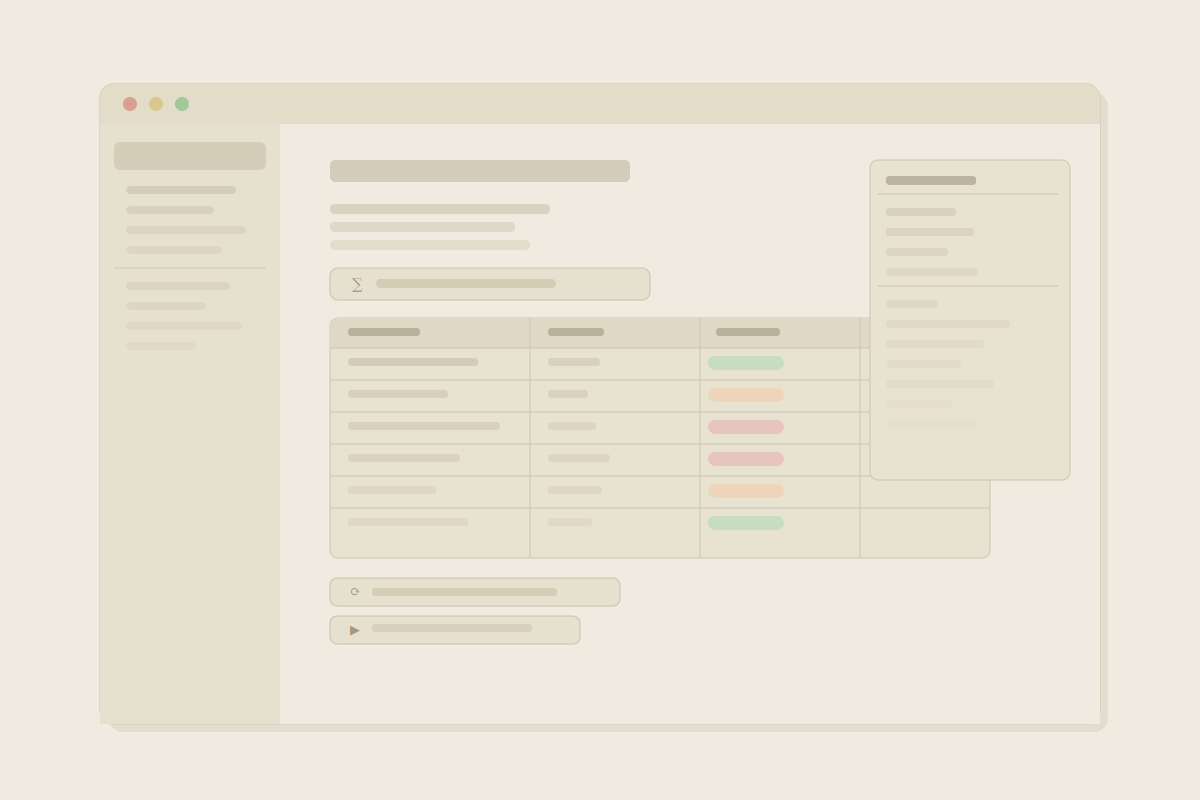
Coda sits somewhere between a document editor and a database builder. It lets teams combine written content, spreadsheets, and relational tables into a single interactive workspace, which sounds appealing until you’re three layers deep in a nested table wondering how you got there.
The core mechanic is a building block approach. You start with a doc, then layer in tables, formulas, and views. From there, Coda’s “Packs” connect to external tools like Slack, Jira, or Salesforce, letting you pull in data and trigger automations without leaving the doc. In contrast, Falconer focuses on keeping documentation synchronized with your actual codebase. Teams in operations, marketing, and product often use this to replace a handful of separate apps with one consolidated workspace.
Pricing
Pricing is tied to Doc Makers, meaning only users who create and edit docs pay. The Pro plan runs $10 per Doc Maker per month, while the Team plan is $30 per Doc Maker per month. Viewers and commenters don’t count toward that number, which keeps costs manageable for larger teams with mixed access needs.
| Plan | Price | Who pays |
|---|---|---|
| Free | $0 | Doc Makers only |
| Pro | $10/Doc Maker/month | Doc Makers only |
| Team | $30/Doc Maker/month | Doc Makers only |
The appeal is real: one place for your wiki, your project tracker, and your workflow automations. Whether Coda actually delivers on that in practice is where things get more complicated, and where people start looking for alternatives.
Why consider Coda alternatives?
Coda works well for operations, marketing, and product teams that need a flexible workspace to build trackers, databases, and lightweight automations. If your use case is replacing a spreadsheet and a few docs with one app, it often delivers.
But for engineering teams, the cracks show fast.
Coda has no concept of your codebase. It can’t connect to sources like GitHub and tell you when a feature has changed. It doesn’t know what your API does, what your services are named, or which docs are out of date because a recent pull request rewrote the underlying behavior. Every piece of technical documentation inside Coda stays accurate only as long as someone remembers to update it manually. As one engineering leader noted, engineering docs get out-of-date easily and staying in sync with code remains a persistent challenge.
That’s a fragile system. Engineers ship code constantly. Docs lag behind by days, then weeks, then months. At some point the docs stop being useful, and teams stop trusting them. The challenge is to finding and fixing outdated documentation before they cause confusion.
There’s also the learning curve. Coda’s formula language is closer to a spreadsheet engine than a writing tool, and mastering it takes real investment. Teams that want a knowledge base often spend weeks building the infrastructure before they can actually use it. For fast-moving engineering orgs, that overhead adds up.
If you need something that understands your codebase, answers questions grounded in actual code and context, and keeps documentation in sync without manual effort, Coda was never built for that. Many teams look for Coda alternatives when they realize the limitations around technical documentation workflows.
Best Coda Alternatives in April 2026
Falconer is an AI-powered knowledge management tool built for engineering teams. Where Coda gives you a flexible canvas, Falconer keeps what’s on that canvas accurate, automatically syncing documentation to when code changes.
Key capabilities:
- Auto-updates docs triggered from pull requests and Slack threads
- AI grounded in your actual codebase, not generic LLM output
- Unified search across code, documents, and tasks
- MCP integration with Claude Code and Cursor (connect MCP)
- Connects to GitHub, Slack, Linear, Granola, and other tools to manage docs with the MCP
Falconer is best for fast-moving engineering teams where codebases evolve faster than any manual process can track.
Google Docs
Google Docs is a cloud-based document editor with real-time collaboration, commenting, and Google Workspace integration. It’s familiar and frictionless for basic writing. The catch: no GitHub connection, no codebase awareness, just folders of files that go stale. Fine for simple storage, but a poor fit for teams managing technical documentation at any meaningful scale.
Notion
Notion combines notes, wikis, databases, and project management into one flexible workspace. Popular with product and ops teams, but engineers face constant manual upkeep. AI outputs aren’t grounded in your codebase, and there’s no GitHub integration to catch when docs drift out of date.
Confluence
Atlassian’s long-standing enterprise wiki. Deep Jira integration and enterprise permissions make it familiar for large IT-governed organizations. The reputation precedes it, though: low voluntary adoption, a legacy interface, and fully manual documentation maintenance are recurring complaints.
Guru
Guru focuses on search and knowledge capture with AI-powered search across connected tools. The limitation: search-first tools assume your docs are already accurate. When code changes, Guru can’t flag or update docs from Slack conversations or affected documentation.
Feature comparison: Coda vs top alternatives
The alternatives listed above each solve a different slice of the knowledge problem. This table shows how they stack up across the features that matter most for engineering teams.
| Feature | Coda | Falconer | Google Docs | Notion | Confluence | Guru |
|---|---|---|---|---|---|---|
| Codebase integration | No | Native GitHub | No | No | No | No |
| Auto-updating docs | No | Yes, triggered by PRs | No | No | No | No |
| AI grounded in code | No | Yes | No | No | No | No |
| Real-time collaboration | Yes | Yes | Yes | Yes | Yes | No |
| Search | Keyword | AI answers with citations | Keyword | Keyword | Keyword | AI search |
| Workflow automation | Yes | Yes, automatic | No | Limited | Limited | No |
| IDE integration | No | Yes, via MCP | No | No | No | No |
The pattern is hard to miss. Most tools handle collaboration and basic search reasonably well, but when you need to find answers with Falconer, you get AI grounded in your actual codebase. Where they fall short is everything tied to the codebase: knowing when docs are stale, understanding what the code actually does, and surfacing answers grounded in real context instead of stale snapshots from six months ago.
Coda’s automation story is stronger than most in this group, but it’s entirely formula-driven. You build the rules; you maintain the rules. Falconer’s automation runs in the background without you configuring it, which is a meaningful difference for teams that ship frequently.
Why Falconer is the best Coda alternative
Coda’s core assumption is that someone on your team will keep documentation current. For engineering orgs shipping code every day, that assumption fails quietly and consistently until the docs stop being trusted at all.
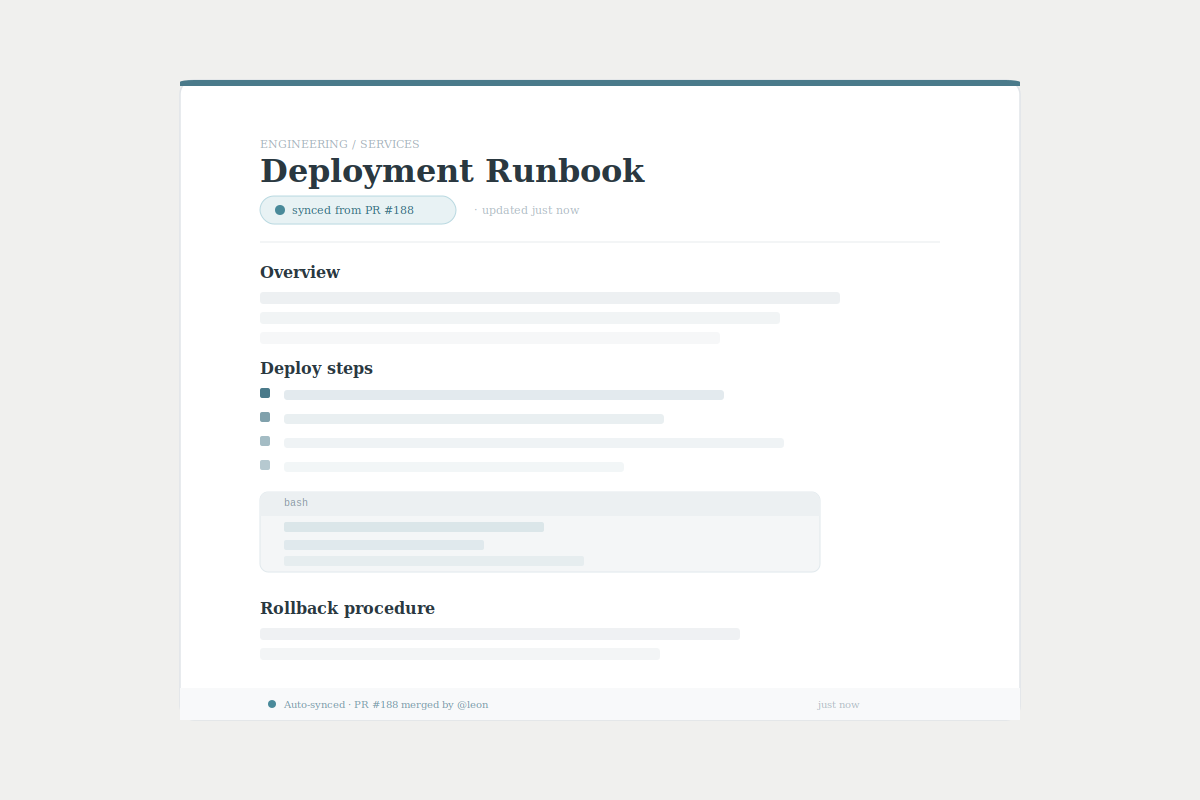
Falconer is built around the opposite assumption: nobody has time to maintain docs manually, so the system should do it. When a pull request ships, Falconer detects what changed and proposes documentation updates to generate docs automatically. No formula to configure, no automation to babysit. The maintenance happens in the background while your team ships.
The AI difference matters too. Coda’s AI generates content, but it has no idea what your codebase does. Falconer’s AI is grounded in your actual code, Slack threads, tickets, and docs, so answers reflect what’s true right now, not what someone wrote months ago. That’s the difference between a general writing assistant and something that actually understands your system.
“If we can make the people at the center of the company’s universe more productive, everybody benefits.”
For teams where engineering velocity is the priority, Coda offers flexibility. Falconer offers accuracy. If your documentation is constantly drifting out of sync and your engineers are wasting time hunting for answers, that gap only compounds as your codebase grows.
Final thoughts on picking a knowledge tool that actually works
If you’re looking at Coda alternatives, you’ve already figured out that flexible workspaces don’t solve the core problem: docs drift out of sync the second code changes. Falconer grounds everything in your actual codebase and updates automatically when pull requests merge. Your engineers shouldn’t waste time hunting for answers that stopped being accurate three deploys ago. Try Falconer today and see what happens when your knowledge base finally stays current without anyone touching it.
FAQ
When should you consider moving away from Coda?
If your team ships code frequently and your documentation constantly lags behind, Coda can’t keep up without manual maintenance. Engineers need tools that understand the codebase and detect when docs go stale. Flexible canvases that require constant manual updates won’t cut it.
What should you look for in a Coda replacement?
Look for codebase integration first. Can the tool connect to GitHub and flag outdated docs when code changes? Does the AI understand your actual system, or does it just generate generic content? For engineering teams, accuracy matters more than flexibility.
How do you know if your knowledge management tool is failing?
If engineers regularly get blocked waiting for answers, docs are months out of sync with the codebase, or teams have stopped trusting written documentation entirely, your tool has stopped serving its purpose. The knowledge should stay current without constant human intervention.
Why do most documentation tools fail for engineering teams?
They treat documentation as static files instead of living systems. Code evolves daily, but the tools assume someone will manually update every affected doc. That assumption breaks down fast, leaving teams with knowledge that decays the moment it’s written.
Can AI writing assistants replace tools built for engineering documentation?
General AI assistants generate content but have no idea what your codebase does or when it changes. For technical documentation, you need AI grounded in your actual code, pull requests, and tickets so answers reflect current reality, not outdated snapshots.
Ready to get started?
Create an account and start building your knowledge base — no contracts or credit card required. Or, contact us to design a custom package for your team.

Ready to get started?
Create an account and start building your knowledge base — no contracts or credit card required. Or, contact us to design a custom package for your team.