Best AI documentation tools for engineering teams (April 2026)
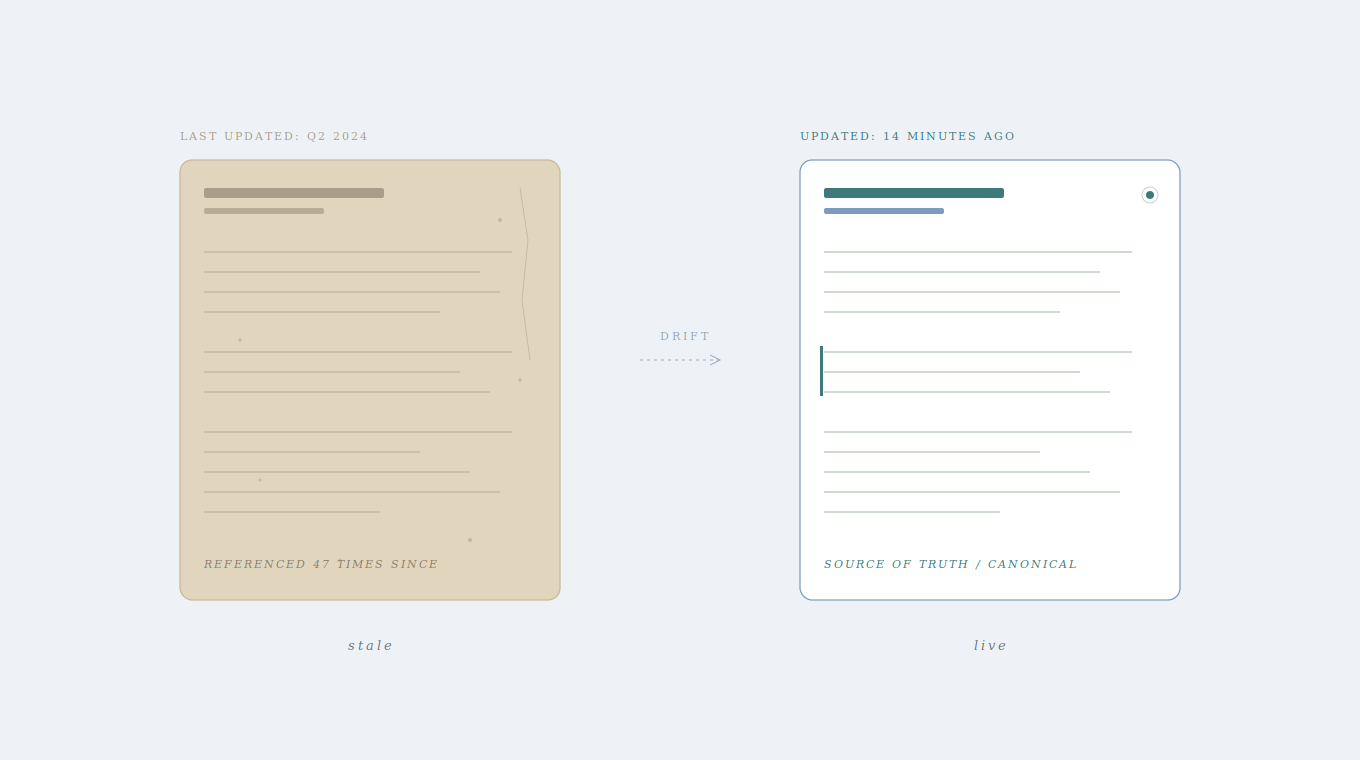
Your documentation is either outdated or nonexistent, so your engineers default to Slack threads and the occasional heroic coworker who just knows everything. That person is tired. Your onboarding is slow. Your team interrupts each other constantly for context that should be written down somewhere. AI documentation tools exist to fix exactly this problem by maintaining accurate technical knowledge as code changes and making it searchable across all your sources. We tested five platforms to find out which ones genuinely keep docs current versus which ones just search through stale content faster.
TLDR:
- AI documentation tools keep technical docs synced with code changes automatically
- Auto-updating capabilities matter most, search alone won’t fix outdated information
- Most tools handle either code docs or search, but not both plus cross-team knowledge
- Falconer auto-updates docs from PRs and unifies search across code, Slack, and tickets
- Falconer feeds company context to coding agents via MCP integration with SOC 2 compliance
What are AI documentation tools?
AI documentation tools are software products that help engineering teams create, maintain, and search technical documentation using AI. They sit at the intersection of knowledge management and developer tooling, pulling context from codebases, internal communications, and existing docs to keep information accurate and accessible.
Why does this category exist? Because code changes faster than anyone can write about it. A feature ships on Monday, and by Wednesday the docs describing it are already outdated. Engineers have lived with this gap for years, relying on Slack threads, tribal knowledge, and the one person who “just knows” how the system works. When that person goes on vacation or leaves the company, so does the context.
These tools tackle the problem from different angles. Some focus on auto-generating documentation from code. Others focus on search and retrieval across scattered sources. A few attempt both while keeping docs in sync as the underlying codebase evolves. The common thread is using AI to handle the parts of documentation that humans consistently neglect: writing it, updating it, and organizing it so someone else can actually find it later.
How we ranked AI documentation tools
We assessed each tool based on publicly available information about features and capabilities, scored against six criteria that matter most to engineering teams:
- Auto-updating capabilities: Does the tool keep docs in sync with code changes automatically, or does it still rely on someone remembering to hit “update”?
- Integration depth: How well does it connect to the tools engineers already live in, like GitHub, Slack, Linear, and IDEs?
- AI quality and context awareness: Are AI outputs grounded in your company’s actual codebase and internal knowledge, or generic?
- Cross-source search: Can it surface answers from docs, code, and conversations in one query?
- Security and compliance: Does it offer SOC 2 certification, encryption standards, SSO, and flexible deployment options?
- Deployment flexibility: Can teams run it in the cloud, in a VPC, or on-premise?
No tool earned a pass on reputation alone. If a feature wasn’t clearly documented, we didn’t assume it existed.
Best overall AI documentation tool: Falconer
Falconer is a self-updating knowledge layer that keeps technical documentation accurate as code evolves, serving both human teams and AI agents. We built it because we lived the problem firsthand at Uber and Stripe: static documentation rots the moment it’s written.
Here’s what sets Falconer apart:
- Auto-updates docs when code changes through pull requests and Slack threads, removing the manual maintenance burden entirely
- Builds a knowledge graph across GitHub, Slack, Linear, Notion, and Google Drive for unified context
- MCP integration feeds company-specific context to coding agents like Claude Code and Cursor
- Total Search surfaces answers across your codebase, docs, and conversations instead of returning a list of links to dig through
- Falcon AI agent, accessible from Slack, the editor, and your IDE, can answer questions spanning millions of lines of code and hundreds of thousands of documents
- SOC 2 Type II certified with multi-tenant SaaS, managed single tenant, and self-hosted hosting options
Your docs stay accurate without anyone babysitting them, and every AI tool your team touches gets grounded in what’s actually true about your systems.
Stilla
Stilla is an AI-powered collaboration tool that captures meeting decisions and automatically executes follow-up work across Slack, Linear, GitHub, and Notion. It functions as a meeting-to-action pipeline instead of a traditional documentation tool.
What they offer
- Connects to Slack, Linear, GitHub, and Notion to maintain a continuously updated understanding of team work
- Captures meetings and translates decisions into coordinated actions like creating PRs, tickets, and docs
- Detects customer feature requests and pain points, then proposes projects for R&D teams with full context
- AI agents that auto-triage issues, post standups, draft PRs, and send updates
Where it fits
Stilla works well for product teams that run on synchronous meetings and need better follow-through on action items. If your primary bottleneck is executing decisions instead of maintaining evergreen knowledge, it covers that gap.
Where it falls short
Stilla’s context is rooted in meetings and their downstream actions. It doesn’t offer unified search across historical documentation, codebases, or asynchronous knowledge that lives outside meeting contexts. For engineers who need answers spanning their entire knowledge base, that’s a real limitation. If your team is battling stale docs, slow onboarding, or engineers burning hours searching for information, you’ll still need a knowledge layer that maintains context well beyond what happened in the last standup.
Swimm
Swimm is a code documentation tool that generates and maintains docs directly from your codebase, with a tight focus on keeping technical content synced as code evolves.
What they offer
- Documentation that automatically syncs with your codebase so content stays current as code changes
- Code-coupled docs linked directly to code snippets, with auto-sync triggered by code updates
- Documents containing live code spanning multiple files and repositories, kept up to date as part of CI
- Integration with GitHub and GitLab repos for version control workflows
Where it fits
Swimm works well for engineering teams that need code-specific documentation tied to repositories. If your goal is lightweight onboarding materials anchored directly in the codebase, it delivers on that narrow use case.
Where it falls short
Swimm focuses exclusively on codebase documentation. It can’t ingest or connect knowledge from Slack threads, Linear tickets, Google Docs, or Notion. That means critical context from project decisions, roadmap changes, and cross-functional discussions living outside the repo stays invisible. Teams whose knowledge spans code, conversations, specs, and tickets need something that unifies all of those sources instead of documenting repos in isolation.
Mintlify
Mintlify is a developer documentation tool built for creating and hosting external-facing API and SDK docs with AI-assisted generation.
What they offer
- GitHub integration that converts Markdown and MDX files into responsive pages with AI-driven features like code generation and translations
- Interactive API reference that lets developers interact with documentation directly, testing endpoints, parameters, and responses
- Repository integration to keep docs current alongside code changes
- AI agent that updates docs from pull requests when feature changes merge
Where it fits
Mintlify works well for teams building developer-facing products that need polished, public API docs and SDK guides. If your priority is improving customer onboarding and developer experience with clean, hosted documentation, it handles that capably.
Where it falls short
Mintlify is built exclusively for external developer documentation. There’s no internal knowledge management, no Slack integration, no cross-source search, and no way to manage runbooks, architecture decisions, or the internal technical context engineering teams reach for daily. If your team is struggling with stale internal docs, slow engineer onboarding, or constant Slack interruptions, Mintlify solves a different problem entirely. It creates the documentation customers read, not the documentation your team uses to actually build the product.
Glean
Glean is an enterprise AI search tool that indexes content across workplace applications, helping employees find information scattered throughout their tech stack.
What they offer
- Enterprise search that uses AI to surface answers across apps like Microsoft 365, Slack, Jira, and more
- Integrates with over 100 apps to pull in company information and map out who works on what
- AI assistant that helps employees find and summarize information with permission-aware results
- Agentic capabilities including agents that can summarize backlogs and draft Slack updates
Where it fits
Glean works well for large enterprises where documentation is already mature and relatively stable. If your primary challenge is discoverability across dozens of tools instead of keeping docs accurate, Glean’s broad integration library covers a lot of ground.
Where it falls short
Glean finds what already exists. It won’t create documentation, update it when code changes, or detect outdated documentation. It can’t trigger updates from pull requests or keep your runbooks in sync as the codebase evolves. For engineering teams, this is a meaningful gap. Better search over stale information still returns stale information. If your docs are outdated, finding them faster won’t solve the underlying problem. You need documentation that stays current automatically, not a faster way to locate content that stopped being accurate two sprints ago.
Feature comparison table of AI documentation tools
Here’s how each tool stacks up across the criteria that matter most to engineering teams.
| Feature | Falconer | Stilla | Swimm | Mintlify | Glean |
|---|---|---|---|---|---|
| Auto-updates docs when code changes | Yes | No | Yes | Yes | No |
| Unified search across all sources | Yes | No | No | No | Yes |
| Integrates with Slack | Yes | Yes | No | No | Yes |
| Integrates with GitHub | Yes | Yes | Yes | Yes | Yes |
| Internal knowledge management | Yes | No | Yes | No | Yes |
| External documentation hosting | No | No | No | Yes | No |
| AI agent for coding context (MCP) | Yes | No | No | No | No |
| Cross-functional team access | Yes | Yes | No | No | Yes |
| SOC 2 certified | Yes | No | Yes | No | Yes |
A few patterns worth noting: GitHub integration is table stakes, but Slack integration and unified cross-source search remain surprisingly uncommon. Only Falconer combines all three capabilities in a single product. If your team needs a tool that works for engineers and non-engineers alike while keeping knowledge current, that combination narrows the field quickly.
Why Falconer is the best AI documentation tool
Every tool in this roundup solves a piece of the documentation puzzle. Falconer solves the whole thing. Knowledge decays constantly in fast-moving engineering organizations, and most tools either help you find stale information or capture new decisions without maintaining what came before.
With 82% of developers relying on AI tools weekly for tasks like code generation, debugging, and documentation, and AI coding assistants saving developers 3-4 hours weekly on average, those tools are only as good as the context feeding them. Generic outputs waste time. Company-specific context saves it.
Falconer keeps docs accurate automatically and makes that knowledge available everywhere your team needs it, from Slack to your IDE to the agents writing your code.
That’s the difference between solving the search problem and solving the maintenance problem. If you’re ready to stop babysitting your documentation, give Falconer a try.

Final thoughts on selecting documentation software
Your documentation problem isn’t that information is hard to find, it’s that the information you find is already wrong. AI documentation tools that auto-update when code changes solve the actual bottleneck, along with the symptom. When your docs stay current automatically and feed accurate context to every AI agent your team uses, everything else gets faster. Try Falconer and see what accurate knowledge does for your velocity.
FAQ
How do I choose the right AI documentation tool for my team?
Start by identifying your primary bottleneck: if docs go stale faster than you can update them, focus on auto-updating capabilities and codebase integration; if your team can’t find existing information, focus on cross-source search; if you’re building external API docs, look for hosted solutions like Mintlify. Match the tool’s core strength to your biggest pain point.
Which AI documentation tool works best for early-stage engineering teams?
Early-stage teams need tools that scale with rapid code changes and limited headcount. Falconer and Swimm both auto-update docs as code evolves, but Falconer pulls context from Slack, Linear, and Notion too, while Swimm focuses only on repository-level documentation. If your knowledge spans more than just code, you need broader integration.
Can AI documentation tools integrate with coding assistants like Cursor or Claude?
Only Falconer currently offers MCP integration that feeds company-specific context directly to coding agents. This matters because AI coding assistants generate better outputs when grounded in your actual codebase and internal decisions instead of generic training data. Without this integration, your coding agents work with incomplete context.
What’s the difference between search-focused and maintenance-focused documentation tools?
Search-focused tools like Glean help you find existing information faster across multiple apps, but they don’t create or update content when code changes. Maintenance-focused tools like Falconer and Swimm automatically sync docs with code evolution, keeping information accurate without manual work. Better search over stale docs still returns stale information.
When should I consider switching from my current documentation setup?
If engineers spend more than 5 hours per week searching for answers, repeatedly explain the same context in Slack, or onboarding new hires takes months instead of weeks, your current setup isn’t working. The cost of stale or unfindable documentation compounds as your team and codebase grow.
Ready to get started?
Create an account and start building your knowledge base — no contracts or credit card required. Or, contact us to design a custom package for your team.

Ready to get started?
Create an account and start building your knowledge base — no contracts or credit card required. Or, contact us to design a custom package for your team.