Create architecture overviews
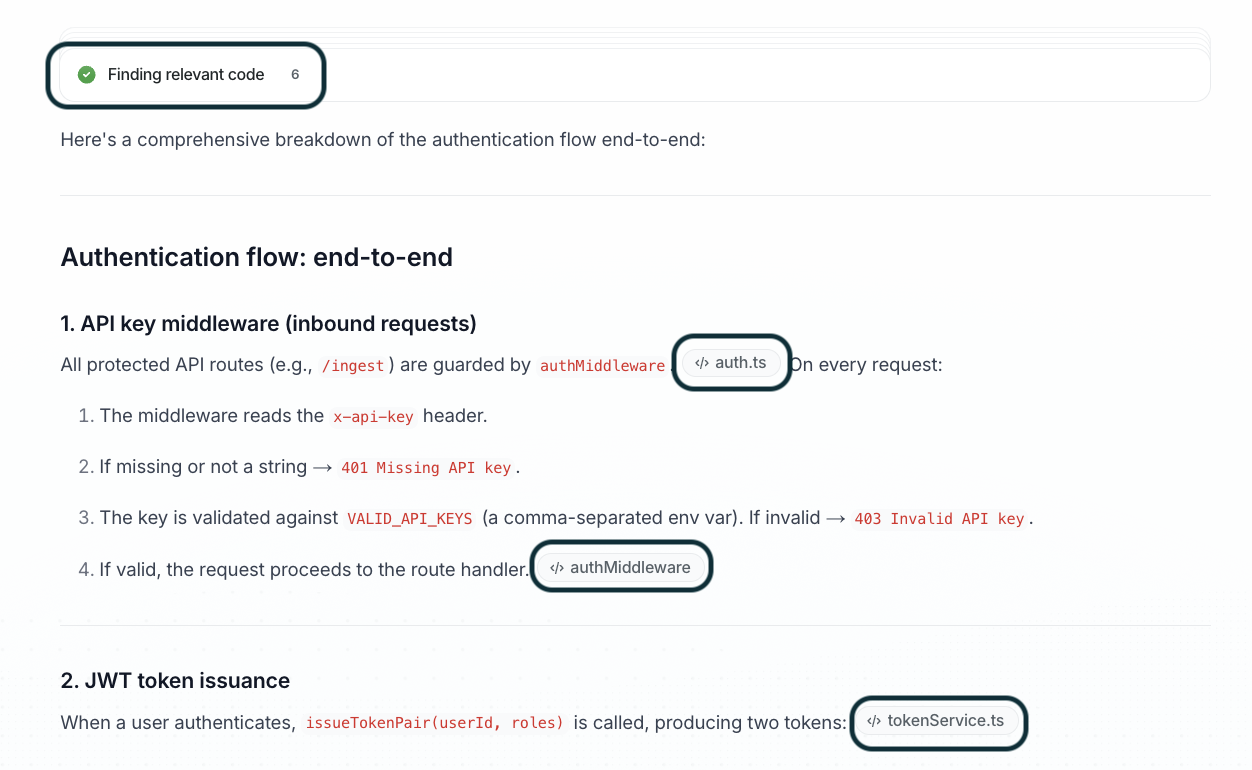
Ask Falconer to explain how any part of your codebase works — from high-level system architecture down to how a specific feature is implemented. Falconer reads your connected repositories and synthesizes answers with citations to the actual files.
Prerequisites
Section titled “Prerequisites”Connect GitHub as a source so Falconer can read your codebase.
Ask about your architecture
Section titled “Ask about your architecture”Use the agent from the homepage or the editor sidebar. Ask in plain language — no need to know which files are relevant:
Give me an overview of how this codebase is structuredHow does our authentication flow work end-to-end?Explain the relationship between our API gateway and the services behind itFalconer searches across your connected repositories, synthesizes an explanation, and cites the specific files and functions it drew from.
Generate diagrams
Section titled “Generate diagrams”Ask Falconer to produce a visual diagram of any system, service, or data flow:
Create an architecture diagram for the notification serviceDiagrams are rendered inline as interactive Mermaid diagrams. You can ask Falconer to adjust the scope or level of detail.
Drill into specific implementations
Section titled “Drill into specific implementations”Once you have the high-level picture, follow up to go deeper:
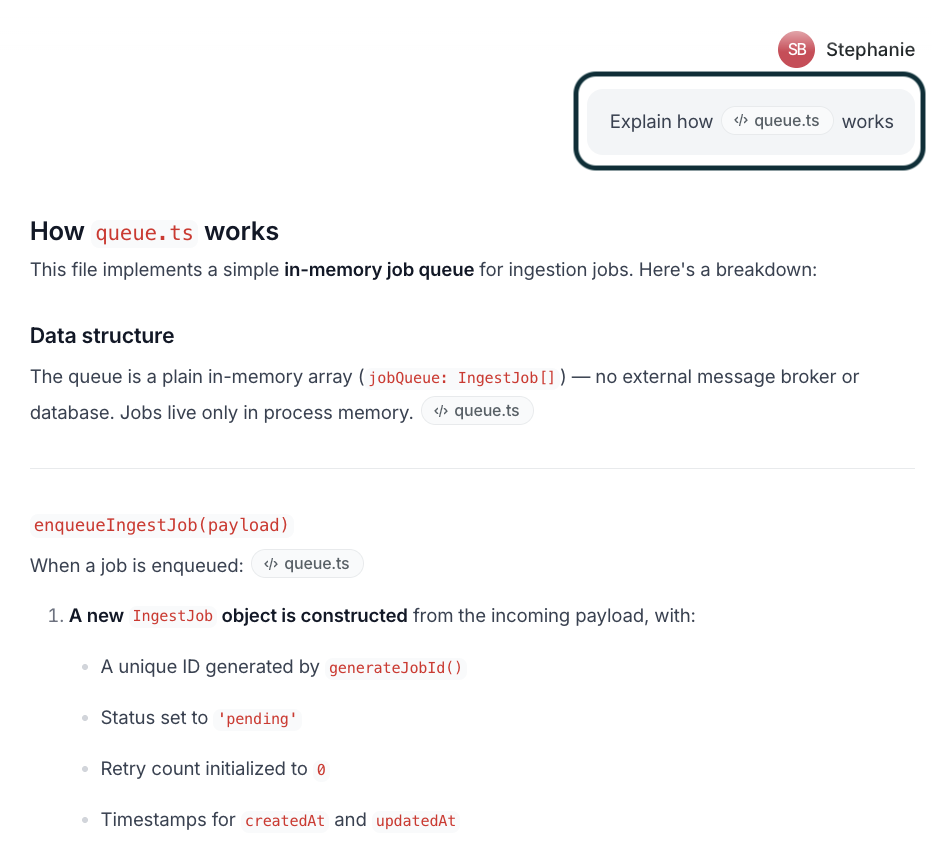
How is retry logic handled in the webhook service?Walk me through how we handle session expiryUse @ to focus Falconer on specific files or directories:
Turn answers into documents
Section titled “Turn answers into documents”After getting an explanation you want to preserve, ask Falconer to write it up:
Write a doc explaining what you just describedThe draft opens in the editor, where you can refine it and publish it to your company collection.