Create Linear issues from Falconer
Create Linear issues from Slack conversation or Falconer docs.
Prerequisites
Section titled “Prerequisites”Before creating Linear issues from Slack, make sure:
- Slack is connected — An admin has installed the Falconer Slack app in your workspace
- Linear is connected — An admin has connected your Linear organization in Falconer settings
- Pro plan — Creating Linear issues from Slack requires a Pro subscription
Create a Linear issue from Slack
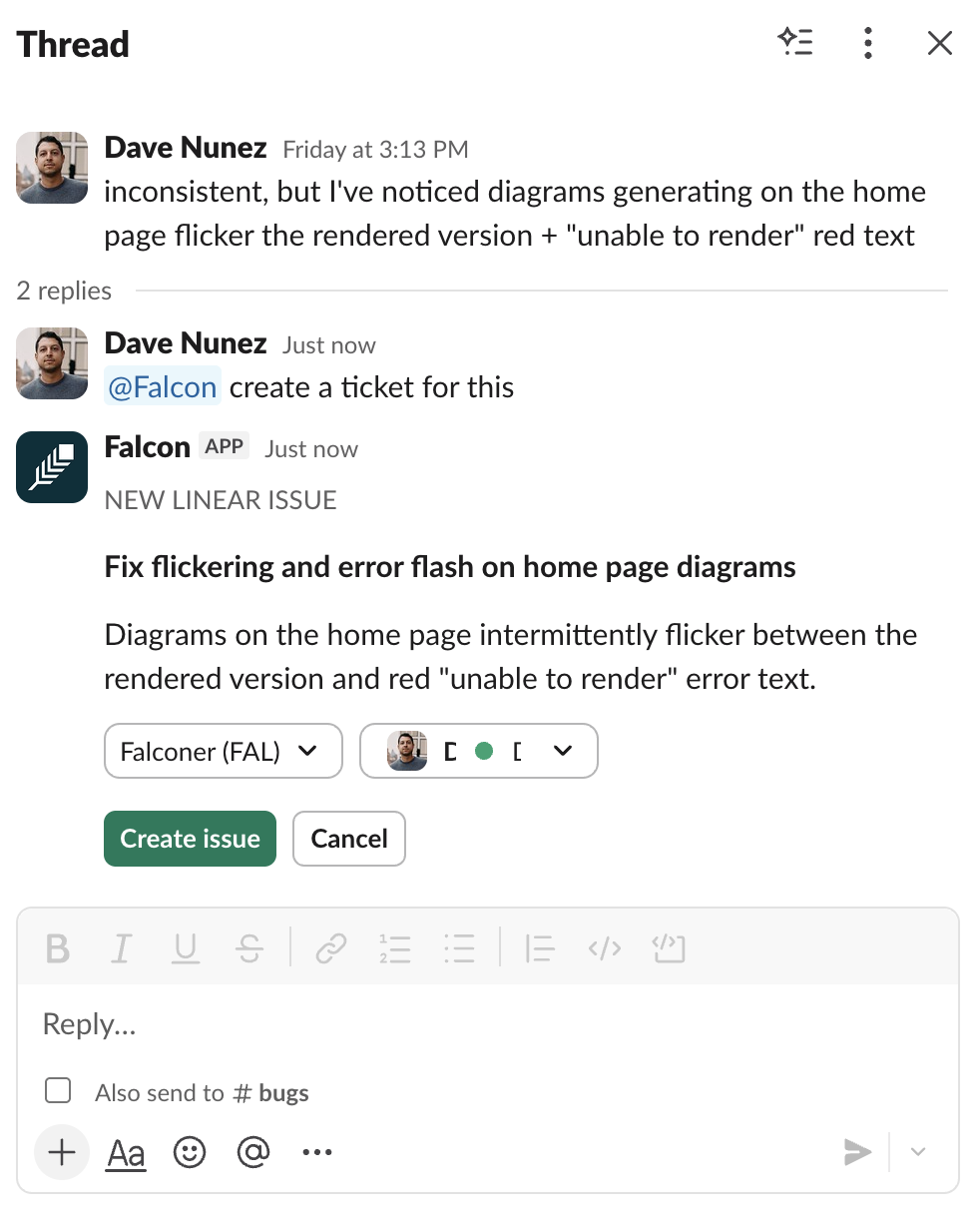
Section titled “Create a Linear issue from Slack”Ask @falcon within Slack to create issues from Slack conversations. Falconer reads the full thread context and generates a title and description for you.
Example prompts:
@falcon create a ticket for this bug@falcon file a task for me to follow up on this@falcon turn this thread into a Linear issueFalconer generates a preview message in the thread to confirm project and assignee:
Create issues from a doc
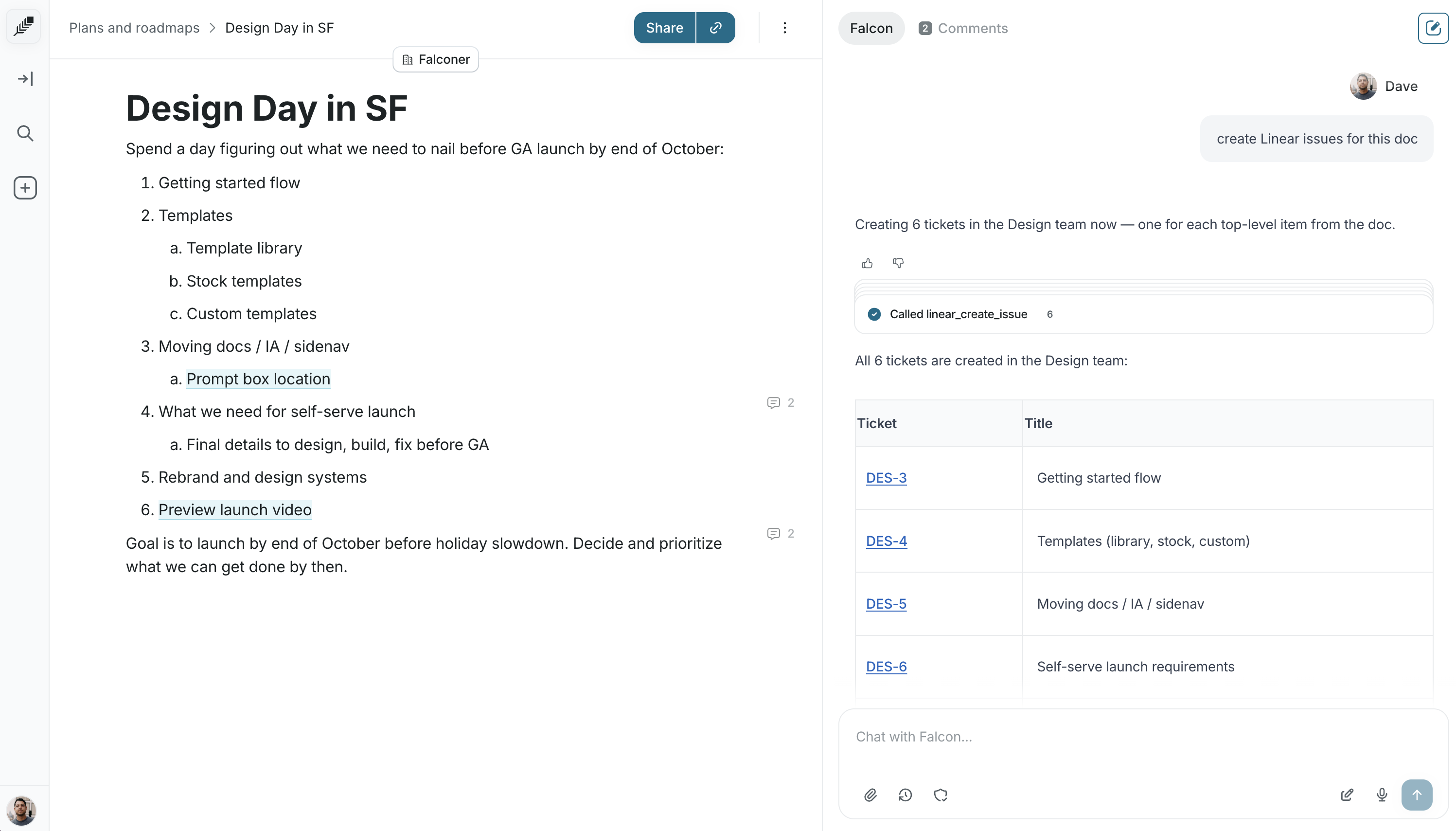
Section titled “Create issues from a doc”You can ask Falconer to create multiple issues from a single message. Falconer analyzes the document and generates individual issues for relevant items: