Capture decisions in Slack
Important decisions happen in Slack, then vanish. The team agrees on a design approach, someone shares a workaround, and a week later no one can find any of it.
Use @Falcon remember to save any fact, decision, or context the moment it happens, right from Slack. Falcon stores this information as searchable memory, ready to surface when answering questions or writing docs.
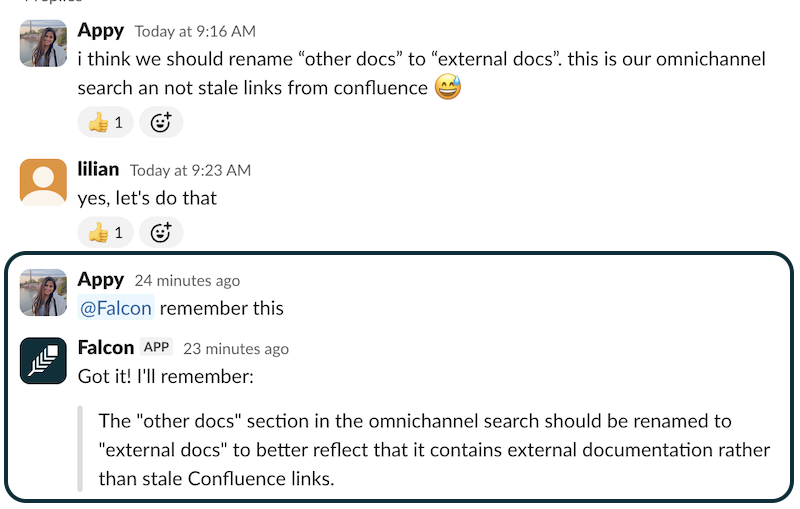
Ask Falcon to remember things
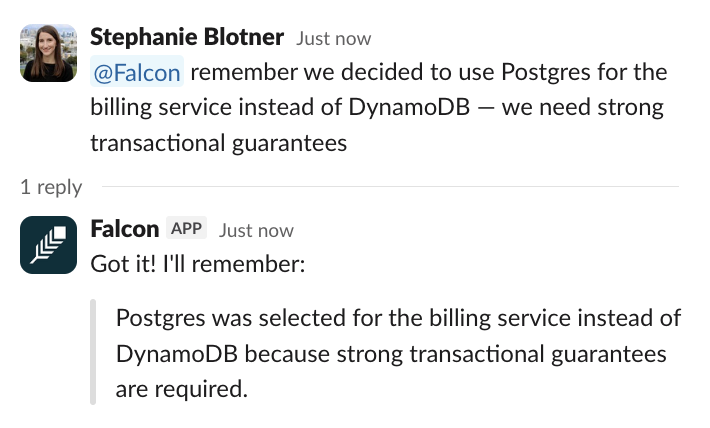
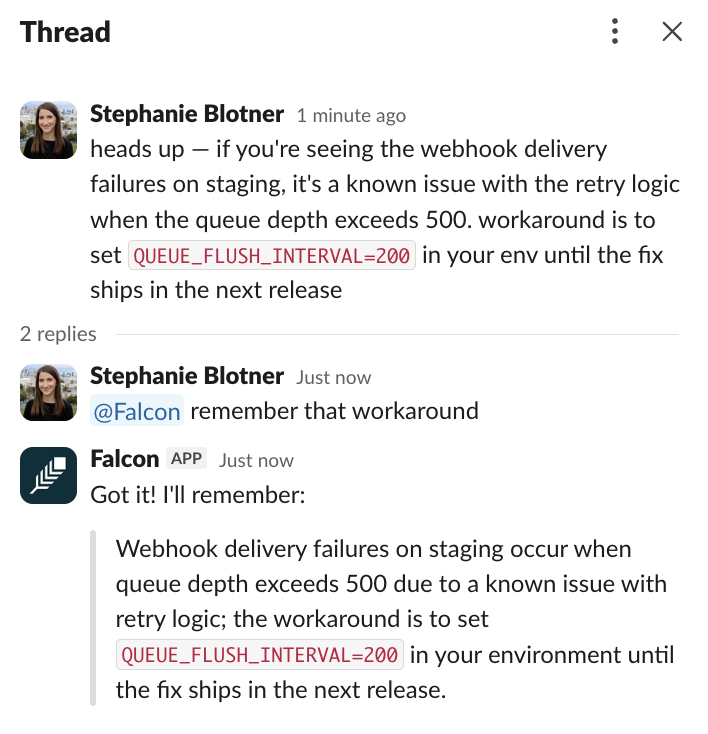
Section titled “Ask Falcon to remember things”In any Slack channel, thread, or DM, type @Falcon remember to save any fact worth keeping. It can read through long threads instantly to find what you want to save. Use it to remember things like workarounds, architecture decisions, and meeting outcomes.
Falcon confirms creating the memory in a thread. If a conflicting memory already exists, Falcon asks whether you want to replace it before storing the new fact — keeping you in control of what gets remembered.
Examples:
What Falcon does with memories
Section titled “What Falcon does with memories”Once a memory is saved, Falcon treats it as a high-trust source, the same way it treats your documents and code.
When someone asks a related question in Slack, Falcon surfaces the memory with full provenance: who captured it, when, and where.
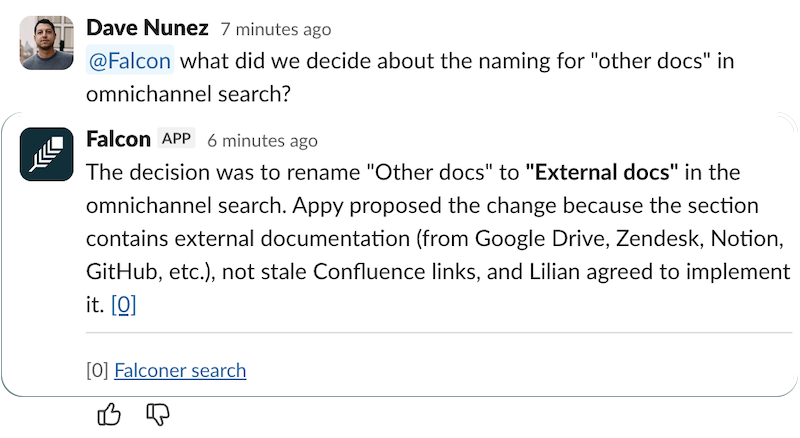
Next steps
Section titled “Next steps”Try it: Type @Falcon remember [a recent team decision] in any channel.