Falconer Generate: from repo to doc set in minutes

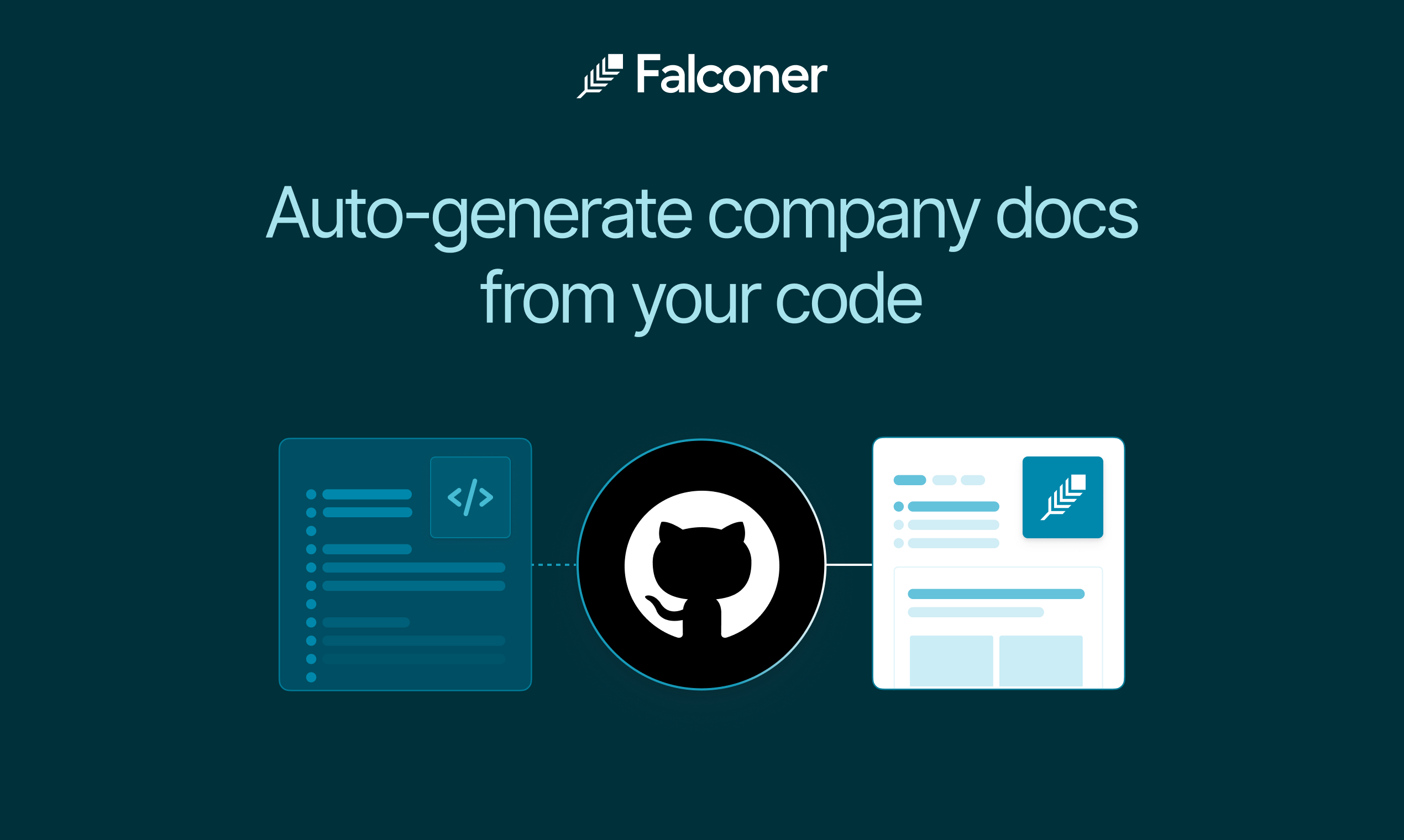
AI is accelerating how quickly teams ship code, but docs still lag because getting started is often the hardest part. Falconer Generate solves that bottleneck by generating a structured documentation set directly from your repo.
What is Falconer Generate?
Falconer Generate is Falconer’s doc set generation feature. It turns a connected GitHub codebase into a structured documentation set, organized into folders and documents that match your chosen information architecture.
Instead of starting page by page, teams start with an organized set of docs they can review and refine.
How Falconer Generate works
- Connect GitHub and select a repository.
- Shape the doc set by naming folders and documents, then add optional guidance for each doc.
- Falconer auto-generates the structured docs from the codebase.
- Review and edit in Falconer.
Why this matters for teams
Falconer Generate is built for practical documentation workflows:
- Faster onboarding docs: create developer setup and architecture docs quickly.
- Higher documentation coverage: reduce the number of repos with no baseline docs.
- Better consistency: start from a structured doc hierarchy instead of ad hoc files.
- Lower maintenance burden: pair generated docs with Falconer’s broader update and review workflows.
Best use cases
Falconer Generate works especially well for:
- New repositories that need an initial documentation baseline
- Existing codebases with fragmented or outdated docs
- Teams standardizing documentation across multiple services
- Teams that need docs to keep pace with rapid release cycles
If your team is trying to close the gap between code velocity and documentation quality, Falconer Generate provides a practical path from repo to usable doc set in minutes. For a closer look, see Falconer’s public Generate docs automatically guide with a walkthrough video, setup requirements, and the end-to-end flow.

Ready to get started?
Create an account and start building your knowledge base — no contracts or credit card required. Or, contact us to design a custom package for your team.