Best technical documentation platforms with codebase integration (April 2026)
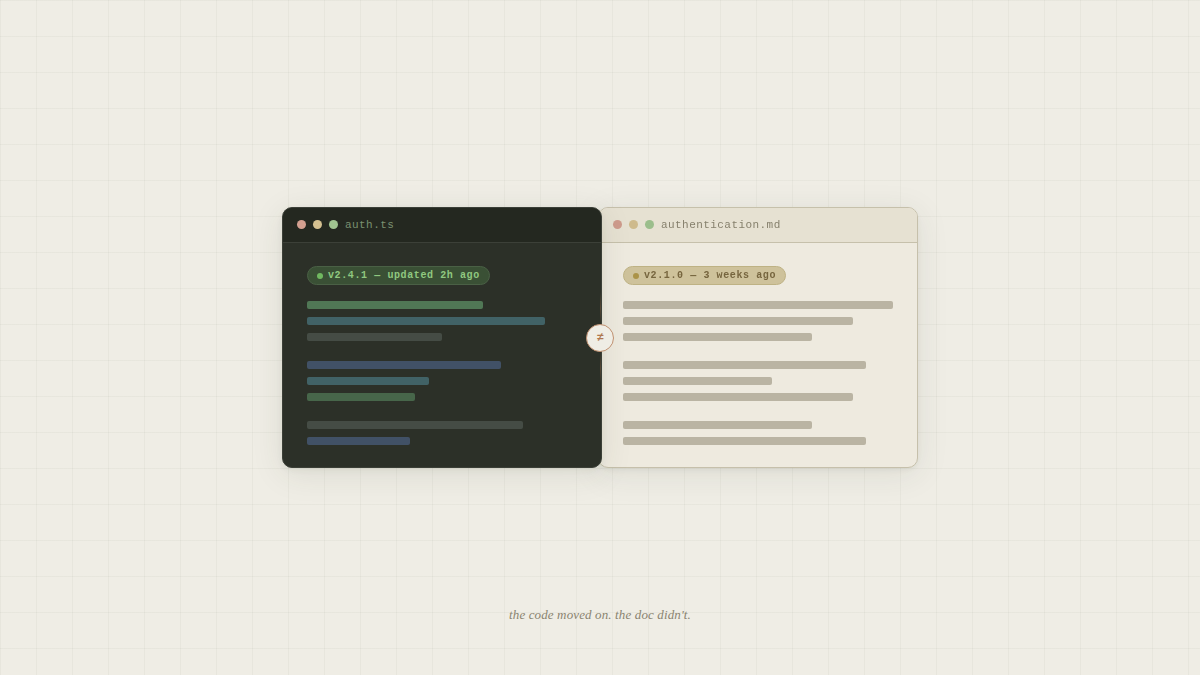
Every team wants technical documentation that stays current with their code, but most tools still require developers to remember manual updates after every change. The platforms below monitor your repositories, detect when implementations evolve, and either flag outdated sections or refresh content automatically. We focused on which ones actually reduce documentation maintenance instead of just moving it to a different interface.
TLDR:
- Technical documentation with codebase integration auto-syncs docs when code changes
- Falconer unifies code, Slack, Linear, and other tools into a self-updating knowledge base
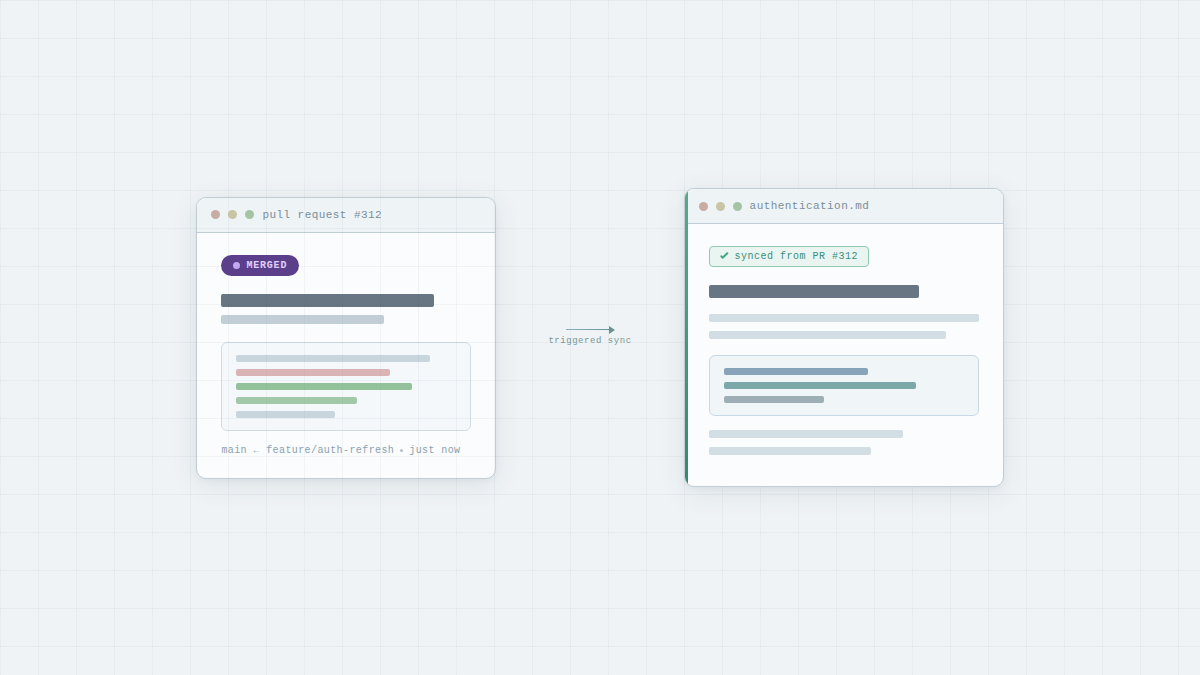
- Auto-updates trigger from pull requests to keep docs accurate as code evolves
- Total Search spans codebase, documents, and conversations with AI-powered answers
- Falconer is SOC 2 Type II certified and provides context to coding agents via MCP integration
What are technical documentation platforms with codebase integration?
Technical documentation tools with codebase integration connect directly to your code repositories to auto-generate and maintain docs. They pull information from your source code, API definitions, and commit history without requiring manual updates every time something changes.
The difference comes down to treating your code as the source of truth. Traditional doc tools create separate artifacts that developers must remember to update. AI power tools can sync documentation when you push changes, merge pull requests, or update function signatures.
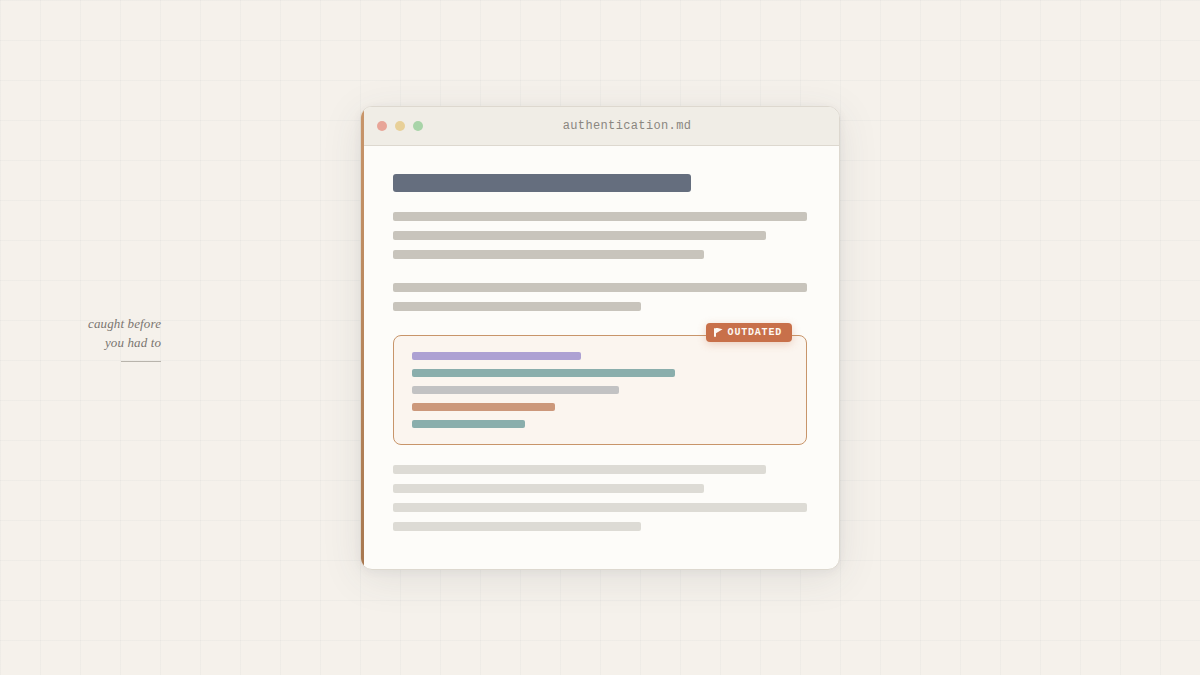
They integrate with GitHub to monitor your repositories. When they detect changes to relevant code sections, they flag outdated documentation or refresh content to match current implementations. Some analyze code structure to generate API references, while others use AI to update explanatory docs based on what changed.
How we assessed technical documentation platforms
We focused on how well each tool keeps docs current without manual work, connects code to context, and powers AI agents with accurate information.
Codebase integration depth mattered most. Does the tool just display code snippets, or does it understand your architecture well enough to update docs when implementations change? We looked at how each solution monitors repositories, detects relevant changes, and triggers updates.
Auto-updating separated contenders from legacy tools. Documentation that requires manual maintenance creates the same problem it’s supposed to solve. We tested whether each tool flags outdated content, suggests updates, or refreshes docs automatically when code evolves.
Cross-source knowledge management determined whether a tool could answer questions spanning code, conversations, and documents. Engineering context lives everywhere: GitHub comments, Slack threads, design docs. We assessed whether each solution unifies these sources or treats them as separate silos.
Finally, we considered AI readiness and security. Can the tool provide context to coding agents? Does it support SSO, granular permissions, and compliance requirements for teams handling production systems?
Best overall technical documentation with codebase integration: Falconer
Falconer is a self-updating knowledge base that connects codebases, Slack, Linear, Notion, Google Drive, and other sources to create unified company context. Built by the team that rebuilt Uber and Stripe’s documentation systems from least-liked to favorite tools, it solves the problem that docs go stale the moment they’re written.
What makes Falconer different: it auto-flags and updates documentation when code changes, triggered directly from pull requests. Total Search spans your codebase, documents, tasks, and conversations with AI-powered answers that understand context across millions of lines of code. The Falcon AI agent works via MCP integration everywhere.
Falconer is SOC 2 Type II certified with tenant isolation and BYOK options. For teams drowning in stale docs and scattered context, it provides the self-updating knowledge layer that keeps pace with your code.
Stilla
Stilla is an AI alignment layer for product teams, backed by General Catalyst with $5M in pre-seed funding. It connects Slack, Linear, GitHub, and Notion to maintain a shared understanding of team decisions and workflow progress across both humans and AI agents.
What they offer:
- Cross-tool context aggregation across Slack, Linear, GitHub, and Notion
- Meeting capture with automated follow-through on action items
- Shared context for AI agents working across your stack
Works well for product teams where alignment overhead (status updates, re-explaining decisions, chasing follow-ups) is the primary bottleneck.
The limitation: Stilla is built around coordination and alignment, not documentation maintenance. It captures what was decided and helps teams act on it, but it doesn’t monitor your codebase for changes, flag stale documentation when implementations drift, or auto-update runbooks when code evolves. Teams struggling with documentation decay, onboarding bottlenecks, or engineers spending time answering questions that are already answered somewhere need a knowledge layer that treats the codebase itself as the source of truth, instead of just the meetings and decisions made around it.
Dosu
Dosu generates and maintains documentation directly from codebases, keeping docs synced with code changes.
What they offer:
- Documentation generation and sync from code repositories
- Deterministic code analysis for enterprise legacy and mainframe modernization
- MCP integration for AI agents working within codebases
Works well for teams with code-heavy workflows.
The limitation: Many teams that need unified knowledge spanning code, conversations, and decisions need more than a code-to-docs pipeline. Support, Product, and non-technical teams have no path to accurate answers without interrupting engineers.
GitBook
GitBook is a documentation tool with a developer-friendly editor, GitHub sync, and a growing set of AI features including an AI assistant and MCP server generation. It’s used by teams building public-facing documentation sites for their products.
What they offer:
- Bi-directional GitHub and GitLab sync that auto-updates docs when Markdown changes are pushed
- Auto-updating API reference docs from OpenAPI specs, checked every six hours
- AI assistant for end-users to query documentation
- MCP server generation so AI tools can query your docs directly
Works well for teams that need a polished external documentation site that stays reasonably current with their API spec.
The limitation: GitBook’s sync is file-base. It reflects changes you push to a Markdown file, not changes to your actual implementation. If an engineer refactors a function without updating the corresponding doc, GitBook has no way to know. It remains a publishing tool for docs you maintain, not a knowledge system that maintains itself.
Mintlify
Mintlify is a developer documentation tool built for your external docs. They offer polished public-facing doc hosting, API references, and an AI agent that monitors GitHub PRs and suggests updates to customer-facing documentation.
The gap: Mintlify is architected for your public docs site. Falconer focuses on a unified search across your internal knowledge sources, by connecting to Notion, Google Drive, runbooks, with an MCP/CLI integration for coding agents working inside your codebase.
Mintlify documents your product in a public site. Falconer focuses on making your companies move faster.
Notion
Notion is a common documentation and wiki tool for SMBs. It functions as a flexible workspace where teams write docs, build wikis, and manage projects in one place.
What they offer:
- Flexible wiki and document editor with templates and databases
- Broad integrations across Slack, GitHub, Linear, and other tools
- AI writing assistant for generating and editing content
Works well for teams that need a flexible general-purpose workspace and are comfortable owning the documentation maintenance process themselves.
The limitation: Notion assumes someone will write the docs, update them, and remember where they live. That assumption breaks for engineering teams with fast-moving codebases. Notion has no awareness of what changed in your code, no way to flag a doc as stale when an implementation drifts, and no path to automatically updating content when a PR merges. Any customization or automation has to be built and maintained by you and your team. The AI it offers is general-purpose, not grounded in your actual codebase or architecture. Teams adopting coding agents like Cursor or Claude Code can’t feed Notion’s static wiki pages as reliable context into those tools the way they can with a codebase-aware knowledge layer. Notion gives you a good place to build no-code automations. It doesn’t keep your knowledge accurate.
Coda
Coda is a doc-and-database hybrid that combines documents, spreadsheets, and lightweight apps into one workspace. Teams use it as a Notion or Confluence alternative for documentation and cross-functional collaboration.
What they offer:
- Flexible docs with embedded tables, databases, and workflow automation
- Cross-tool integrations for general team coordination
- AI writing features for generating and editing document content
Works well for non-technical teams and operations workflows where the primary need is flexible documents with structured data, not codebase-aware knowledge management.
The limitation: Coda is built as a general-purpose collaboration workspace, not a knowledge layer for engineering teams. It has no codebase integration, no ability to detect when a document has drifted from the current implementation, and no mechanism to trigger doc updates from pull requests or Slack. Its AI is not grounded in your company’s code or technical decisions. Teams dealing with documentation decay, onboarding bottlenecks, or the need to provide accurate context to coding agents need a purpose-built solution. Coda adds another destination to context-switch into. It doesn’t reduce the maintenance burden or keep knowledge current as software changes.
Feature Comparison Table
| Feature | Falconer | Notion | Dosu | GitBook | Mintlify |
|---|---|---|---|---|---|
| Auto-updates from code changes | Yes | No | Yes | No | Yes (external docs only) |
| Multi-source knowledge integration | Yes | Yes | Yes | Yes | No |
| Unified search across all sources | Yes | Yes | No | Yes | No |
| AI agent (Slack, IDE) | Yes | Yes | Yes | Yes | Yes |
| MCP integration for coding agents | Yes | Yes | Yes | Yes | Yes |
| Internal knowledge management | Yes | Yes | No | Yes | No |
| Best for technical and non-technical teams | Yes | No | No | No | No |
| SOC 2 Type II certified | Yes | Yes | Yes | Yes | No |
Most tools focus on either external developer docs or isolated code documentation. Falconer bridges both internal knowledge management and external documentation, syncing updates from your codebase while connecting to Slack threads, design docs, and tribal knowledge across your organization.
Why Falconer is the best technical documentation solution with codebase integration
Agentic AI commands 55% of developer attention in 2026, with 92% of US-based developers now using AI coding assistants. AI agents amplify whatever context you feed them. When your documentation is stale, your agents scale confusion.
Falconer is built to power AI agents with accurate, self-updating company context. We connect code, Slack, Linear, Notion, and Google Drive into a unified knowledge graph that automatically maintains accuracy when your codebase evolves. The Falcon AI agent accesses this context from Slack, your editor, and IDE via MCP integration.
Other tools handle isolated pieces: Mintlify builds external docs, Dosu syncs code to documentation, GitBook creates static sites. None connect scattered knowledge across your organization or maintain accuracy as code changes.
Final thoughts on keeping documentation in sync with code
The best technical documentation tool is the one that requires the least manual work. Your engineers shouldn’t spend time updating docs when code changes, and your team shouldn’t hunt through Slack for answers that already exist somewhere. Self-updating knowledge that spans your codebase, conversations, and decisions gives AI agents the accuracy they need to actually help. Start with Falconer to stop treating documentation like a separate artifact that falls behind your code.
FAQ
How do I choose the right technical documentation tool for my team?
Start by identifying your primary pain point: if stale internal docs and scattered knowledge across code, Slack, and design tools slow your team down, you need multi-source integration like Falconer. If you only need external developer docs, Mintlify works. If your problem is just code-to-docs sync without broader context management, consider Dosu.
Which technical documentation tool works best for AI coding assistants?
Falconer provides the most context for AI agents through MCP integration that connects to your IDE, pulling from your codebase, Slack, Linear, and documentation simultaneously. Other tools either lack AI agent integration entirely or only surface code documentation without the surrounding decisions and discussions your agents need.
Can technical documentation platforms actually keep docs current automatically?
Yes, but only if they monitor your codebase for changes and trigger updates when code evolves. Falconer and Dosu auto-flag outdated content when you push commits or merge PRs, while Notion and most traditional tools require manual maintenance that creates the same staleness problem you’re trying to solve.
What’s the difference between internal knowledge management and external documentation tools?
Internal tools like Falconer connect your code, conversations, tickets, and docs to help your team find answers and onboard faster. External tools like Mintlify build polished documentation sites for customers and partners. Most teams struggling with onboarding delays and engineers answering repetitive questions need internal solutions. Customer-facing docs alone won’t solve the problem.
When should I switch from my current documentation tool?
If your engineers spend more than a few hours per week searching for answers, answering the same questions repeatedly, or manually updating docs that go stale within weeks, you need a self-updating solution. Teams where knowledge lives across GitHub, Slack, Linear, and Google Docs benefit most from unified knowledge management.
Ready to get started?
Create an account and start building your knowledge base — no contracts or credit card required. Or, contact us to design a custom package for your team.

Ready to get started?
Create an account and start building your knowledge base — no contracts or credit card required. Or, contact us to design a custom package for your team.