What tool keeps documentation in sync with code changes: April 2026 guide
When was the last time you trusted your own documentation without double-checking the source code first? If your team has adopted docs-as-code and CI/CD automation, you’ve solved the deployment problem but not the accuracy problem. Code changes dozens of times a day while docs update only when someone remembers to flag them, and that gap costs your engineers up to 10 hours a week searching for context that should already be written down. The solution isn’t better processes or stricter review gates, it’s a tool that syncs docs with code by monitoring your codebase for semantic drift and surfacing updates before anyone has to go looking.
TLDR:
- Developers lose 3-10 hours weekly searching for accurate info when docs drift from code
- Docs-as-code and CI/CD catch syntax errors but miss when content becomes wrong after merges
- AI tools now flag outdated sections when code changes and draft context-aware updates
- Falconer auto-syncs docs by monitoring GitHub, Slack, and Linear for changes that affect documentation
Why documentation drifts out of sync with code
Documentation starts decaying the moment someone hits “save.” A function gets renamed in a pull request, a new endpoint replaces an old one, a config file changes shape quietly on a Friday afternoon. The docs that described the previous state stay exactly where they are, saying exactly what they used to say.
The problem is structural. Codebases evolve through dozens of commits a day, while documentation lives in a separate system with its own workflow, its own priorities, and no automatic trigger to update. Engineers write docs when they have time, which means they write docs almost never. And when they do, the next sprint’s changes have already started pulling reality away from what was written.
Documentation doesn’t go stale because people are lazy. It goes stale because nothing in the system connects the act of changing code to the act of updating what describes it.
That disconnect is the root of the problem. And it compounds fast.
The true cost of outdated documentation
Stale docs aren’t a minor inconvenience. They’re a measurable productivity drain that shows up in sprint velocity, onboarding timelines, and escalation volume.
Developers spend between 3 to 10 hours per week searching for information that should already be documented. For some teams it’s even worse: roughly half of developers report losing around 10 hours a week sourcing the basic context they need to do their jobs. That’s an entire workday, every week, spent not building anything.
The drift extends beyond prose documentation, too. According to Apidog, 75% of APIs do not conform to their own specifications. When the contract between services no longer reflects reality, integration bugs multiply, debugging cycles lengthen, and trust in internal tooling erodes.
| Impact area | What outdated docs cost you |
|---|---|
| Developer time | Up to 10 hrs/week per engineer lost to searching |
| API reliability | 75% of APIs drift from their specs |
| Onboarding | New hires rely on tribal knowledge instead of written context |
| Escalations | Repeated questions land on senior engineers |
These translate directly into slower shipping cycles and higher coordination overhead. If you’re an engineering leader tracking velocity and wondering where the friction lives, outdated documentation is a strong candidate.
Docs as code: the first step toward sync
The docs-as-code approach starts with a simple premise: if documentation lives in the same repository as the code it describes, it has a better chance of staying accurate. Writers use plain text formats like Markdown or AsciiDoc, submit changes through pull requests, and run docs through the same review and deployment pipelines as production code.
This creates real advantages. Version control gives you a history of what changed and why. Code review means someone other than the author checks the docs before they ship. And storing everything in one repo makes it harder to forget that documentation exists when you’re modifying the thing it describes.
But proximity alone doesn’t guarantee action. Even when docs sit right next to the source files, someone still has to update and review the changes. The workflow is better, but the burden remains manual. And manual processes, no matter how well intentioned, break down under velocity.
Docs as code is the right foundation. It’s where you start, not where you stop.
CI/CD integration for documentation automation
Once docs live in the repo, the next logical step is wiring them into your CI/CD pipeline so they build, validate, and deploy alongside the code itself.
In practice, this looks like adding documentation stages to your existing workflow:
- A CI job runs on every pull request to build the docs site and catch broken links, missing pages, or formatting errors before merge
- Linting tools like Vale or markdownlint enforce style and consistency automatically
- On merge to main, the pipeline publishes updated docs to your hosting target, whether that’s a static site generator like Docusaurus, a wiki, or an internal portal
Documentation ships at the same cadence as code. No separate deploy step, no “we’ll update the docs later” backlog item that sits there forever.
The limitation? CI/CD can verify that docs build correctly and meet formatting standards. It cannot verify that the content is still accurate after a code change. Validation catches syntax problems, not semantic drift. A function’s behavior can change completely while its corresponding doc page passes every automated check without a single warning.
That gap between structural validation and content accuracy is where most CI/CD documentation setups quietly fall short.
AI-powered documentation sync tools
CI/CD catches structural issues. AI closes the semantic gap, the one where code behavior changes but the docs still read like nothing happened.
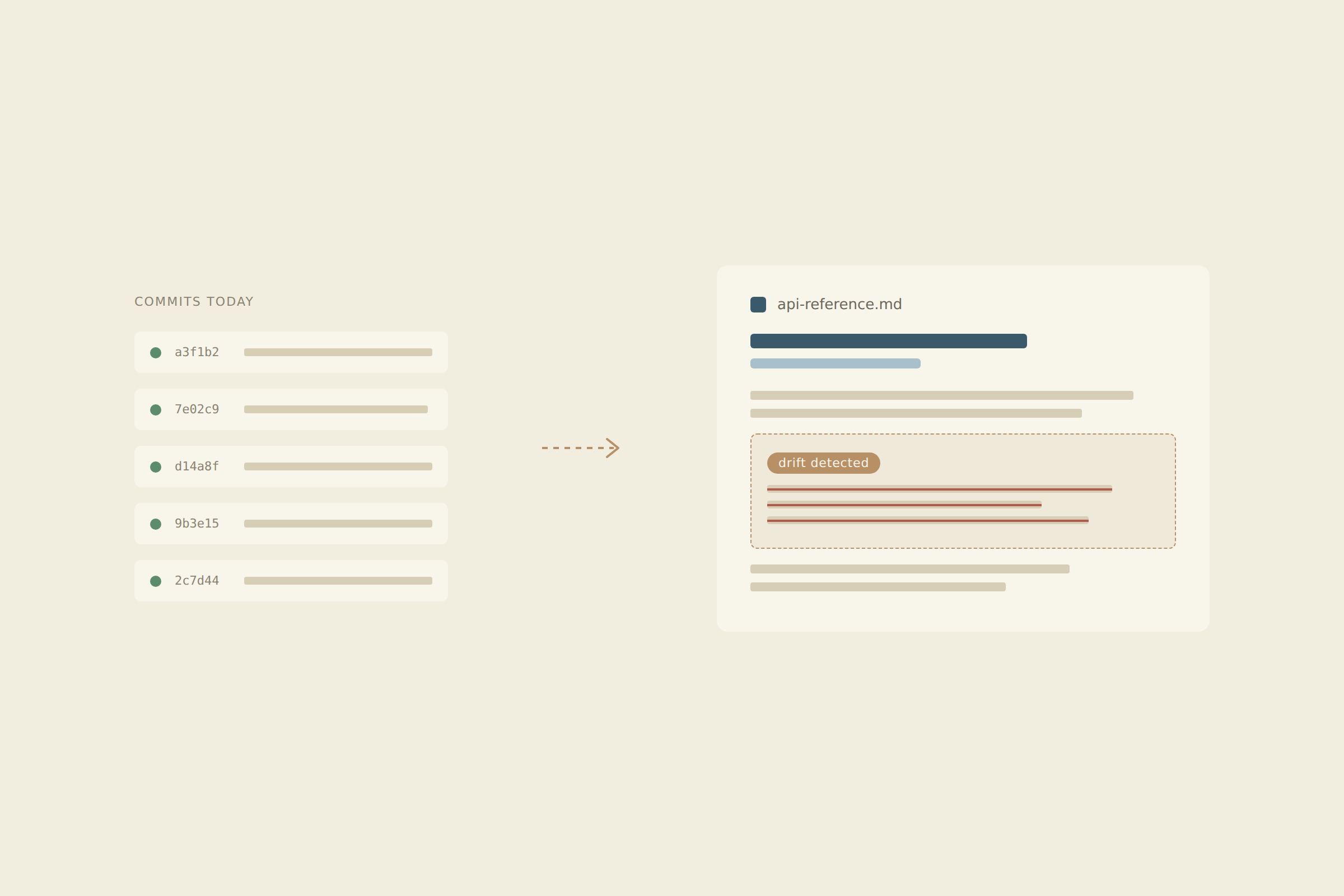
A new generation of tools now monitors codebases for meaningful changes and cross-references them against existing documentation. When a pull request alters an API response format or deprecates a parameter, these tools flag the specific doc sections affected, draft proposed updates, and surface them for human review. The detection happens automatically; the approval stays with your team.
What works today
- Flagging outdated content tied to specific code diffs, so you know exactly which paragraphs need attention the moment a merge lands
- Generating draft updates grounded in actual repository context instead of generic boilerplate
- Surfacing stale sections before they cause downstream confusion for other engineers or customers
Where the limits are
- AI generated updates still need human review for nuance, tone, and accuracy
- Tools that lack deep source integration produce generic suggestions disconnected from your actual codebase
- Coverage depends entirely on how well the tool understands your connected systems
The best results come from tools that ingest your full engineering context, not ones running blind on public LLM knowledge alone.
How Falconer keeps documentation in sync with your codebase
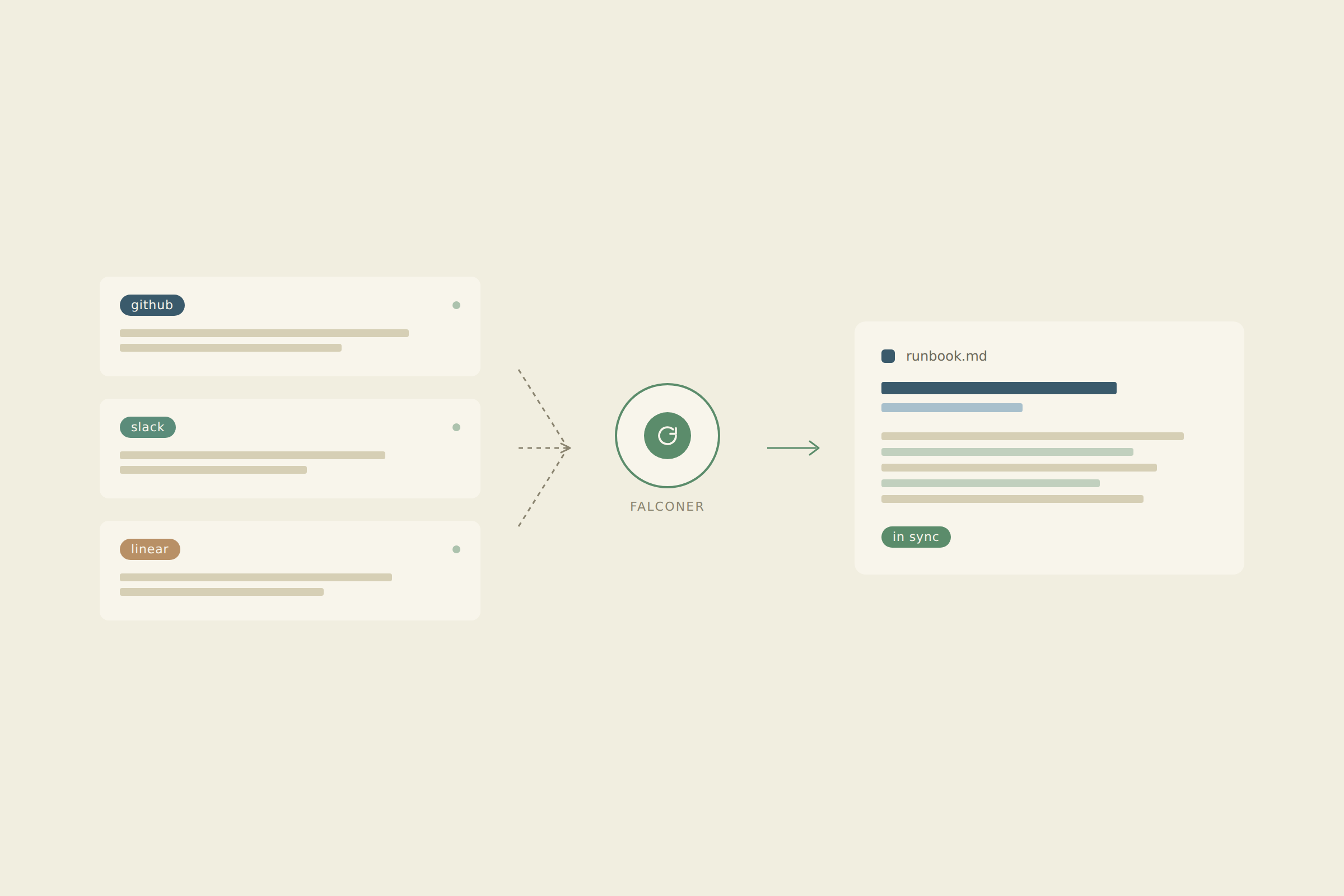
Falconer connects to your development tools your team already uses, building a knowledge graph that maps relationships between code, docs, and decisions. When a pull request lands that changes how something works, Falconer flags the specific documents affected and drafts updates grounded in your actual repository context.
Updates can also trigger from Slack threads, where decisions often live and die without ever reaching a doc. Falconer captures that context and pushes it to the right place.
The result: documentation that keeps pace with your codebase without anyone adding “update the docs” to a sprint backlog. Those hours your engineers lose each week searching for accurate context? Falconer gives them back.
Final thoughts on solving documentation drift
You need a tool that syncs docs with code because manual processes break under velocity, no matter how well you structure them. When docs update automatically based on what actually merged, your team stops wasting hours searching for context that should already exist. API specs match reality, onboarding relies on written truth instead of tribal knowledge, and senior engineers stop fielding the same questions every week. Sign in to connect your stack and watch the gap close.
FAQ
How do docs-as-code setups still let documentation drift?
Storing docs in your code repository catches formatting errors and broken links through CI/CD, but it can’t detect when content becomes factually wrong after a code change. A function can change behavior completely while passing every automated check.
What triggers Falconer to update documentation automatically?
Falconer monitors pull requests and Slack threads where code changes and decisions happen, flags affected documentation in real time, and drafts updates grounded in your actual repository context. You review and approve before anything publishes.
Can AI-powered doc tools work without access to my codebase?
Tools that rely only on public LLM knowledge produce generic suggestions disconnected from your actual implementation. Accurate automated updates require deep integration with your repositories, issue trackers, and team communication to understand what actually changed and why.
How much time do developers typically lose to outdated documentation?
Developers spend 3 to 10 hours per week searching for information that should already be documented, with some teams losing an entire workday weekly. That time compounds across onboarding delays, repeated escalations, and debugging sessions caused by stale API specs.
What’s the difference between validating docs and keeping them accurate?
Validation checks that your documentation builds correctly and meets style guidelines. Accuracy means the content still describes how your code actually behaves after changes. CI/CD handles the first problem, but you need context-aware automation to solve the second.