How to replace Confluence without losing existing docs: a migration guide for April 2026
Everyone wants out of Confluence, but the question of how to replace Confluence without losing docs stops most migrations before they start. Your wiki has thousands of pages, and nobody knows which ones still matter. This guide breaks down what you actually need to do and shows you how Falconer handles most of it automatically.
TLDR:
- With Falconer, migrate off of Confluence in a few hours: no manual lift
- Stale docs cost more than migration fear: engineers waste hours weekly on broken search.
- AI search finds answers by intent, not keywords, but only if your content is clean and current.
- Falconer imports Confluence spaces via OAuth and lets Falcon surface outdated, redundant, and missing content after connecting.
- Teams that flatten hierarchy and assign owners prevent decay in their new system. Falconer’s Organize feature handles the restructuring.
Why teams stay stuck on Confluence
Most engineering teams don’t stay on Confluence because they like it. They stay because they’ve poured years of documentation into it, and the thought of losing even a fraction of that work feels worse than dealing with a tool they’ve outgrown.
It’s a classic sunk cost trap. The wiki has thousands of pages, some still useful, many outdated, and nobody knows which is which. That uncertainty alone keeps teams frozen. What if we lose something important? What if the migration breaks links? What if it takes six months and we end up worse off?
So instead of migrating, teams cope. They build workarounds, warn new hires about search quirks, and accept that finding anything takes longer than it should. The fear of losing existing docs becomes the reason those docs keep losing value where they sit.
The real costs of staying: content rot, broken search, and engineer time
Staying on Confluence isn’t free. You’re paying for it every day, just not on an invoice.
The first cost is content rot. Documentation starts decaying the moment it’s published, and Confluence has no mechanism to flag when pages fall out of sync with your codebase or product. Over months, your wiki becomes a graveyard of half-truths that new hires can’t distinguish from current guidance.
Then there’s search. Confluence’s search routinely surfaces pages from three years ago alongside last week’s updates, with no way to tell which is authoritative. Engineers learn to stop trusting it, which means they stop using it.
That leads to the most expensive cost: engineer time. When search fails and docs are stale, people default to interrupting teammates in Slack. Knowledge workers lose 25% of their time to searching for information and context, meaning your best builders spend hours answering repeat questions instead of shipping code. That’s a compounding tax on your entire organization, and it only grows as your team does.
What actually needs to migrate (and what should be left behind)
Here’s the thing: you don’t need to figure this out before you migrate. That’s the old approach: spending weeks manually filtering your Confluence instance by last-edited date, trying to identify owners, guessing at what’s still relevant. Most teams get stuck here and never move.
With Falconer, you connect first.
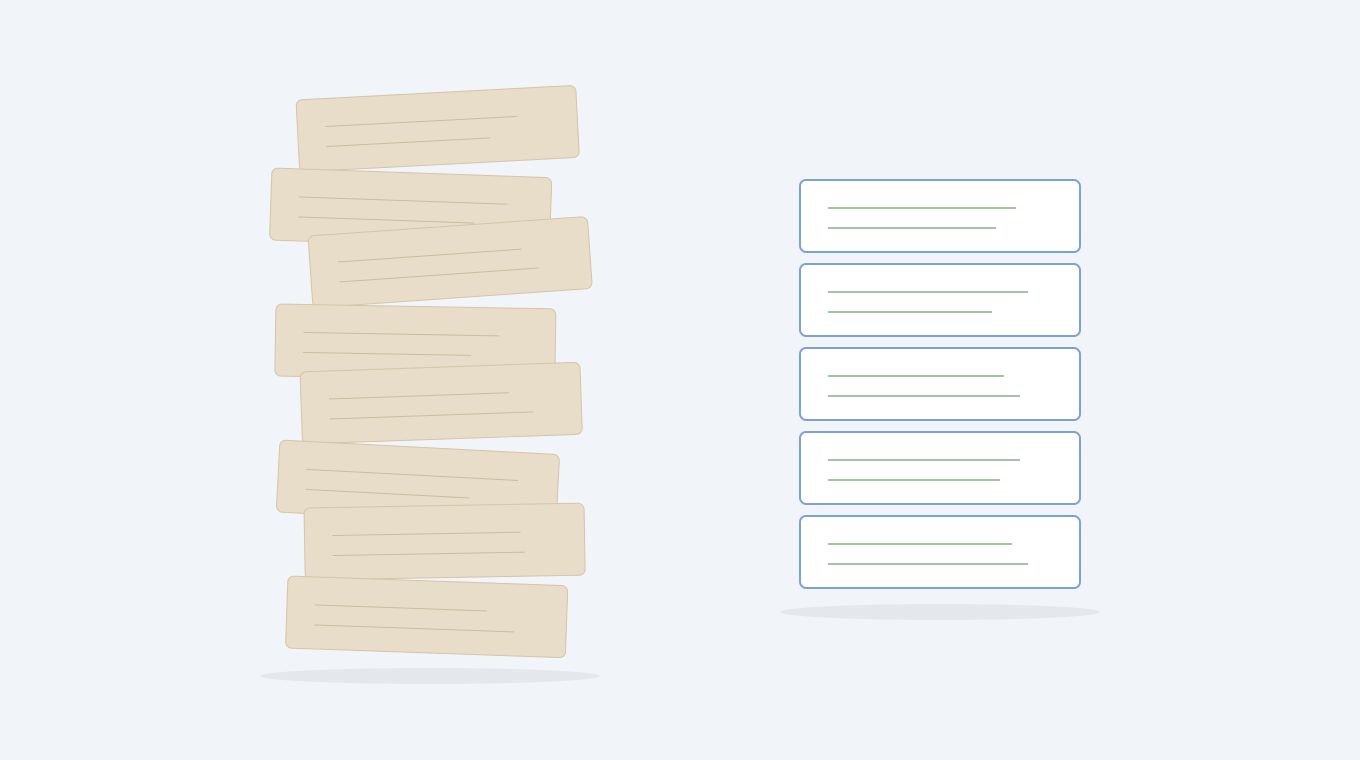
Once your spaces are ingested, Falconer handles the audit: it surfaces outdated pages, flags redundant content, and identifies gaps in coverage across everything you imported. You get a clear picture of what’s worth keeping, inside the system you’re actually moving to, with full context from your codebase and Slack history alongside it.
That said, the categories worth bringing forward are consistent across most teams:
- Documentation tied to active codebases and services your team ships against today
- Onboarding materials that someone has actually referenced in the past quarter
- Incident postmortems from the last 12 months, since older ones rarely get revisited
- Architectural decision records, even old ones, because they capture the why behind choices your team still lives with
Everything else is usually dead weight. Spaces untouched for a year, pages with zero cross-links, docs nobody can identify an owner for. These are signals, not exceptions. If a page didn’t matter enough for anyone to update or reference, it won’t suddenly become valuable in a new tool. Falcon will surface exactly these patterns once you’re connected.
Migration is about choosing what’s still worth knowing, not carrying everything forward. The result should function as an internal knowledge base your team can trust.
How Falconer turns migration from a 6-month project into within a few hours
The honest reason teams don’t migrate has nothing to do with Confluence being good. Migration feels like a six-month professional services project: manually inventorying every space, annotating what to keep, exporting page by page, updating broken links, rebuilding hierarchy from scratch. That’s the version people imagine, and it’s the version that keeps them frozen.
Falconer compresses it into a single session. Connect via OAuth, select your spaces, and Falconer starts indexing immediately. No CSV exports. No copy-paste. No manual re-creation. The sunk-cost justification evaporates when the migration cost disappears.
How the migration actually works
The steps are minimal:
- Go to Settings → Sources in Falconer and select Confluence
- Complete the OAuth flow. Falconer gets access to all spaces by default.
- Use the space picker to select which spaces to bring over
- The connection activates immediately and Falconer starts indexing
If you have multiple Confluence sites, a Change site button lets you switch between them before selecting spaces. You can adjust which spaces are included at any time from Sources settings.
You don’t have to commit to a full migration on day one. Falconer can sit alongside Confluence as a parallel connection, making your existing content immediately searchable alongside your GitHub codebase, Slack history, and Linear tickets. Teams can migrate incrementally: search everything first, then move ownership of documentation to Falconer as confidence builds.
After connecting: audit, organize, and stay current
Once your spaces are ingested, Falconer does the heavy lifting that would otherwise take weeks:
Ask Falcon to audit what you brought over. Falcon can identify outdated pages, redundant content, and gaps in coverage across your imported docs: ask it to surface what’s stale, flag what’s missing, and recommend what to cut.
Reorganize with Organize. Confluence spaces tend to nest pages five or six levels deep, burying information and making maintenance impossible. Use Falconer’s Organize feature to restructure your imported docs into a clean hierarchy. You describe what you want; Organize proposes the moves; you review and apply.
Assign owners and prevent future decay. Every collection needs a specific person accountable for its accuracy. Falcon can help identify who’s been most active in each area and suggest doc ownership assignments, so responsibility doesn’t default to nobody.
Keep it current automatically. The fundamental difference: Confluence is where knowledge goes to become outdated. Falconer is where knowledge goes to stay current. Once your GitHub is connected, every merged PR is monitored for documentation impact. Architecture docs, runbooks, and setup guides get flagged when code changes affect them. Document owners receive an Accept / Review / Reject notification in Slack.
Search that actually works: what to expect after migration
One of the first things you’ll notice after leaving Confluence is that search stops feeling like a guessing game. Confluence relies on keyword matching, which means you need to already know the exact terminology a page uses before you can find it. If someone titled their runbook “deployment checklist” and you search “release process,” you get nothing.
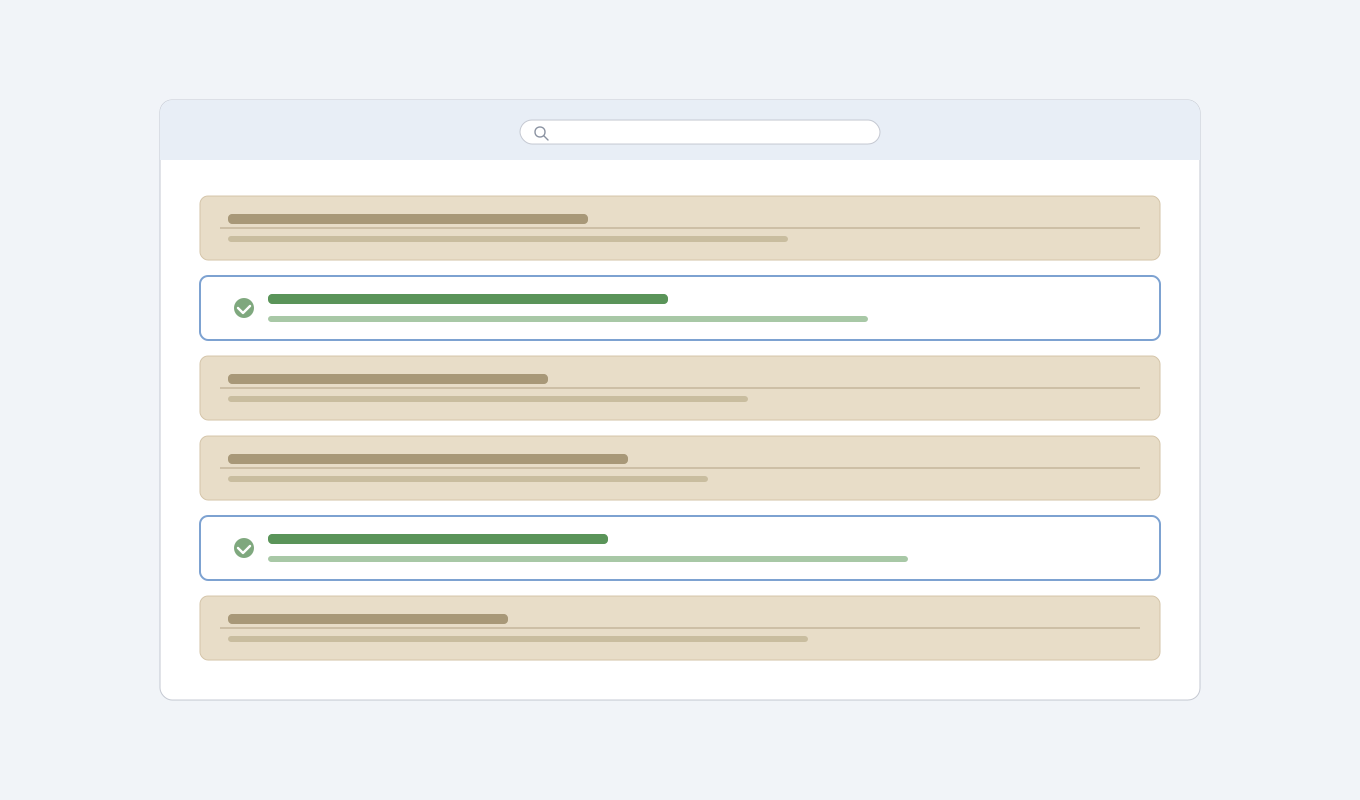
Falconer’s search combines three layers: vector semantic search, full-text keyword search, and a knowledge graph that maps relationships between docs, code, people, and decisions, fused together for each query. Ask “what does the payment service do and who owns it?” and you get a synthesized answer drawn from code, tickets, and docs together, not a list of pages to go check.
Search quality has a ceiling, and your content sets it. If you migrated a pile of outdated, disorganized pages, even the best search will return stale answers confidently. This is why the audit and Organize steps matter: clean input produces trustworthy output. The teams that invest in content structure after migration are the ones who actually stop losing hours to Slack questions afterward.
| Capability | Confluence | Falconer |
|---|---|---|
| Search method | Keyword matching only. Returns pages from years ago alongside recent docs with no way to tell which is authoritative. Engineers must already know the exact terminology a page uses to find it. | Combines vector semantic search, full-text keyword search, and a knowledge graph mapping docs, code, people, and decisions. Returns synthesized answers drawn from code, tickets, and docs together. |
| Content freshness | No mechanism to detect when pages fall out of sync with the codebase or product. Docs decay silently after publishing, and the tool provides no staleness signals. | Every merged PR is monitored for documentation impact. Architecture docs, runbooks, and setup guides are flagged when code changes affect them, and owners receive Accept / Review / Reject notifications in Slack. |
| Migration setup | No native migration path to other tools. Moving out requires manual space-by-space exports, copy-paste re-creation, broken link repair, and hierarchy rebuilding, often taking months. | OAuth connect, space picker, and immediate indexing. No CSV exports, no scripts, no manual re-creation. The full import completes in a single session. |
| Content audit | No built-in audit tooling. Teams must filter by last-edited date manually, guess at page relevance, and identify owners without systemic support. | Falcon surfaces outdated pages, redundant content, and coverage gaps across all imported docs, with full context from the connected codebase and Slack history alongside. |
| Hierarchy and organization | Spaces default to nesting pages five or six levels deep. Restructuring requires manual page moves and offers no proposal or review workflow. | Organize feature accepts a plain-language description of the desired structure, proposes the moves, and waits for review before applying any changes. |
| Connected knowledge sources | Documentation only. No native connection to the codebase, Slack history, or project management tools. Each source must be checked separately. | Connects docs, GitHub codebase, Slack history, and Linear tickets into a single indexed and searchable knowledge base so answers draw from all sources at once. |
| Ownership and accountability | No structured ownership model. Pages default to whoever created them, and accountability for accuracy degrades as team membership changes. | Falcon identifies who has been most active in each area and suggests ownership assignments per collection, so responsibility is tracked and does not default to nobody. |
Final thoughts on getting your docs out of Confluence
Staying frozen costs more than migrating ever will; you just pay for it in engineer hours instead of project time. Once you know how to replace Confluence without losing what matters, the decision becomes obvious. Connect your spaces, let Falcon surface what’s worth keeping, and reorganize what’s left into a system built for how your team actually works. See how Falconer handles it in a few clicks instead of a few months.
FAQ
Can I migrate from Confluence without losing my existing documentation?
Yes. Connect via OAuth, select your spaces, and Falconer ingests everything immediately: no exports, no manual re-creation. Once it’s in, ask Falcon to audit what you brought over and flag what’s outdated or redundant.
What’s the best way to identify which Confluence pages are still worth keeping?
Connect to Falconer first, then ask Falcon to audit your imported docs. It surfaces outdated pages, redundant content, and gaps in coverage, with the full context of your codebase and Slack history alongside. You’ll get a clearer picture of what’s still live than you’d ever get by filtering dates in Confluence manually.
Confluence migration vs. manual cleanup: which should I do first?
Connect to Falconer first, then audit. Falconer makes your existing Confluence content immediately searchable alongside your codebase and Slack history, so you can review what you have in context before deciding what to cut. Teams that clean up in their new system, with Falcon’s help, move faster than those who try to pre-clean in Confluence.
How long does a Confluence migration typically take?
With Falconer’s Confluence connector, the import takes minutes. Reorganization and cleanup (surfacing outdated pages, proposing a clean hierarchy, identifying owners) happens in Organize and through Falcon’s audit capabilities in a single session. The 6-month version is the manual version. Falconer is the shortcut.
Why does Confluence search return outdated pages alongside current documentation?
Confluence relies on keyword matching instead of understanding intent, so it surfaces pages from three years ago next to last week’s updates with no way to tell which is authoritative. The tool has no mechanism to flag when documentation falls out of sync with your codebase, which means search quality degrades over time as your wiki accumulates stale content.