How to migrate from Confluence and Notion to a single source of truth (April 2026)
The question always starts the same way: where’s the latest version of that doc? Then comes the part everyone dreads. There’s a Confluence page from last quarter and a Notion doc that someone updated two weeks ago, and neither is obviously wrong. You’ve talked about migrating from Notion and Confluence before, but the project keeps getting pushed. In the meantime, your engineers spend hours cross-referencing wikis or just skip both and interrupt whoever wrote it. That’s the real cost: not the tools themselves, but the culture shift from self-serve to interrupt-driven.
TLDR:
- Split docs across Notion and Confluence destroy trust; teams waste 3.6 hours daily searching
- Migration requires ruthless triage: archive zombie docs, resolve conflicts, fill Slack-only gaps
- Trade tool flexibility for consistency so search works and AI agents get reliable context
- Falconer automates migration and keeps docs current by detecting when pull requests affect existing documentation
The two-tool documentation trap
It usually starts innocently enough. Engineering sets up Confluence because it integrates with Jira. Product and design gravitate toward Notion because it feels faster and more flexible. For a while, both coexist without much friction.
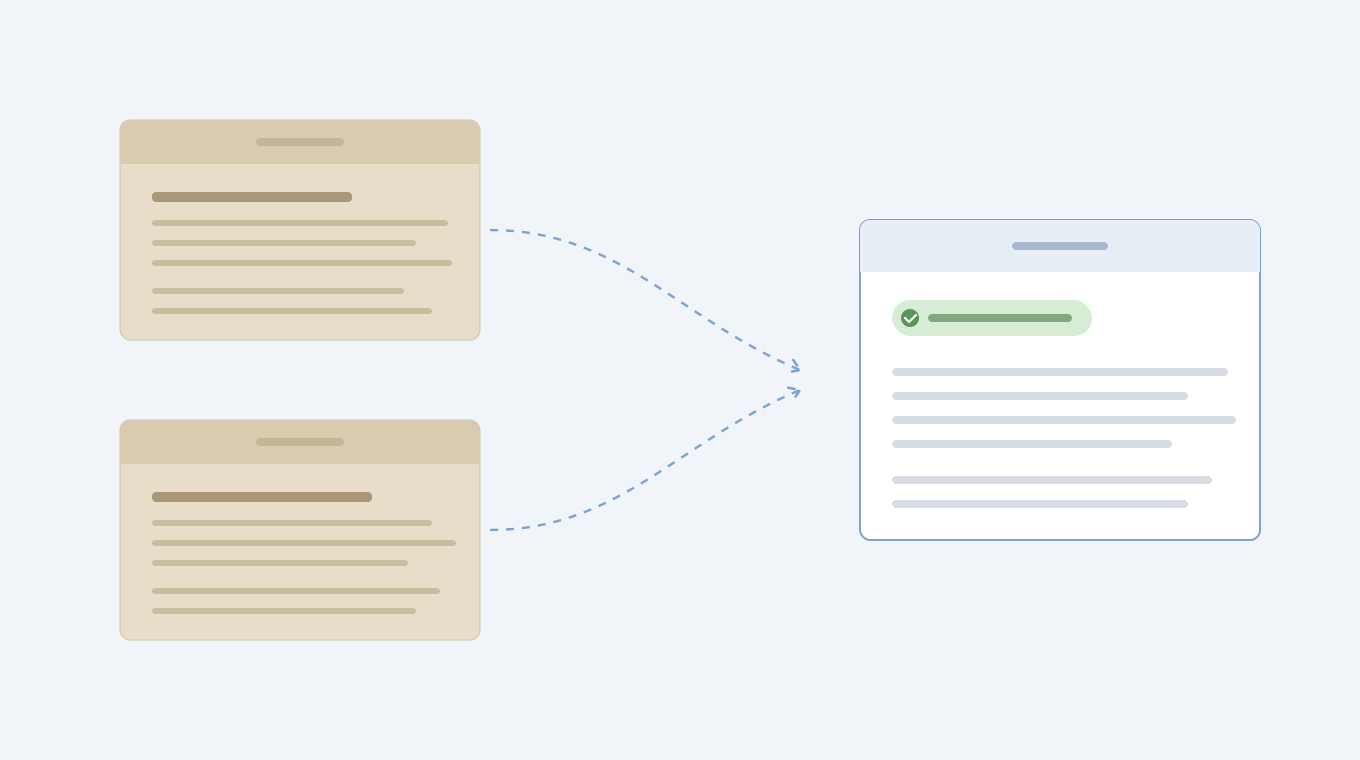
Then someone asks where the API spec lives. Is it the Confluence page from last quarter, or the Notion doc that got updated during the sprint? Nobody’s sure. Both tools have a version, and neither is obviously wrong, which is worse than one of them being missing entirely.
This isn’t a tooling failure. It’s what happens when two systems grow in parallel without a shared approach to knowledge. Teams optimize for their own workflows, and institutional memory fractures along tool boundaries. The split feels manageable until it isn’t.
Why nobody trusts either system
Once the same doc exists in two places with two different versions, something subtle happens: people stop checking either one. Trust doesn’t erode gradually. It collapses. One bad experience with an outdated runbook or a contradictory guide, and engineers default to the fastest path they know: asking in Slack.
According to McKinsey, the average employee spends 3.6 hours every day searching for information at work. When your team has two wikis and neither feels reliable, that number only climbs. Worse, the people who do know the answers become bottlenecks, fielding the same questions week after week.
The real cost of split documentation isn’t the tools. It’s the culture shift that follows: from self-serve to interrupt-driven, from building to asking.
That pattern, once set, is hard to reverse.
The hidden cost of split documentation
Duplication is the visible problem. The invisible one is what your team isn’t building while they manage it. Knowledge fragmentation costs compound silently across engineering teams.
When engineers spend their days cross-referencing two wikis, verifying which version of a doc is current, or rewriting something that already exists somewhere else, they’re not shipping features or paying down technical debt. According to a GitHub survey, engineers spend up to 86% of their time on non-engineering tasks like searching for information or updating documents. Split documentation makes it worse.
Every hour a senior engineer spends answering the same questions is an hour they’re not mentoring, architecting, or solving hard problems. That cost doesn’t show up on any dashboard. It shows up in slower releases, growing backlogs, and a creeping sense that the team should be moving faster than it is.
Making the case for one source
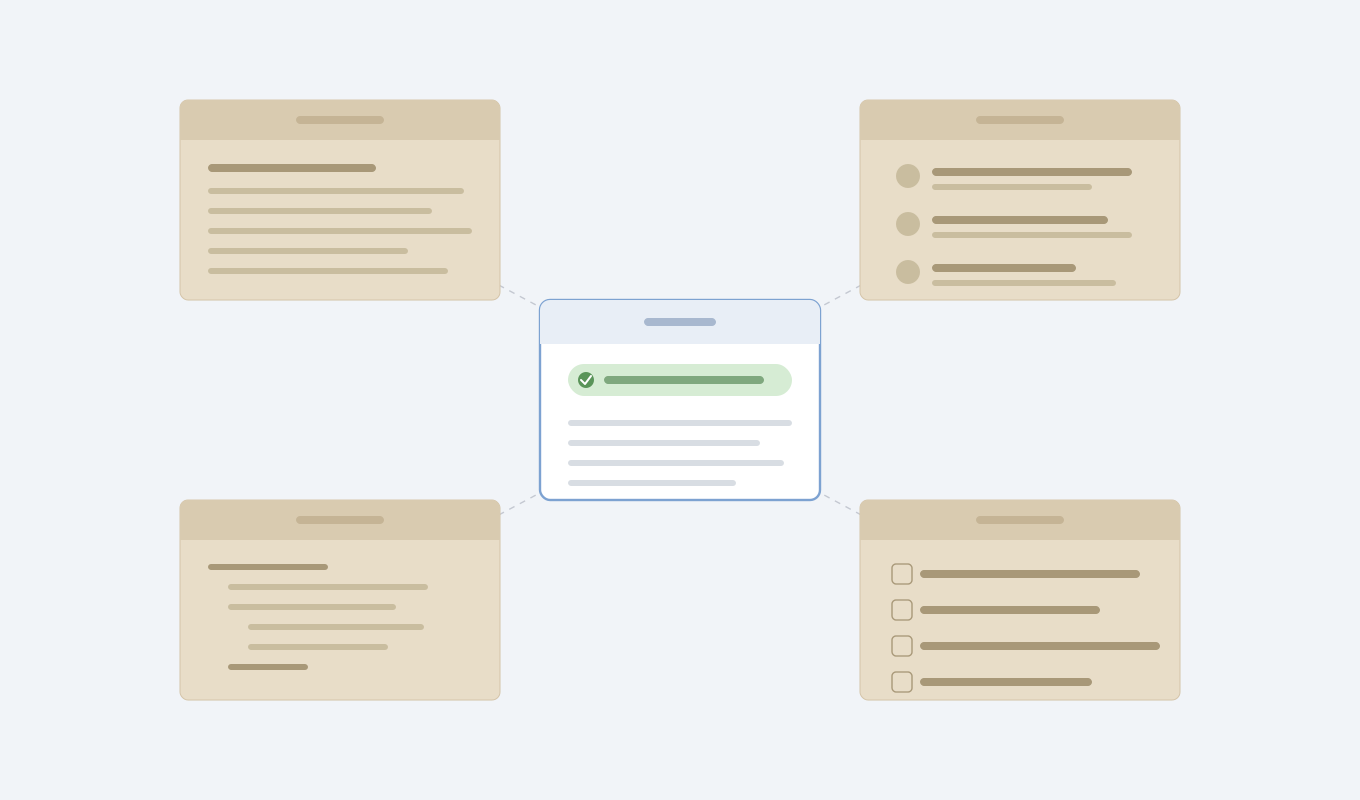
The argument for consolidation isn’t about picking a winner between two tools. It’s about deciding that your company’s knowledge deserves a canonical home, one place where ownership is clear, context stays connected, and drift gets caught before it causes damage.
That requires a philosophical shift. Documentation isn’t a static artifact you store somewhere and hope someone updates. It’s a living layer that should stay connected to where truth actually originates: your codebase, pull requests, design decisions, and Slack threads. When those things change, your docs should know about it.
Here’s why this matters more now than it did two years ago: AI coding agents are entering every engineering workflow. They write code, generate tests, and draft pull requests. But they’re only as good as the context feeding them. Fragmented knowledge across two wikis doesn’t slow down humans alone. It degrades the output of every agent your team deploys. Consolidation isn’t a cleanup project. It’s infrastructure for how your team will work going forward.
| Tool | Customization flexibility | Maintenance burden | AI agent compatibility | Migration complexity |
|---|---|---|---|---|
| Notion | Unlimited customization with databases, toggles, and nested pages. Every team can build unique structures, which creates fragmentation across departments. | High. Manual updates required when code changes. No automatic sync with codebase or pull requests. Ownership unclear across custom structures. | Poor. Inconsistent page structures and custom databases make it difficult for agents to retrieve predictable context. Freeform layouts require human interpretation. | Export to Markdown or CSV available. Requires manual reconciliation of custom databases and nested page hierarchies during migration. |
| Confluence | Template-based structure with some customization. Integrates with Jira but limited ability to create custom information architectures compared to Notion. | High. Static pages require manual updates. Version history tracks changes but does not trigger updates when source code or requirements change. | Moderate. More consistent structure than Notion but still disconnected from codebase. Agents get static snapshots instead of living context. | Export to HTML or XML available. Preserves page hierarchy but requires conflict resolution when migrating alongside Notion content. |
| Falconer | Opinionated structure designed for consistency. Trades freeform flexibility for predictable organization that works across teams and tools. | Low. Watches pull requests and proposes doc updates automatically when code changes. Maintains currency without manual intervention. | Excellent. Clean, consistent structure with direct connection to codebase. Agents retrieve accurate, current context from unified knowledge graph. | OAuth connection to both Notion and Confluence. Automated inventory, duplicate detection, conflict resolution, and reorganization. Same-day migration with ongoing maintenance included. |
The migration path that actually works
Once your audit is done, the actual migration follows a sequence of deliberate choices, not a bulk import.
Fill the gaps
Your audit will surface topics where knowledge lives only in Slack threads or PR descriptions, never formalized anywhere. Migration is the right time to capture those. Skip this step and you’ll consolidate your docs but leave the most valuable tribal knowledge scattered across chat history.
Design your structure before importing
Resist the urge to replicate either tool’s folder hierarchy. Organize around how your team finds information: by service, by team, by workflow. Your structure now will shape how quickly new hires ramp up, how reliably agents retrieve context, and whether your docs stay maintained or decay again within six months.
Dealing with the flexibility objection
The most common pushback you’ll hear during consolidation is some version of “but Notion lets us build anything.” And that’s true. Custom databases, nested toggles, embedded views, wiki-style linking: Notion gives every team the power to design their own knowledge architecture from scratch.
That’s also the problem.
When every team can structure docs however they want, they do. Engineering builds one system. Product builds another. Marketing invents a third. Six months later, you have fifteen different database schemas, no consistent naming conventions, and an internal wiki that requires a guided tour to use. Flexibility without guardrails produces the same fragmentation you were trying to fix by consolidating in the first place.
The trade-off is worth naming honestly. You will lose some freeform customization. What you gain is consistency. Consistent structure means search actually works, onboarding docs look the same across teams, and an AI agent pulling context from your knowledge base gets predictable, well-organized results instead of a patchwork of bespoke layouts.
The history concern
The second most common objection, right behind flexibility, is institutional memory. “We have five years of decision logs in Confluence. We can’t just lose that.” The instinct is understandable. Nobody wants to feel like they’re erasing how the company got here.
But there’s a difference between preserving history and dragging it forward. That deprecated API reference from 2021? The incident retro for a service you decommissioned two years ago? These aren’t institutional memory. They’re sediment.
A simple framework for deciding what to do with older content:
- Migrate: docs that explain why a current architectural or product decision was made, even if they’re old. The reasoning behind choices retains value long after the choice itself becomes routine.
- Archive: anything that was once relevant but no longer reflects how your team works. Keep it searchable in cold storage, out of the active knowledge base.
- Discard: pages with zero views in over a year, duplicates you’ve already resolved, and anything superseded by a doc you’re actively migrating.
The goal is carrying forward context, not cargo. Your new source of truth should reflect how your team works today, not serve as a museum of how it worked three years ago.
How Falconer turns migration into migration-plus-maintenance
Migration is where most tools stop. You move your pages, reorganize them, and hope the team keeps things updated this time. We built Falconer to handle both halves of that problem.
Connect Notion and Confluence via OAuth, and Falconer ingests both corpora alongside your codebase, Slack, and Linear. Everything becomes searchable immediately. From there, Falconer generates a full inventory: flagging outdated pages, surfacing duplicates, identifying gaps. It proposes a clean information architecture for your team to review and confirm, then reorganizes everything once approved. What used to take a six-month professional services engagement becomes a same-day migration.
The part that actually matters comes after. Falconer watches pull requests and proposes doc updates when code changes, so your new single source of truth stays current automatically. The maintenance burden that killed your last wiki? It doesn’t come back.
Final thoughts on fixing split documentation
Consolidation works when the thing that migrates you away from Notion and Confluence also prevents the same fragmentation from happening again. Falconer moves your docs, cleans up duplicates, and then keeps everything current by watching your pull requests and proposing updates automatically. Your team gets one wiki that actually stays trustworthy. See how migration and maintenance can be the same project.
FAQ
Can I migrate from Notion and Confluence without losing institutional memory?
Yes. Migrate docs that explain current architectural or product decisions, archive older content that’s no longer relevant but worth preserving in cold storage, and discard pages with zero views in over a year. The goal is carrying forward context that shapes how your team works today.
What’s the fastest way to audit two wikis before migration?
Categorize every page into four groups: active and current (updated within 90 days), zombie docs (created once, never updated), duplicates (same topic in both tools), and de facto authoritative (what the team actually uses). Check page analytics in both tools and archive anything that hasn’t been viewed in six months.
Notion vs Confluence as a single source of truth?
Both can work in isolation, but neither prevents fragmentation at scale because both allow unlimited customization without guardrails. You need a system that stays connected to where truth originates (your codebase, pull requests, Slack threads) and updates automatically when those sources change.
How do I resolve conflicts when the same doc exists in both tools?
Ask the team closest to the work which version they actually reference. That becomes the canonical version. The other gets archived, not deleted. This is a human decision based on team behavior, not an automated merge.
Why does split documentation break AI coding agents?
AI agents are only as good as the context feeding them. When your knowledge is fragmented across two wikis with conflicting versions, agents can’t determine which information is current. This degrades their output just like it slows down humans searching for answers.
Ready to get started?
Create an account and start building your knowledge base — no contracts or credit card required. Or, contact us to design a custom package for your team.

Ready to get started?
Create an account and start building your knowledge base — no contracts or credit card required. Or, contact us to design a custom package for your team.