# Use skill docs
A skill doc is a normal Falconer document marked as **Type: Skill**.
Use skill docs to give Falcon repeatable instructions, checklists, review flows, and team-specific workflows. When you reference a skill in Falconer chat, Falcon reads the skill doc's Markdown and uses it as context for the current task.
## Use a skill in chat
You can use a skill from Falconer chat on the homepage or in the document editor.
1. Open Falconer chat.
2. Click **+** and select **Skills**.
Or, type **/** and start searching for the skill by name, such as `/Gen`.
3. Select the skill.
4. Add the task you want Falcon to complete.
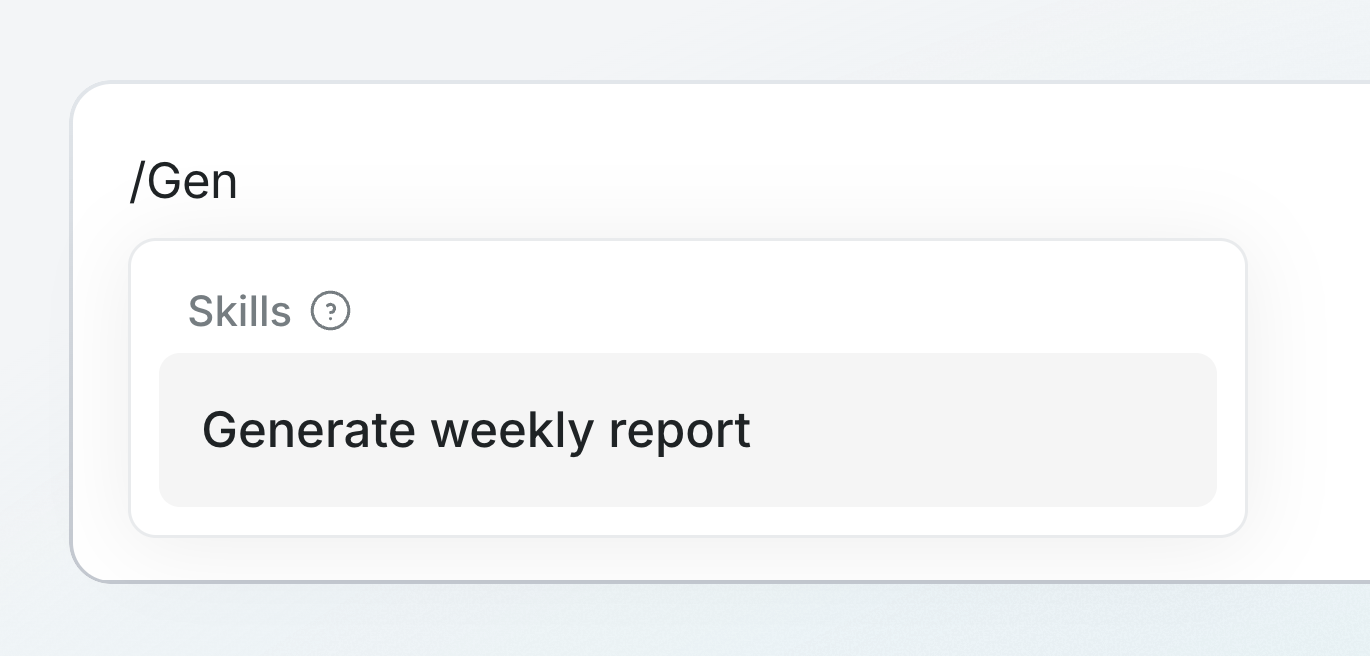 For example, after selecting **Generate weekly report**, add the date range:
```markdown
for week of May 24
```
For example, after selecting **Generate weekly report**, add the date range:
```markdown
for week of May 24
```
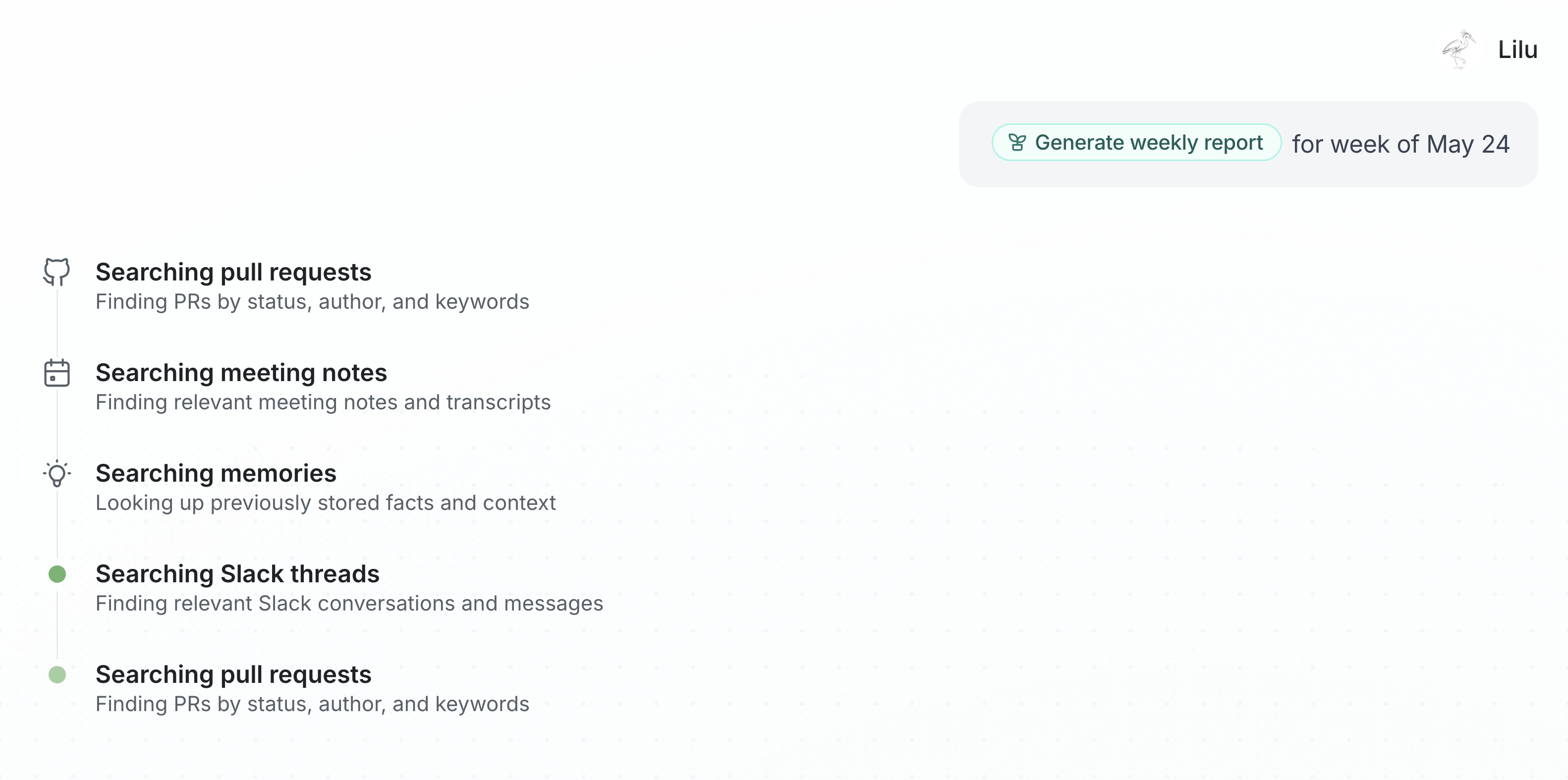
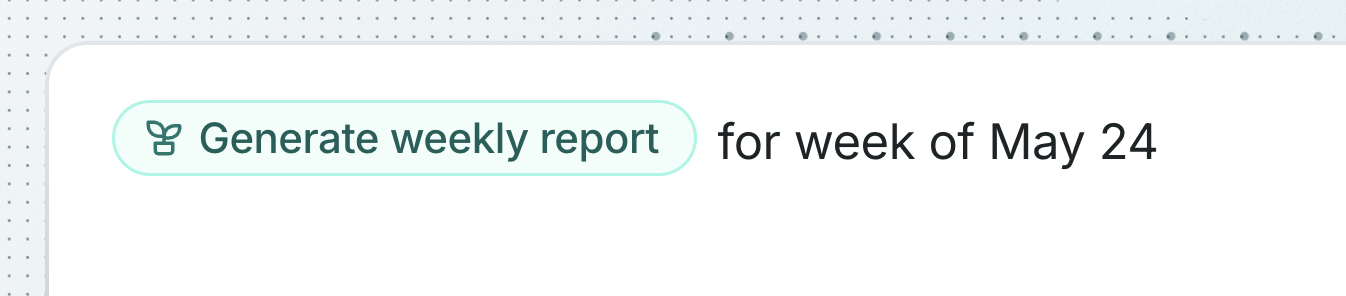 The selected skill appears as a reference in your message. Falcon receives the skill doc's Markdown as context, then follows the workflow described in the skill. For the weekly report example, Falcon searches pull requests, meeting notes, memories, and Slack threads before drafting the report.
 ## Skill access
People can only find and use skill docs they can view. If a skill does not appear in the picker, ask the document owner to update the document's sharing settings or publish it where the right people can access it.
Falcon uses the latest version of the skill doc each time someone references it.
To make a reusable skill, see [Create skill docs](/docs/use-cases/skill-docs/create-skill-docs).
## Skill access
People can only find and use skill docs they can view. If a skill does not appear in the picker, ask the document owner to update the document's sharing settings or publish it where the right people can access it.
Falcon uses the latest version of the skill doc each time someone references it.
To make a reusable skill, see [Create skill docs](/docs/use-cases/skill-docs/create-skill-docs).